13 testo DataControl PC software
106
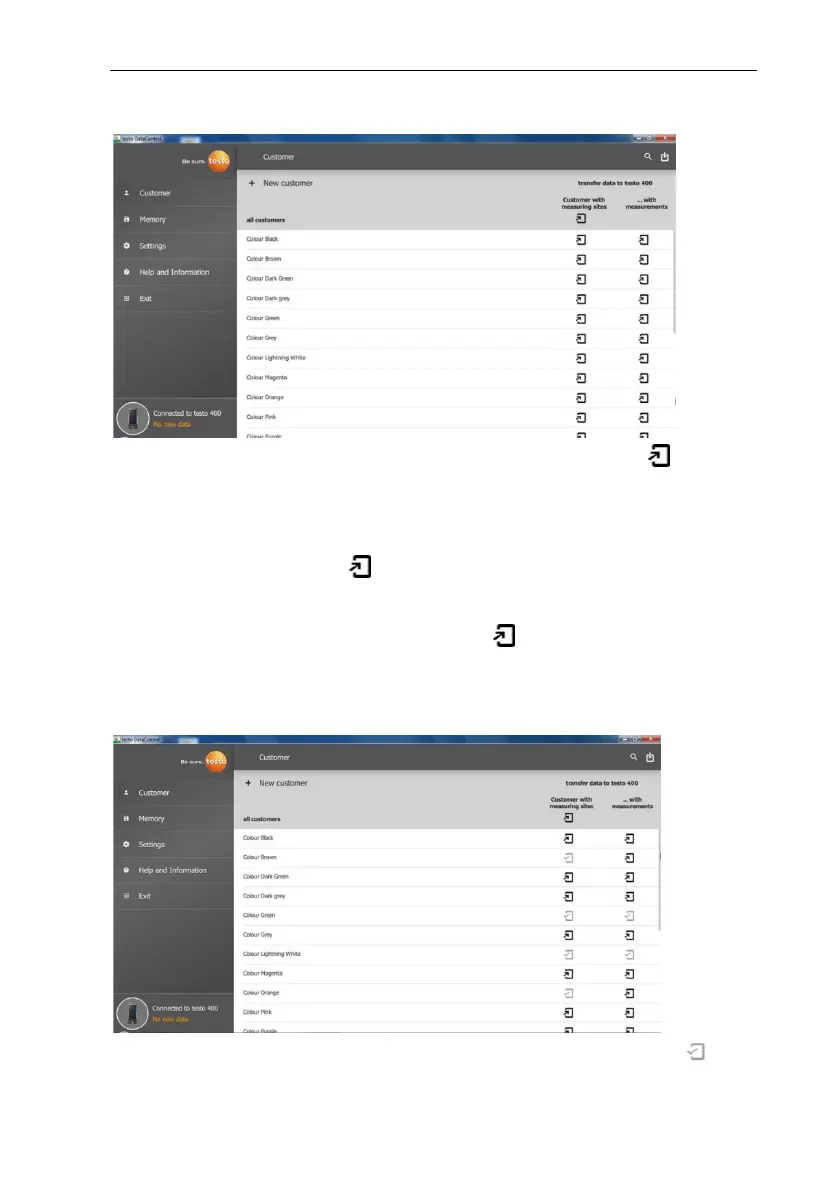
Following successful synchronization, for each customer two icons are
displayed relating to the data transfer.
In order to have the relevant customer data available in the instrument for
measurements on site and to assign new measurements on site to measuring
sites, all customer data and measuring site information is transferred to these
customers by clicking the left .
In order to be able to view the customer’s already recorded measurement
results on site for comparison purposes, all data belonging to the customer is
transferred to the testo 400 by clicking the right .
Moreover, there is the option of transferring customer data and measuring site
information from all customers by simply clicking on Customer with measuring
sites.
If the data transfer to the testo 400 was successful, the icon changes to .



 To Next Page