13 testo DataControl PC software
115
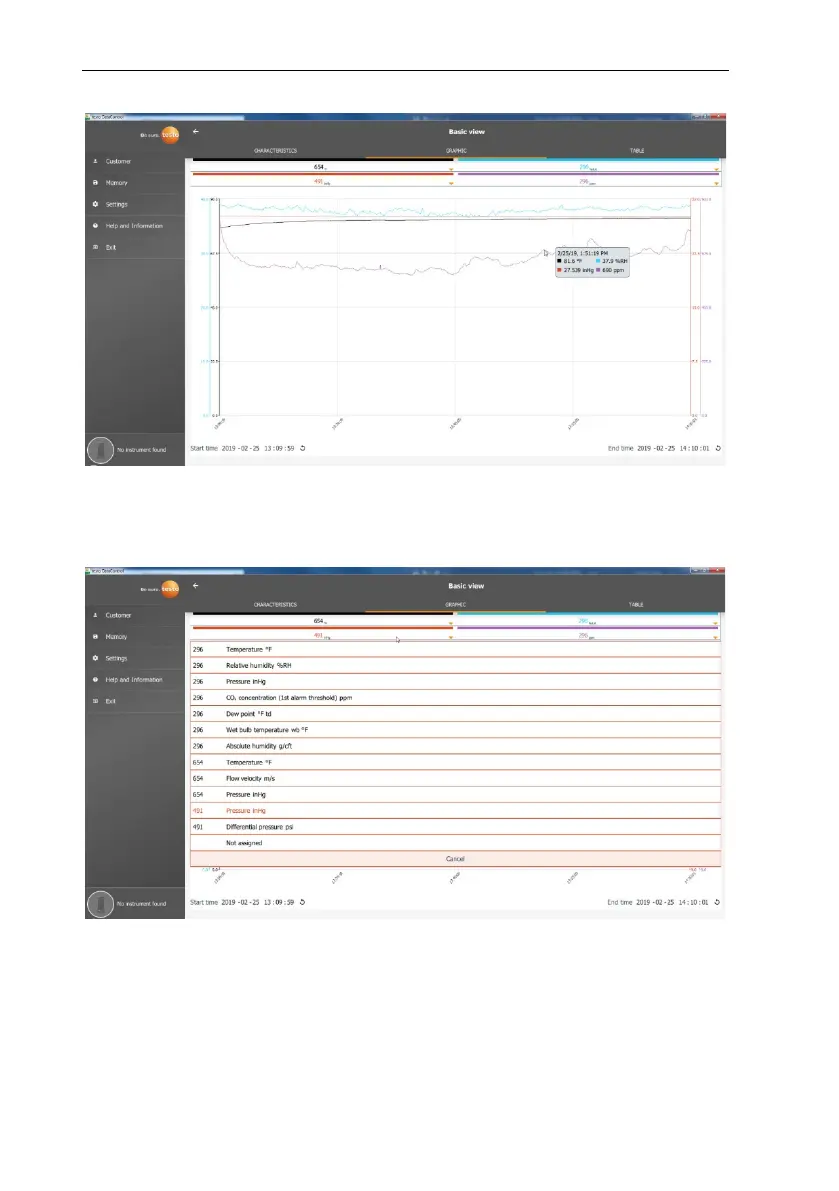
Clicking on one of the four channels opens the selection of measurement
parameters recorded during the measurement. The measuring parameters can
easily be assigned to the individual channels via the probe ID and measuring
unit or selected as not assigned.
Below the graphic, both the start and end time of the measurement are listed.
The information can be changed by clicking on the individual fields with the
mouse. The trend graph immediately adapts to the new time selection.



 To Next Page