13 testo DataControl PC software
120
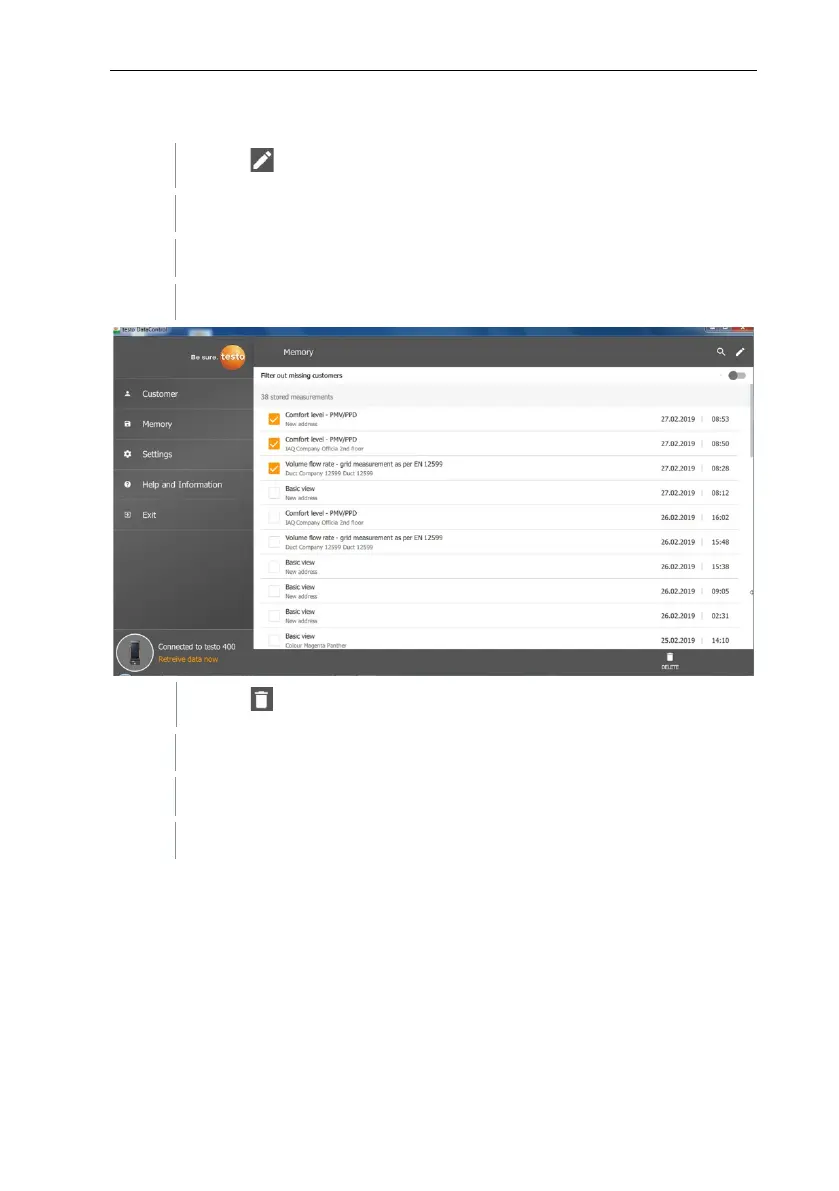
Deleting
Click on .
A check box is displayed in front of each measurement.
Click on the required measurement.
A tick is displayed in the respective box.
Click on .
Information window is displayed.
Acknowledge the information.
Selected measurements were deleted.



 To Next Page