9 Operation
28
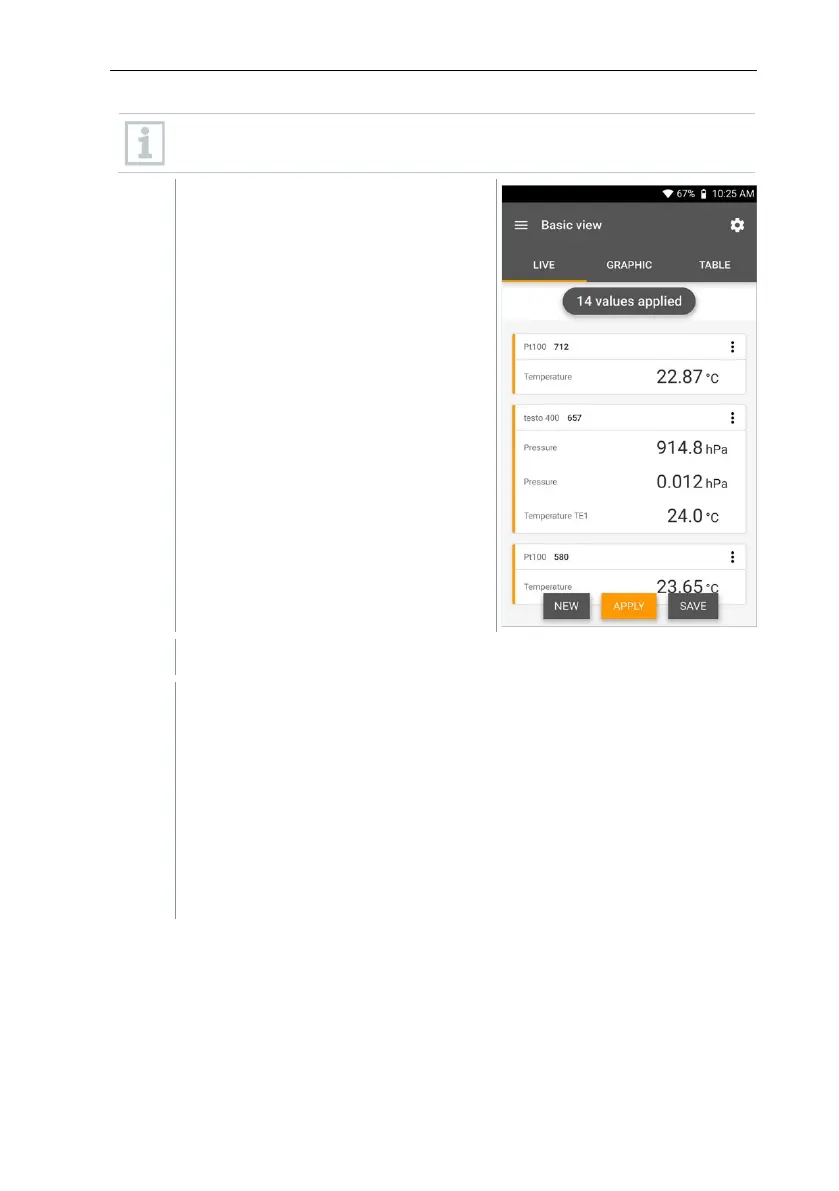
The counter in the upper section indicates the number of readings
accepted. The measurement does not need to be started explicitly.
The first reading was saved. There are 3 options to continue.
Apply: save a second, third, fourth, etc., reading. The counter shows
the number of values that have already been accepted.
Or:
New: launch a new measurement. The current measurement will be
deleted along with all readings (a warning is displayed).
Or:
Save: exit the current measurement and save all readings on the testo
400 (see Section 9.6).



 To Next Page