9 Operation
30
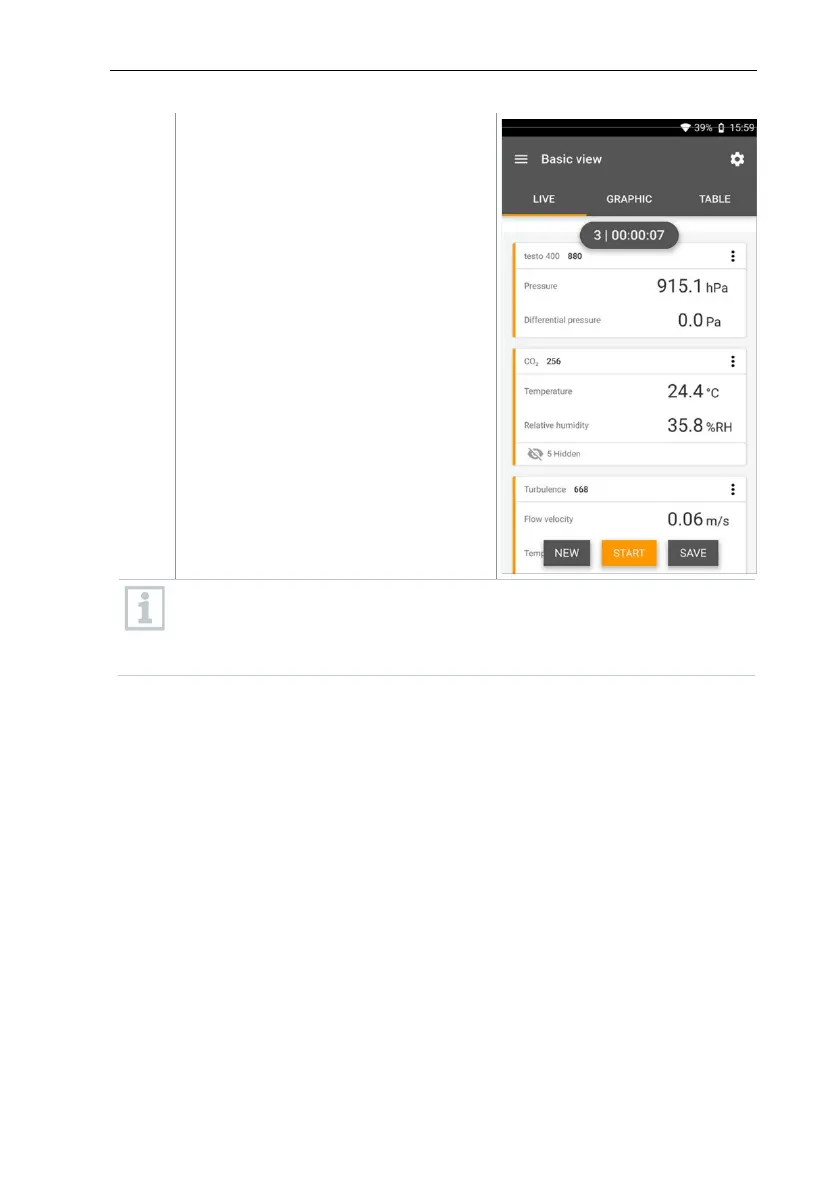
Start: start a second, third, fourth,
etc., measurement. The counter
changes colour again and displays the
current measurement as the first
number.
Or:
New: launch a new measurement.
The current measurement will be
deleted along with all readings (a
warning is displayed).
Or:
Save: exit the current measurement
and save all readings on the testo 400
(see section 9.6).
The counter in the upper section turns orange and measures the time
(after stopping, the counter turns grey again). To the left of the counter,
the number of the current/last measurement is displayed (e.g. 3 |
00:00:07 – the third measurement ran for 7 seconds).



 To Next Page