9 Operation
45
Click on Measure.
Click on Volume flow - funnel.
The Volume flow - funnel measurement menu opens.
Click on .
Configuration menu opens.
Make the required settings.
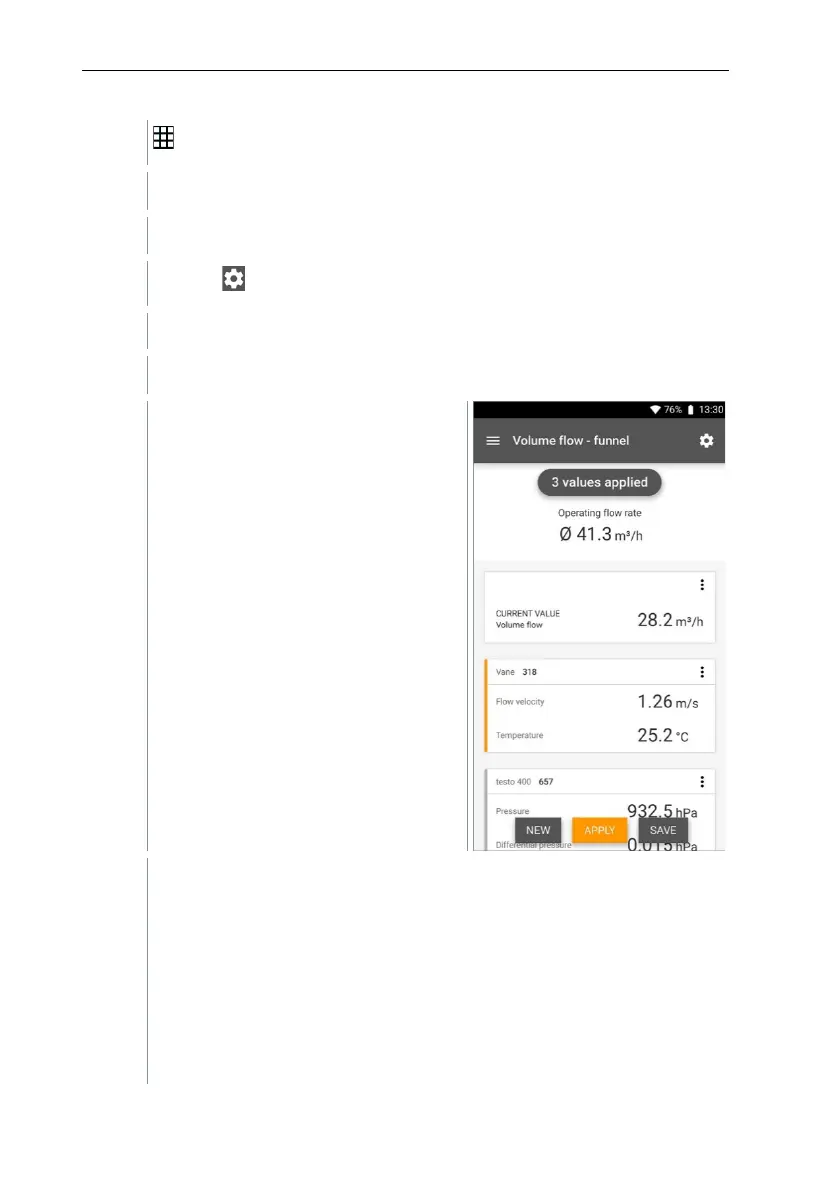
The measurement screen is
displayed. The probe relevant to the
measurement is marked in orange.
You now have three options to
proceed.
Apply: the current reading is applied.
Or:
New: launch a new measurement. The current measurement will be
deleted along with all readings (a warning is displayed).
Or:
Save: exit the current measurement and save all readings on the testo
400 (see Section 9.6).



 To Next Page