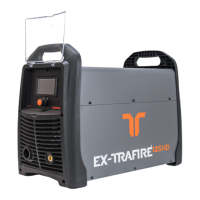
EX-TRAFIRE
®
45HD 7 Operation of the power supply
EN - 27
7.1.1 Setting the parameters
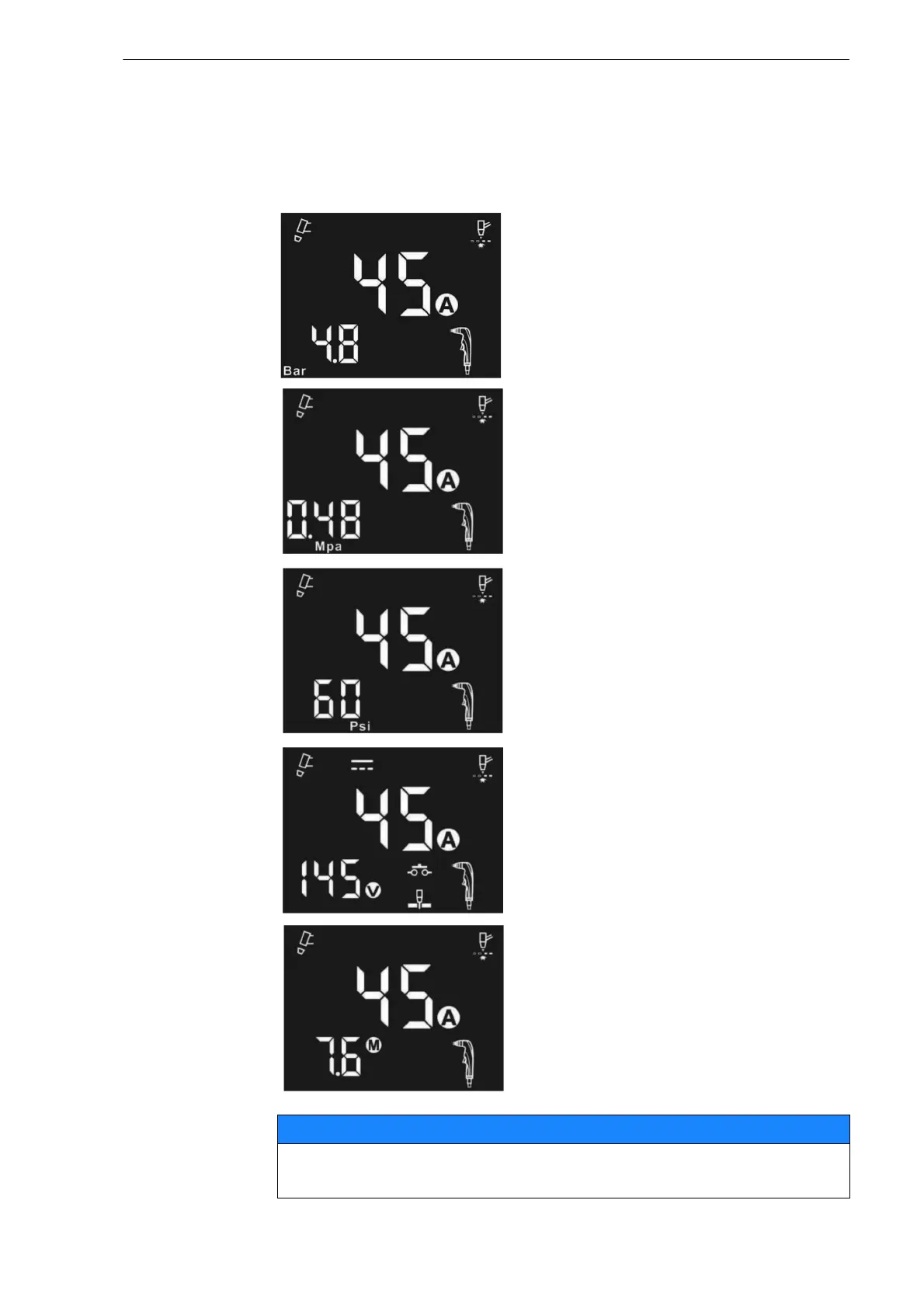
The LCD display contains two menus:
The output current (Amperage) and the cutting modes are set in the first
menu. In the second menu, the pressure in Bar, Mpa or Psi can be set. In
addition, the torch type, torch length, and operating voltage are displayed.
1 Press the multi-function button for
one second.
The cutting parameters light up.
2 Press the multi-function knob briefly
to set bar.
3 Press the multi-function knob briefly
to set MPa.
4 Press the multi-function knob briefly
to set psi.
Turn the multifunction knob to the
left or right to set the cutting current.
5 Briefly press the multifunction knob
to display the output voltage.
6 Briefly press the multifunction knob
to display the length of the cutting
torch.
All individual settings will be restored to the factory settings when
the system is switched off.


 To Next Page