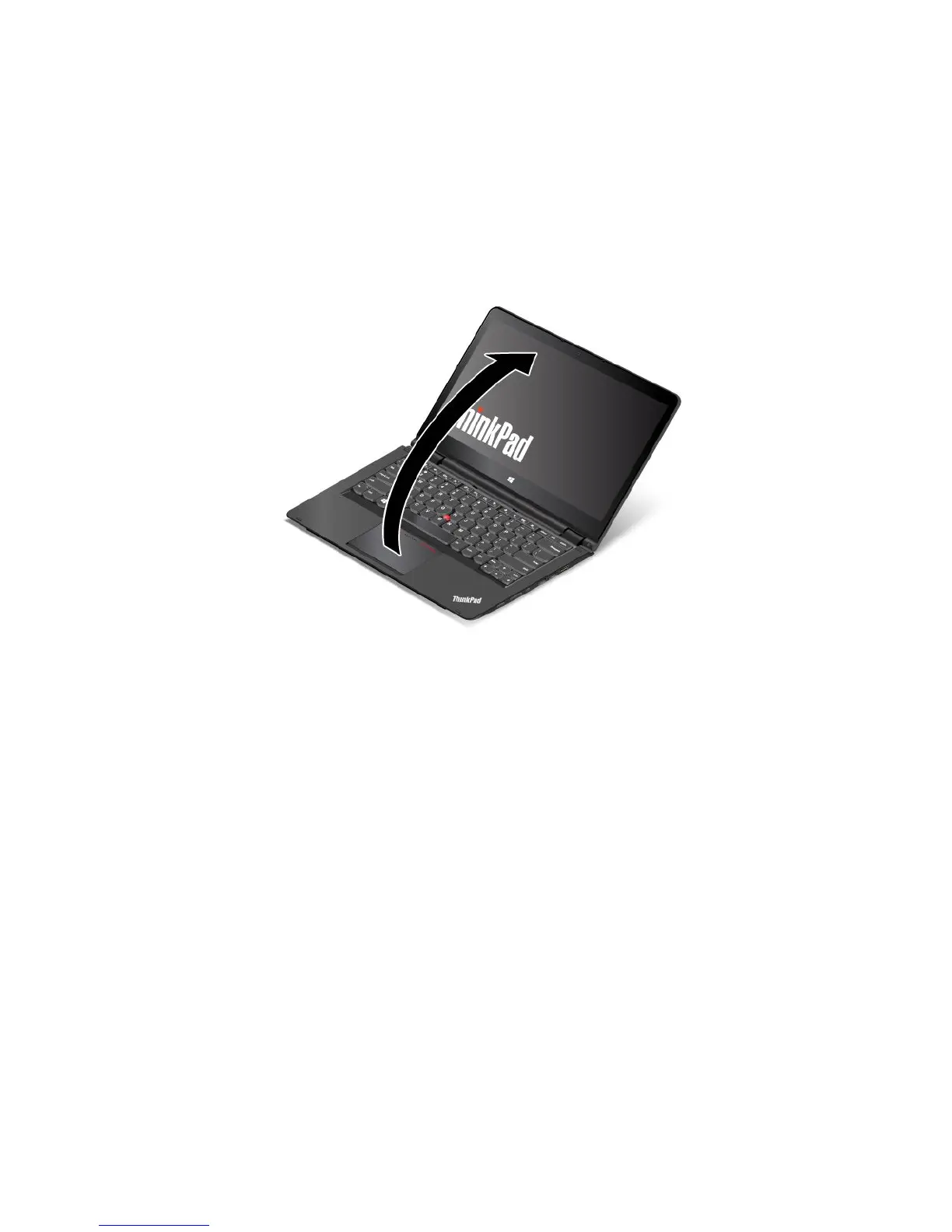
Notebookmode
Youcanusethecomputerinthenotebookmodeinscenariosthatrequireusingakeyboardandamouse,
suchaseditingdocumentsandwritinge-mails.
Attention:Donotrotatethecomputerdisplaywithtoomuchforce,otherwisethecomputerdisplay
orhingesmightgetdamaged.Donotapplytoomuchforcetotheupper-rightorupper-leftcornerof
thecomputerdisplay.
Openthecomputerdisplayslowlyasshowninthefollowingillustration.Yourcomputerisnowinthe
notebookmode.
Inthenotebookmode,thekeyboard,theThinkPadtrackpad,andtheTrackPointpointingstickare
automaticallyenabled.
Bydefault,theautorotatefeatureisenabled.Toavoidundesiredscreenrotation,pressthe
screen-rotation-lockbuttontodisabletheautorotatefeature.Forinstructionsonhowtousethebutton,refer
to“Usingthetabletbuttons”onpage20
.Afteryoupressthescreen-rotation-lockbutton,theautorotate
featureisdisabledandtheautorotate-offindicatorisdisplayedonyourscreen.
Standmode
YoucanusetheThinkPadYoga14computerinthestandmodeinscenariosthatrequirelimitedinteraction
withthescreen,suchasviewingphotosandplayingvideos.
Attention:Donotrotatethecomputerdisplaywithtoomuchforce,otherwisethecomputerdisplay
orhingesmightgetdamaged.Donotapplytoomuchforcetotheupper-rightorupper-leftcornerof
thecomputerdisplay.
Ifyourcomputerisinthenotebookmode,dothefollowingtoturnthecomputerfromthenotebookmode
intothestandmode:
Note:Yourcomputermightlookslightlydifferentfromtheillustrationsinthistopic.
1.Slowlyrotatethedisplayclockwiseuntilthebackofthedisplayisfacingthebasecover.
Chapter2.Usingyourcomputer25



 To Next Page