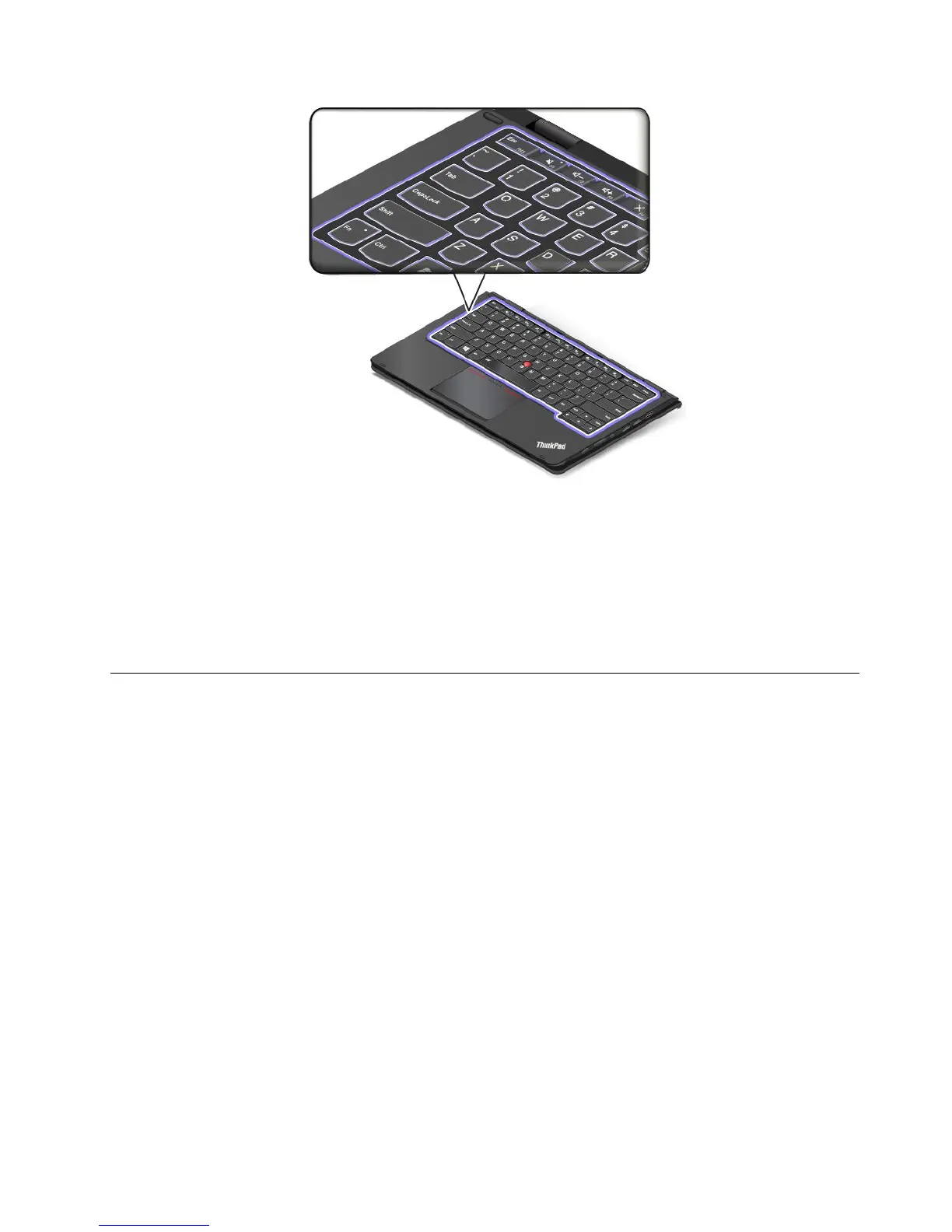
Customizingthekeyboard
Youcancustomizethekeyboardtoachievetheextendedfunctionsofthekeyboard.
Tocustomizethekeyboard,dothefollowing:
1.GotoControlPanel.
2.ClickHardwareandSound➙DeviceManager➙Keyboards➙StandardPS/2keyboardandthen
followtheinstructionsonthescreen.
Specialkeys
Thefollowingillustrationshowsthelocationsofmainspecialkeysforyourcomputer.
Notes:
•Yourcomputermightlookslightlydifferentfromtheillustrationsinthistopic.
•Inthenotebookmode,thekeyboard,theThinkPadtrackpad,andtheTrackPointpointingstickare
automaticallyenabled.Inthestandmode,tabletmode,andtentmode,thekeyboard,theThinkPad
trackpad,andtheTrackPointpointingstickareautomaticallydisabled.
Chapter2.Usingyourcomputer31



 To Next Page