•Inthenotebookmode,thekeyboard,theThinkPadtrackpad,andtheTrackPointpointingstickare
automaticallyenabled.Inthestandmode,tabletmode,andtentmode,thekeyboard,theThinkPad
trackpad,andtheTrackPointpointingstickareautomaticallydisabled.
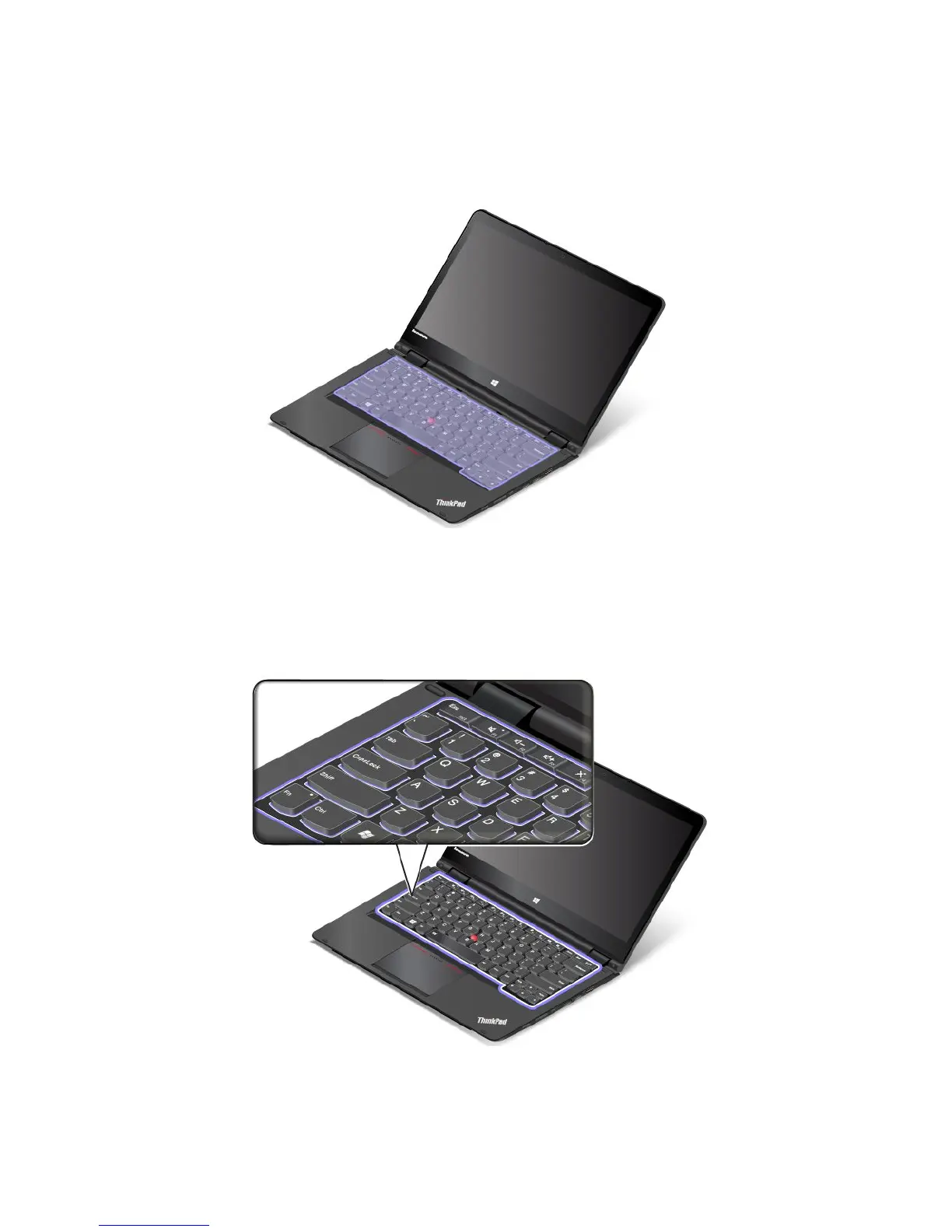
Thefollowingillustrationshowsthelocationofthekeyboard.
Behaviorofthekeyboard
Theframeofthekeyboardtravelsupwardwhenyourotatethecomputerdisplayfrom190degreesto360
degrees.Thefollowingaresomescenariosforusingthekeyboard:
•Theframeofthekeyboarddoesnottravelwhenyourotatethecomputerdisplayfrom10degreesto190
degrees.Thefollowingillustrationshowsthekeyboardwhenthekeyboardframedoesnottravel.
•Whenyourotatethecomputerdisplayfrom190degreesto360degrees,theframeofthekeyboard
travelsupwardforabout2.0mm(0.08inch).Thefollowingillustrationshowsthekeyboardafterthe
keyboardframetravelsupward.
30UserGuide



 To Next Page