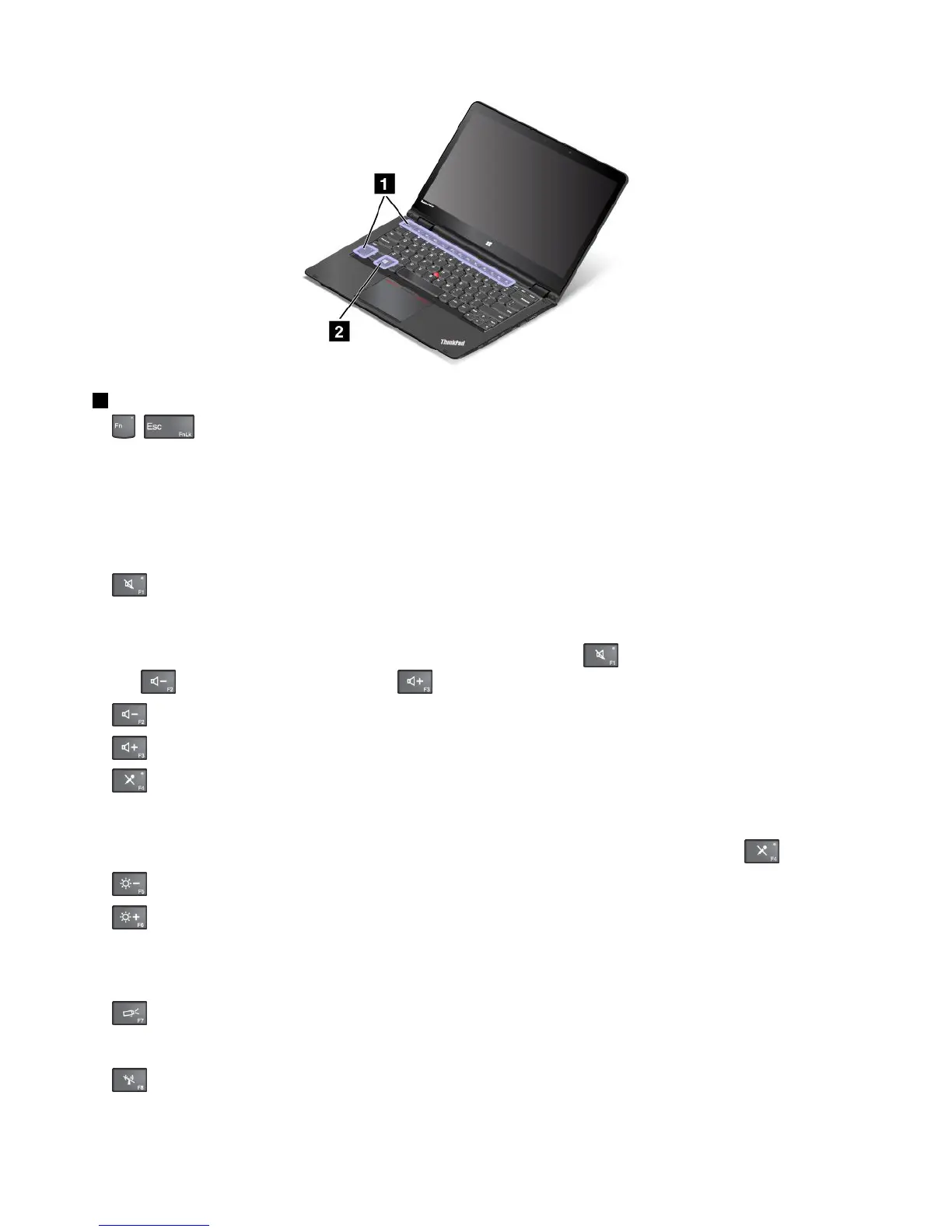
1Functionkeys
•+:PressFn+EsctoenableordisabletheFnLockfunction.
WhentheFnLockfunctionisdisabled:TheFnLockindicatorisoff(defaultmode).Toinitiatethe
specialfunctionofeachkey,pressthefunctionkeydirectly.ToinputF1-F12,youneedtopresstheFn
keyandthecorrespondingfunctionkey.
WhentheFnLockfunctionisenabled:TheFnLockindicatorturnson.ToinputF1-F12,pressthe
functionkeysdirectly.Toinitiatethespecialfunctionofeachkey,youneedtopresstheFnkeyandthe
correspondingfunctionkey.
•
:Mutesorunmutesthespeakers.Whenthespeakersaremuted,thespeaker-muteindicatorturns
on.
Ifyoumutethesoundandturnoffyourcomputer,thesoundwillremainmutedwhenyouturnonyour
computeragain.Toturnonthesound,pressthespeakermutekey
,thespeakervolume-down
key,orthespeakervolume-upkey.
•:Decreasesthespeakervolume.
•:Increasesthespeakervolume.
•:Mutesorunmutesthemicrophones.Whenthemicrophonesaremuted,themicrophone-mute
indicatorturnson.
Ifyoumutethemicrophonesandturnoffyourcomputer,themicrophoneswillremainmutedwhenyou
turnonyourcomputeragain.Tounmutethemicrophones,pressthemicrophonemutekey.
•:Darkensthedisplay.
•:Brightensthedisplay.
Youcantemporarilychangethecomputerdisplaybrightnessbypressingthetwokeys.Tochangethe
defaultbrightnesslevel,right-clickthebattery-statusiconintheWindowsnotificationarea.Thenclick
Adjustscreenbrightnessandmakechangesasdesired.
•:Switchesthedisplayoutputlocationbetweenthecomputerdisplayandanexternalmonitor.
Note:YoualsocanpressWindows+Ptoswitchbetweenthecomputerdisplayandanexternalmonitor.
•
:Enablesordisablesthewirelessnetworkingfeatures.Formoreinformationonthewirelessfeatures,
referto“Wirelessconnections”onpage41.
32UserGuide



 To Next Page