- 8 -
Note: If wireless signal is weak, please put the wireless router to the appropriate place or
adjust the antenna angle.
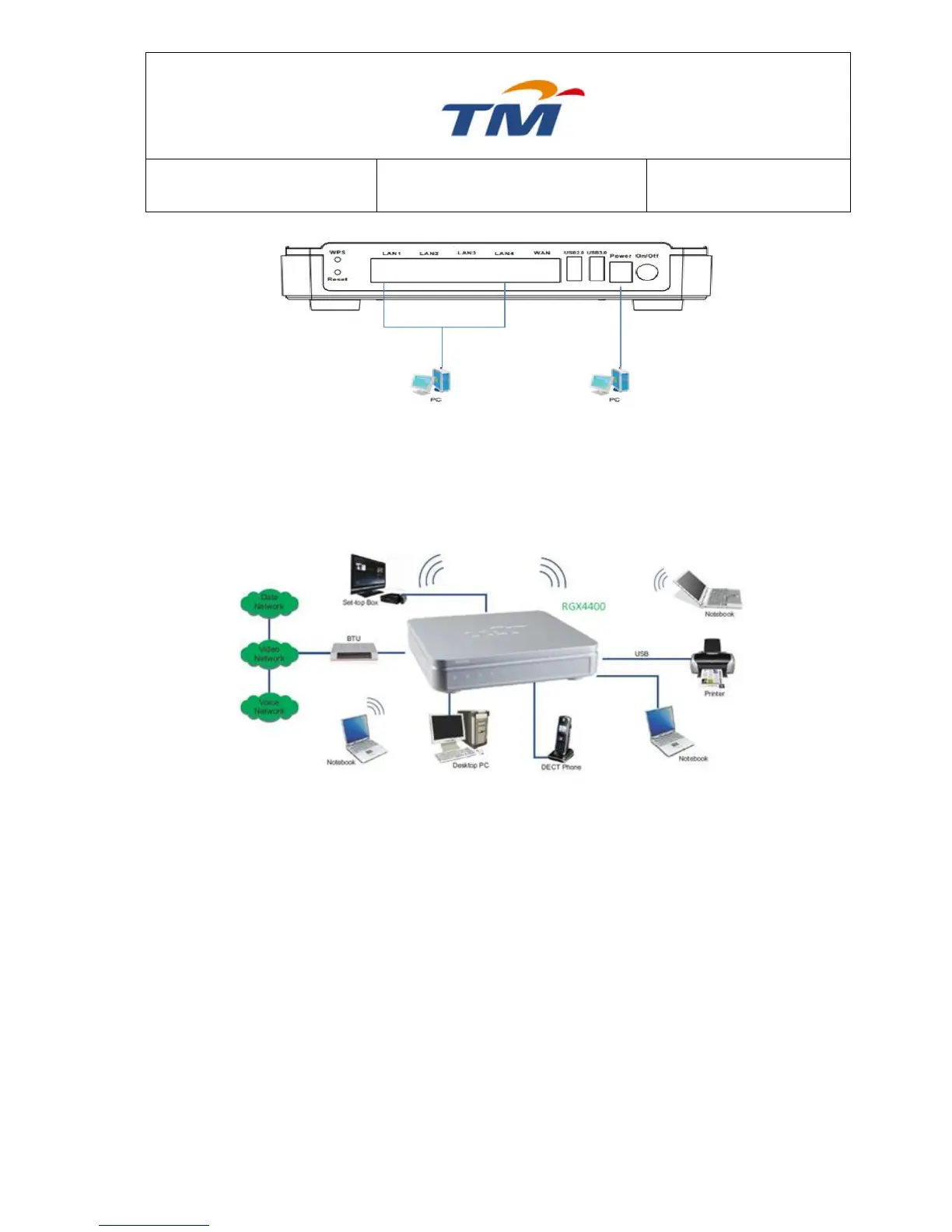
The wireless router can connect to various network devices. See the following figure:
Roaming
Suppose that several wireless routers run in the same network. Each wireless router serves as a
BSS, and has its coverage. One wireless client terminal (for example, a notebook or PDA) can
realize roaming from one wireless router to another wireless router correctly. In that case, the
wireless client terminal can communicate with the other devices within the coverage of wireless
routers.
In order to realize the wireless client roaming among different wireless routers, you need to
set the wireless router properly. Do as follows:
Set the same SSID for different wireless routers.
SSIDs of all computers and PDAs should be consistent with those of the wireless
routers.
If the encryption function is enabled, all wireless routers should be configured with the
same encryption mode and the encryption key.
Please put the wireless routers in the appropriate places for a better network
coverage.



 To Next Page