- 60 -
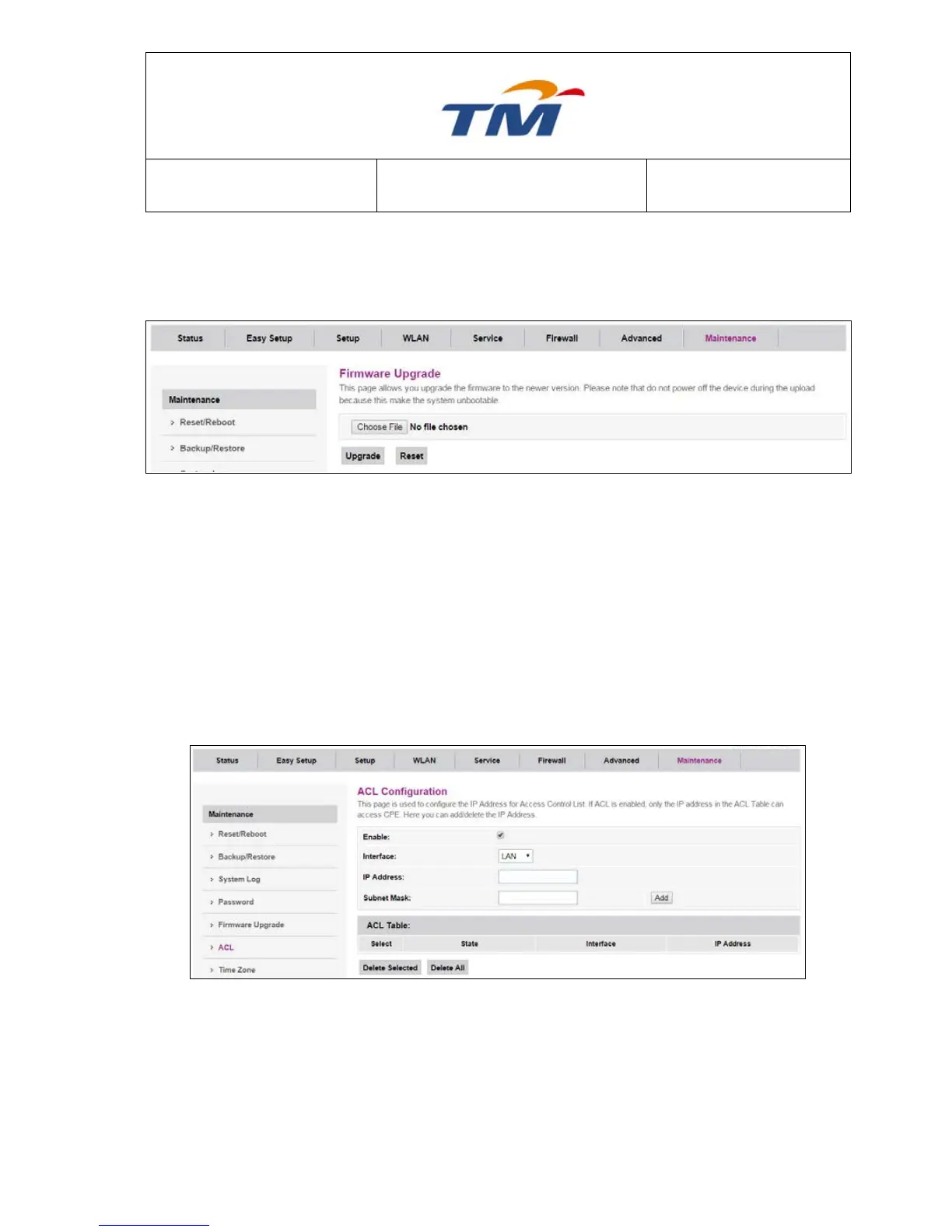
6.7.5 Firmware Upgrade
To upgrade the firmware for the RG device
Click the Choose File button to select the firmware file.
Confirm your selection.
Click the Upgrade button to start upgrading.
IMPORTANT! Do not turn off your RG device while this procedure is in progress.
6.7.6 ACL
This page is used to configure the IP Address for Access Control List. If ACL is enabled, only the
IP address in the ACL Table can access CPE. Here you can add/delete the IP Address.
Enable Enable/disable the ACL function
Interface Select the interface domain: LAN or WAN
IP Address Key in the IP address that allow access to this device
Subnet Mask Key in the Subnet Mask of the IP Address



 To Next Page