- 15 -
6.2.2 Port Mapping
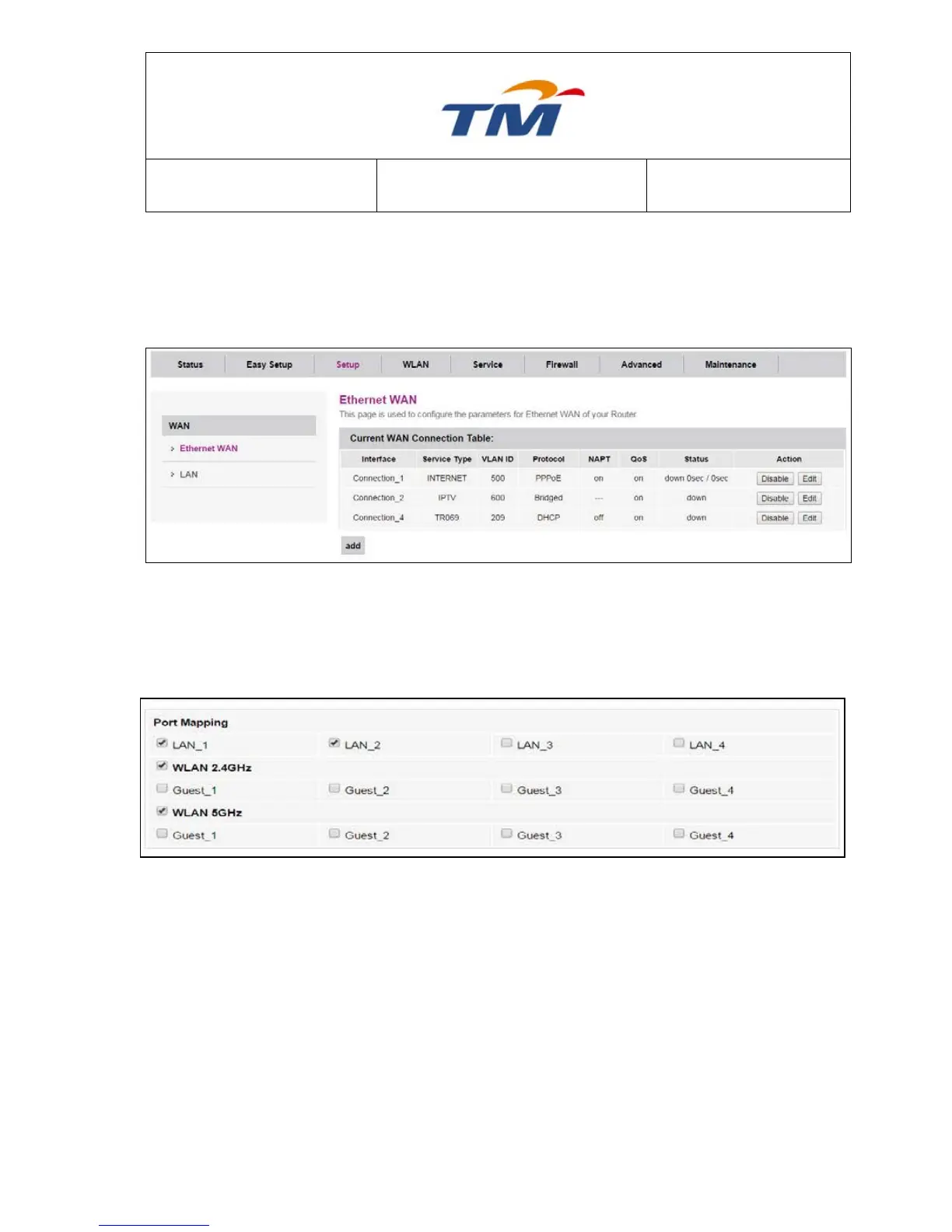
Choose Setup > Ethernet WAN, and the WAN Configuration page appears.
All WAN will have its own Port Mapping. They cannot be overlap and cannot be empty
If you want to move LAN3 to VLAN 600, you will have to remove it from VLAN 500 and add it on
VLAN 600.
Click Edit at Connection_1
Go to Port Mapping and Uncheck the LAN3 Checkbox.
Click Apply Changes at bottom of the page to save the configuration.
Then Click Edit at Connection_2



 To Next Page