- 9 -
6.0 Web Configuration
This section shows you how to configure your new RGX4400 wireless router using the Web-
based configuration page.
6.1 Logging In to the wireless router
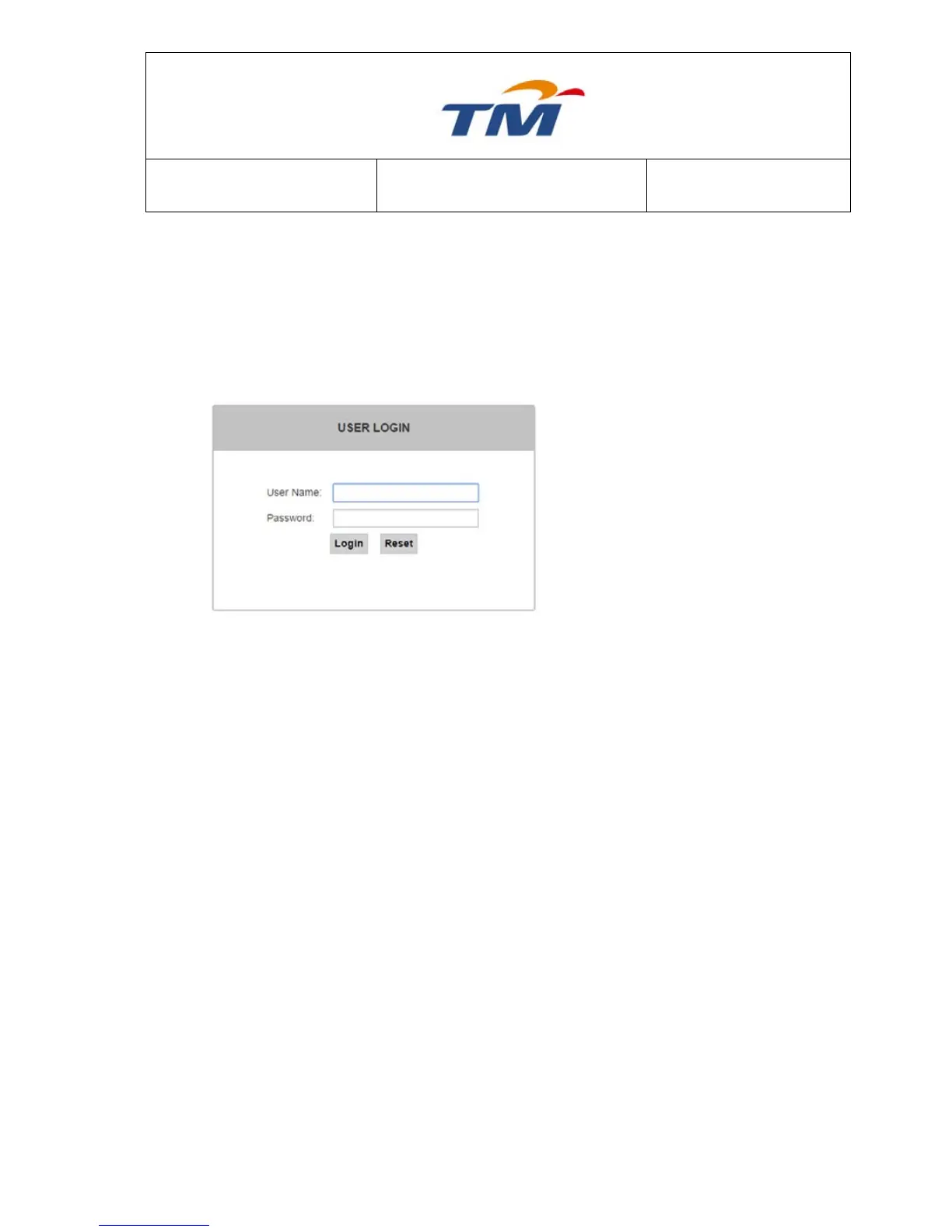
Step1 To access the configuration page
of the wireless router, open a
Web browser such as Internet
Explorer (IE) and enter
http://192.168.0.1 (IP address of
the wireless router) in the address
bar.
Step2 Enter admin in the Username
field and leave the password
blank by default.
Step3 Click Login to log in to the Web
page.
6.1.1 Easy Setup
Choose Easy Setup and the first page of the Easy Setup appears. Connection Type and Service
Type are already configured and cannot be modified. The default connection type is PPPoE.



 To Next Page