Doc. No.:
ST/WI/RG/RGX4400
- 24 -
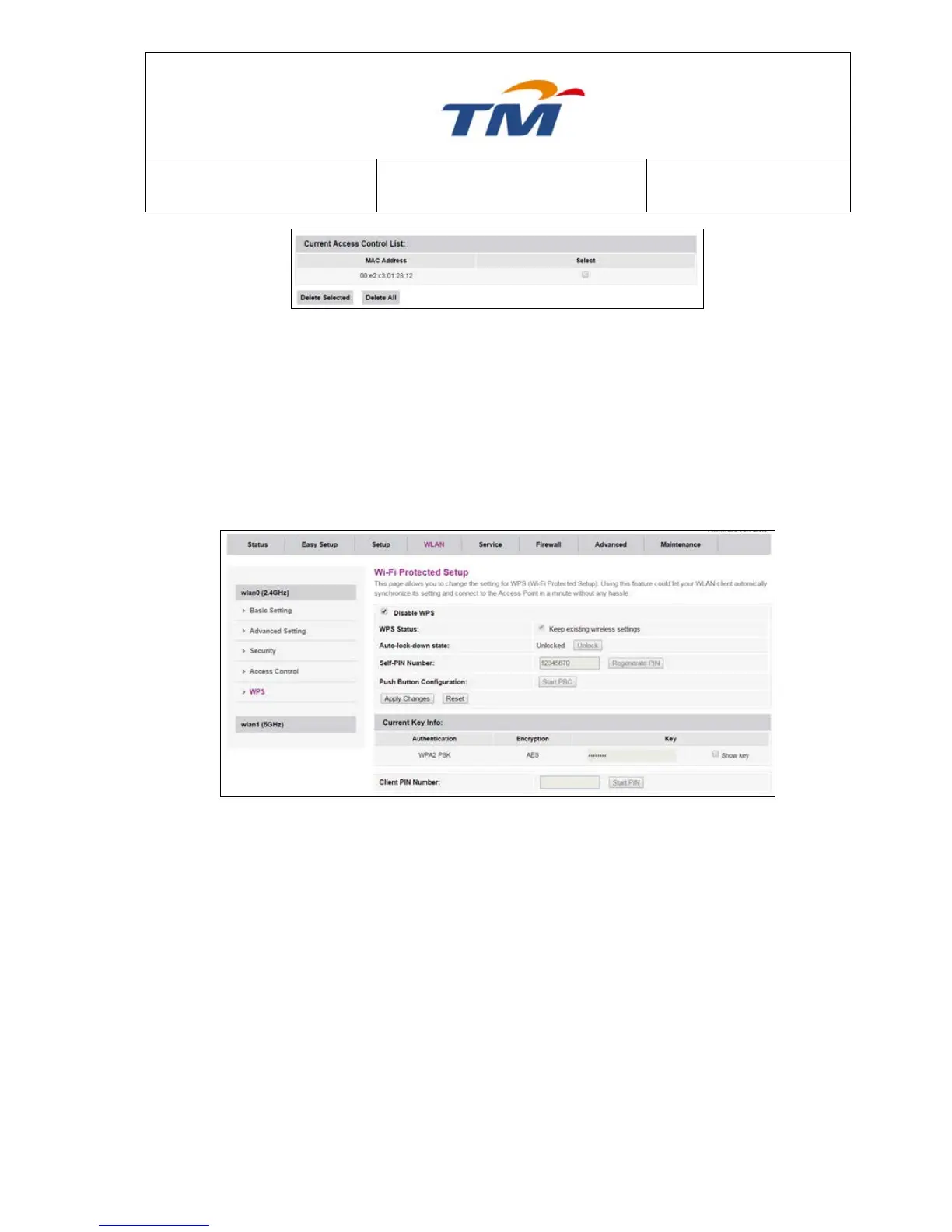
To delete a MAC address in the MAC list, tick the check box then click Delete Selected or clicking
Delete All to delete all MAC address.
6.3.5 WI-FI Protected Setup
In this page, the WPS switch is supplied, Tick Disable WLAN Interface to disable the WPS
Function. By default this Function is Disable.
Tick to keep the existing wireless settings
To change the PIN Number for WPS Key
Push Button Configuration
Tick to see the password set at security page
6.3.6 5GHz Basic Configuration
Choose WLAN > Basic, and the wireless 5GHz page appears. In this page, you can enable or
disable 5G wireless, Tick Disable WLAN Interface to enable the wireless 5Ghz.



 To Next Page