- 25 -
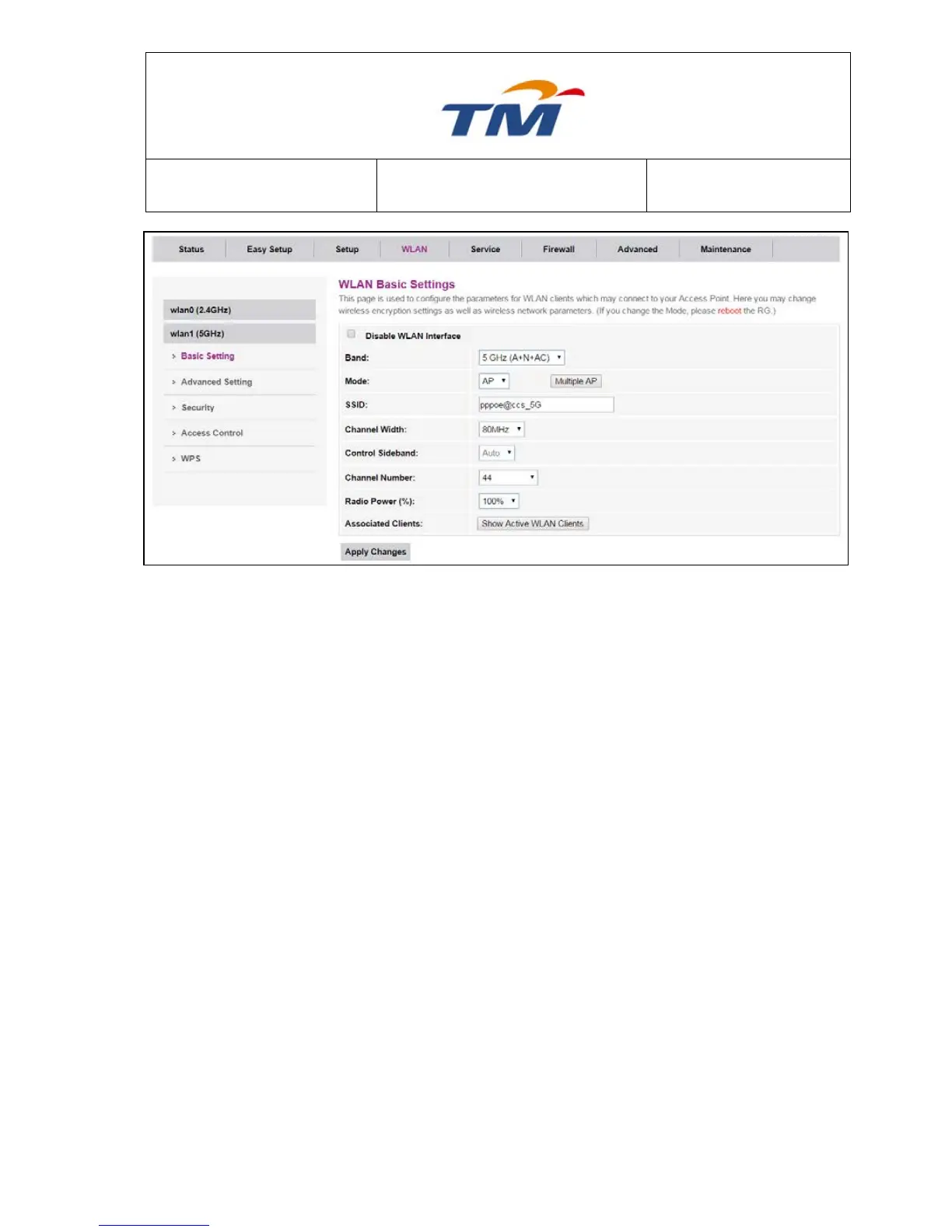
Band Wireless Band for 5GHz.
Mode Wireless Mode for this interface.
Multiple AP Click to configure more SSID for 5Ghz interface.
SSID SSID Name for the 1
st
Interface.
Channel Width Can select 20, 40, or 80, in MHz.
Control Sideband Auto Mode.
Channel Number Select the proper channel from the drop-down list. The default value
is 44.
Radio Power (%) You can select 100%, 70%, 50%, 35% and 15%. The default
value is 100%.
Associated Clients Click to check all Active WLAN Clients
After setting, click Submit to apply the settings.
Multiple AP



 To Next Page