Doc. No.:
ST/WI/RG/RGX4400
- 5 -
5.4. Hardware Description
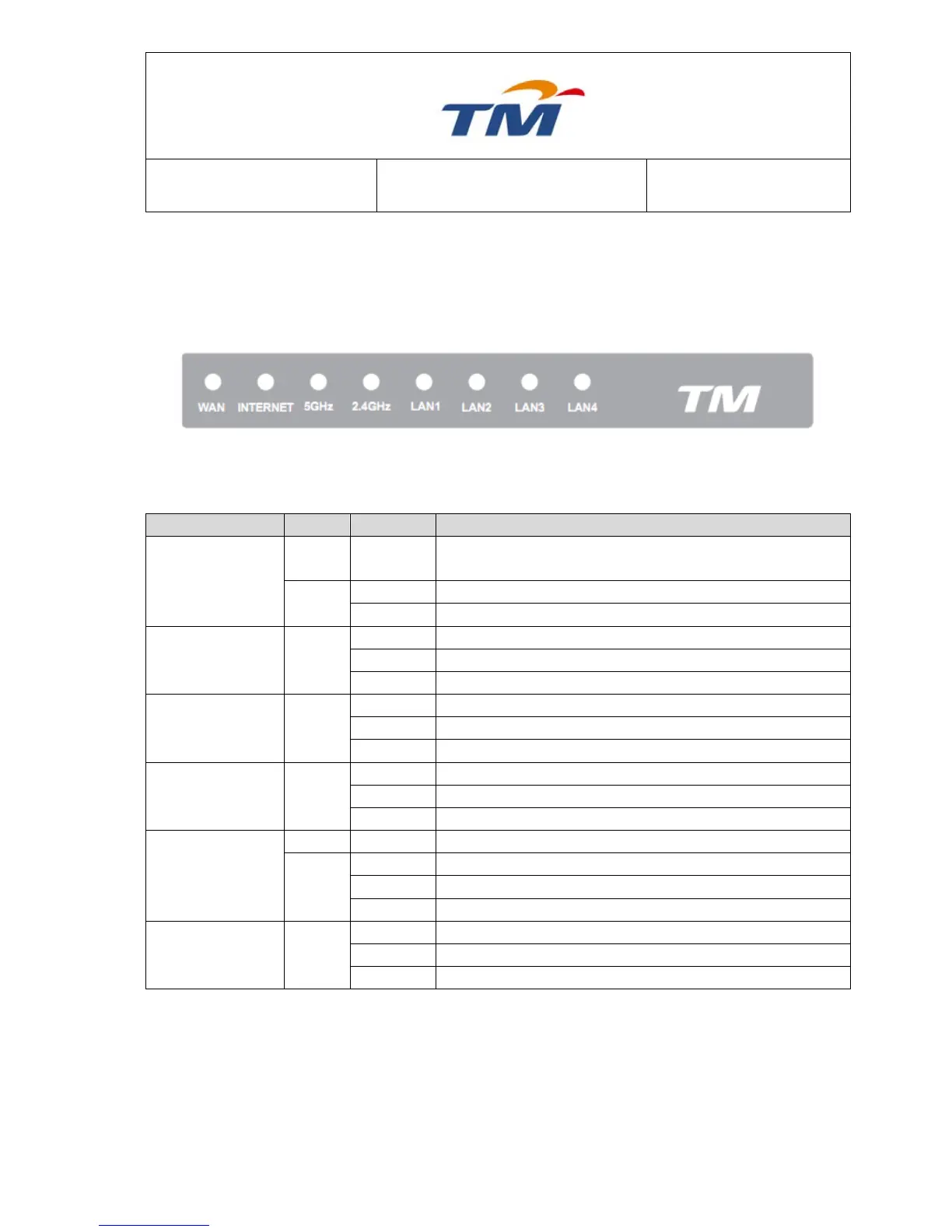
Front Panel & LED Status
Note: Figures in this document are for reference only.
Figure1: Front Panel
The following table describes LEDs of the wireless router.
POST testing (60s) is in progress or the device is not
running normally.
The device is running normally.
Power is off or the device is down.
Data is being transmitted through the LAN interface.
Data is being transmitted through the 2.4Ghz interface
Data is being transmitted through the 5Ghz interface.
Internet connection failed.
Internet line is connected.
Internet line is disconnected.
Data is being transmitted through the WAN interface.



 To Next Page