- 26 -
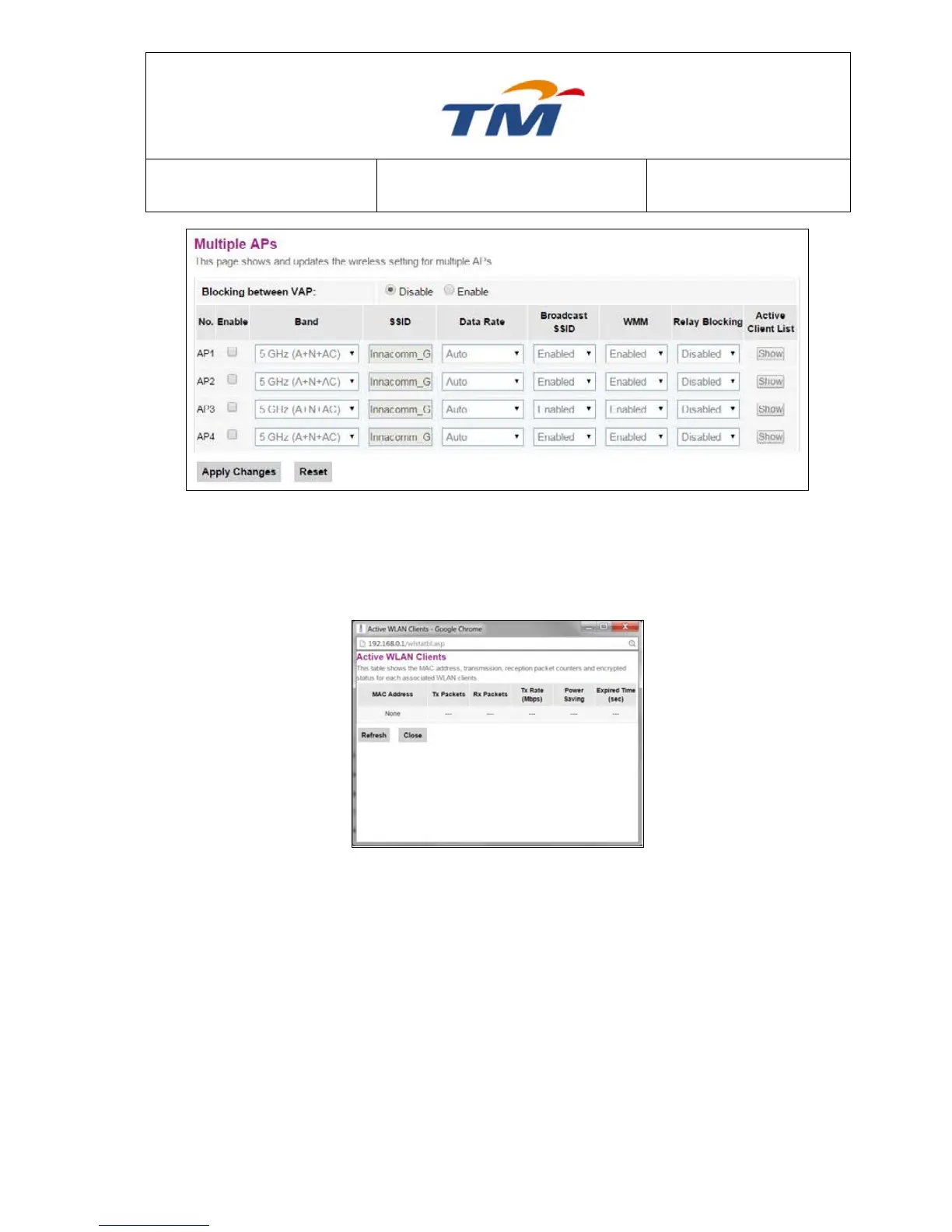
By Clicking Multiple AP Button, this page will be shown, you may create up to 4 VAP under 5Ghz
Wireless. Tick the Check Box to Enable the VAP, configure the new SSID to meet your
requirement.
Show Active WLAN Clients
After Clicking the Show Active WLAN Clients Button, this page will Pop out, you will be able to
see any active clients that connected to this VAP.



 To Next Page