- 31 -
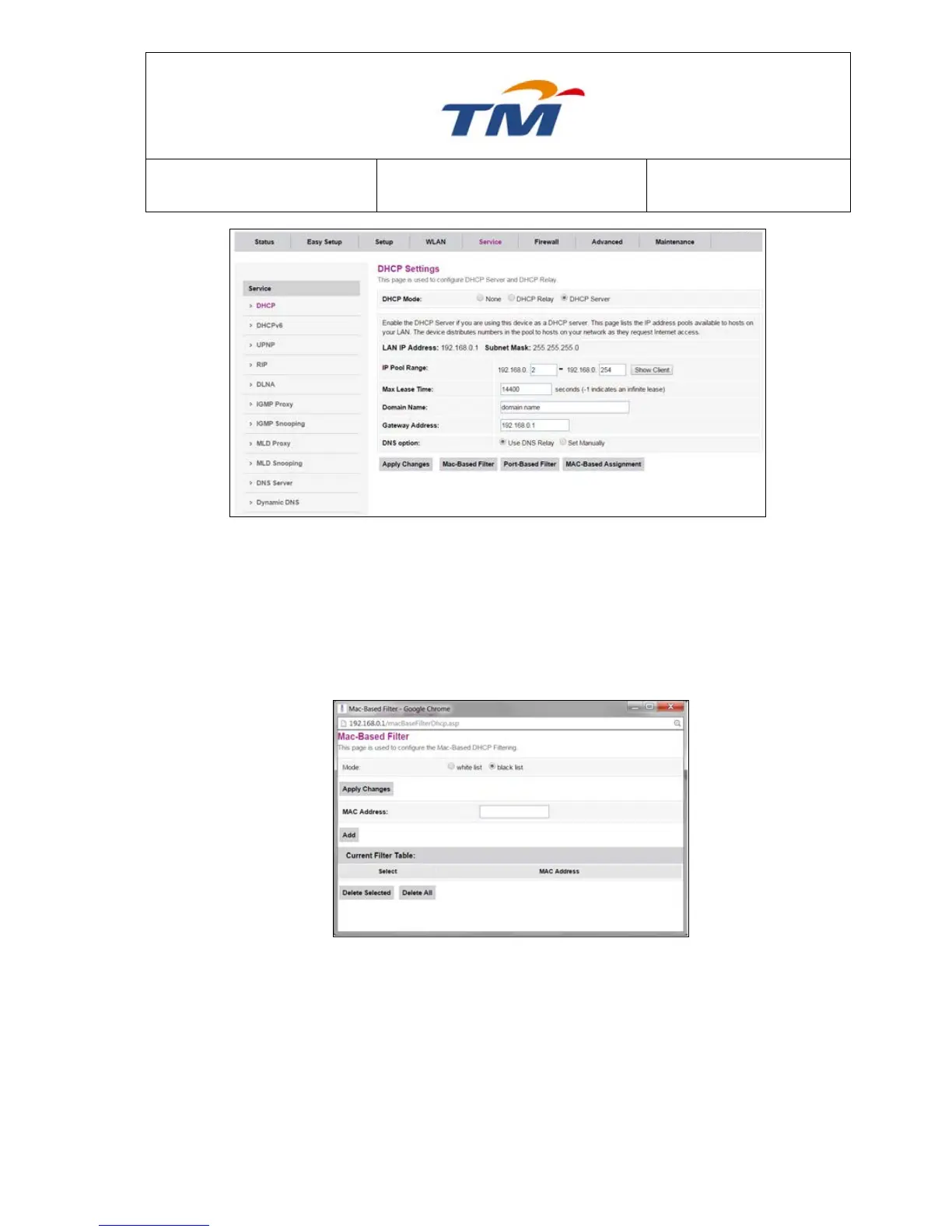
Enable the DHCP Server if you are using this device as a DHCP server. This page lists the IP
address pools available to hosts on your LAN. The device distributes IP addresses in the pool to
the hosts on your network as they request Internet access.
There are 2 types of filters & 1 Mac-Based Assignment function in this page.
Mac-Based Filter - This Function is used to configure the Mac-Based DHCP Filtering.
If you choose black list mode, the host with the MAC address which you key in can’t get IP
address from the DHCP server; but if you choose white list mode, the host can’t get IP address
from the DHCP server if this host’s MAC address is not in the Filter Table.



 To Next Page