3-60
Chapter 3
INSTALLATION AND SETTING PROCEDURES (HARDWARE)
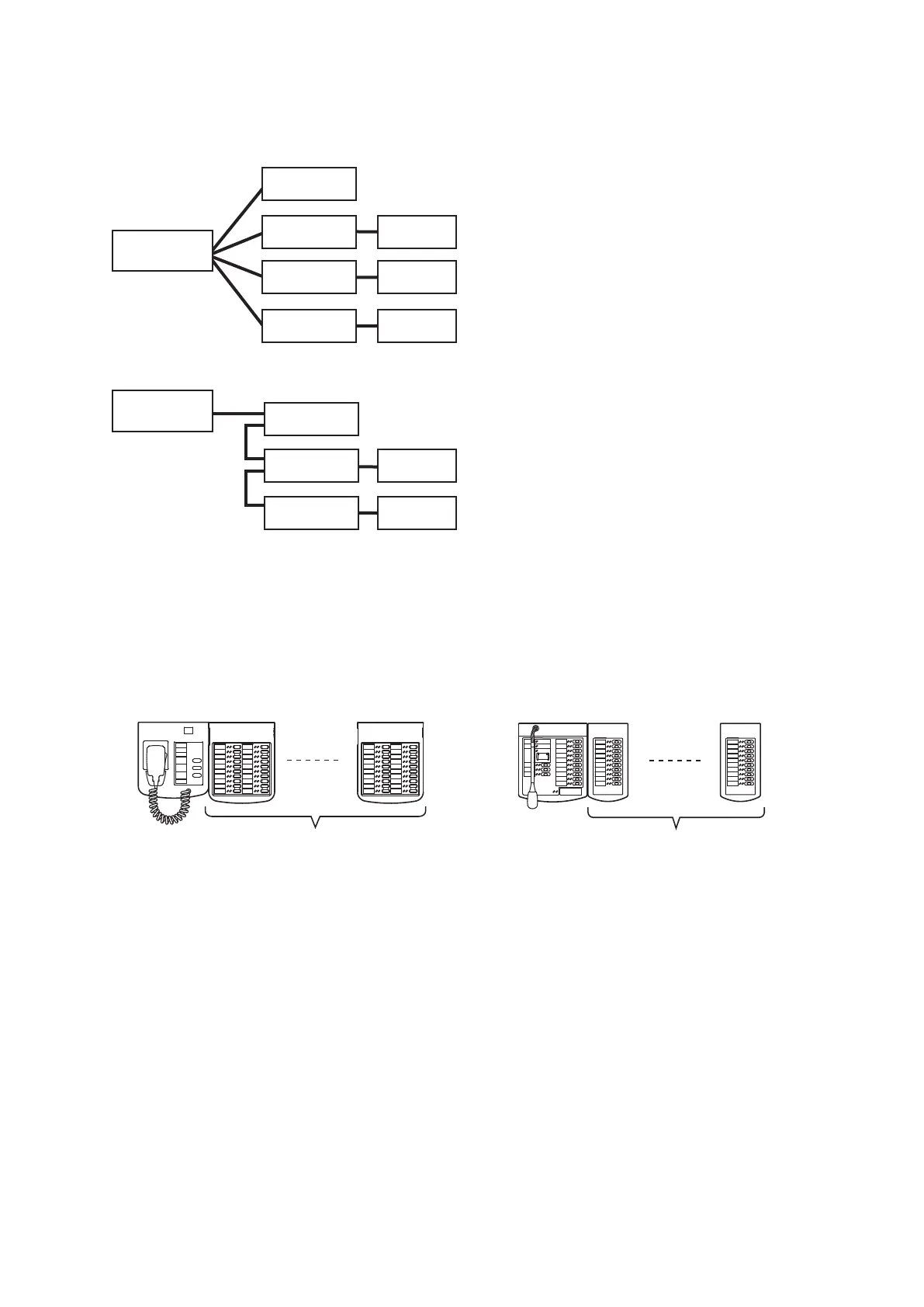
• The number of function keys can be increased by connecting the extension unit to the RM-200SF and RM-
300X as shown below.
(1) Up to 4 RM-320F units can be connected to the RM-200SF.
(2) Up to 7 RM-210F units can be connected to the RM-300X.
Notes
• The number of remote microphones to which power can be supplied from the VX-3000F is limited depending
on the conguration of the VX-3000F or remote microphone. (See p. 3-61.)
• The remote microphone to which power cannot be supplied from the VX-3000F needs the power supply from
the AD-246 AC adapter, VX-3000DS or VX-3150DS. If the remote microphone is required to be operated even
during power failure, power needs be supplied from the VX-3000DS or VX-3150DS. (See p. 3-61.)
RM-200SF
RM-320F
(1) Up to 4 units connectable
RM-300X RM-210F
(2) Up to 7 units connectable
• When connecting 2 or more remote microphones to a RS LINK, make branch wiring using the RM-200RJ
Terminal Unit or the Wall mount bracket unit supplied with the RM-200SF.
(When connecting 2 or more remote microphones: Example 1)
(When connecting 2 or more remote microphones: Example 2)
VX-3000F
RM-300X
RM-300X
RM-500
RM-200RJ
RM-200SF
RM-200RJ
RM-200RJ
VX-3000F
RM-300X
RM-500RM-200RJ
RM-200SF
RM-200RJ



 To Next Page