3-93
Chapter 3
INSTALLATION AND SETTING PROCEDURES (HARDWARE)
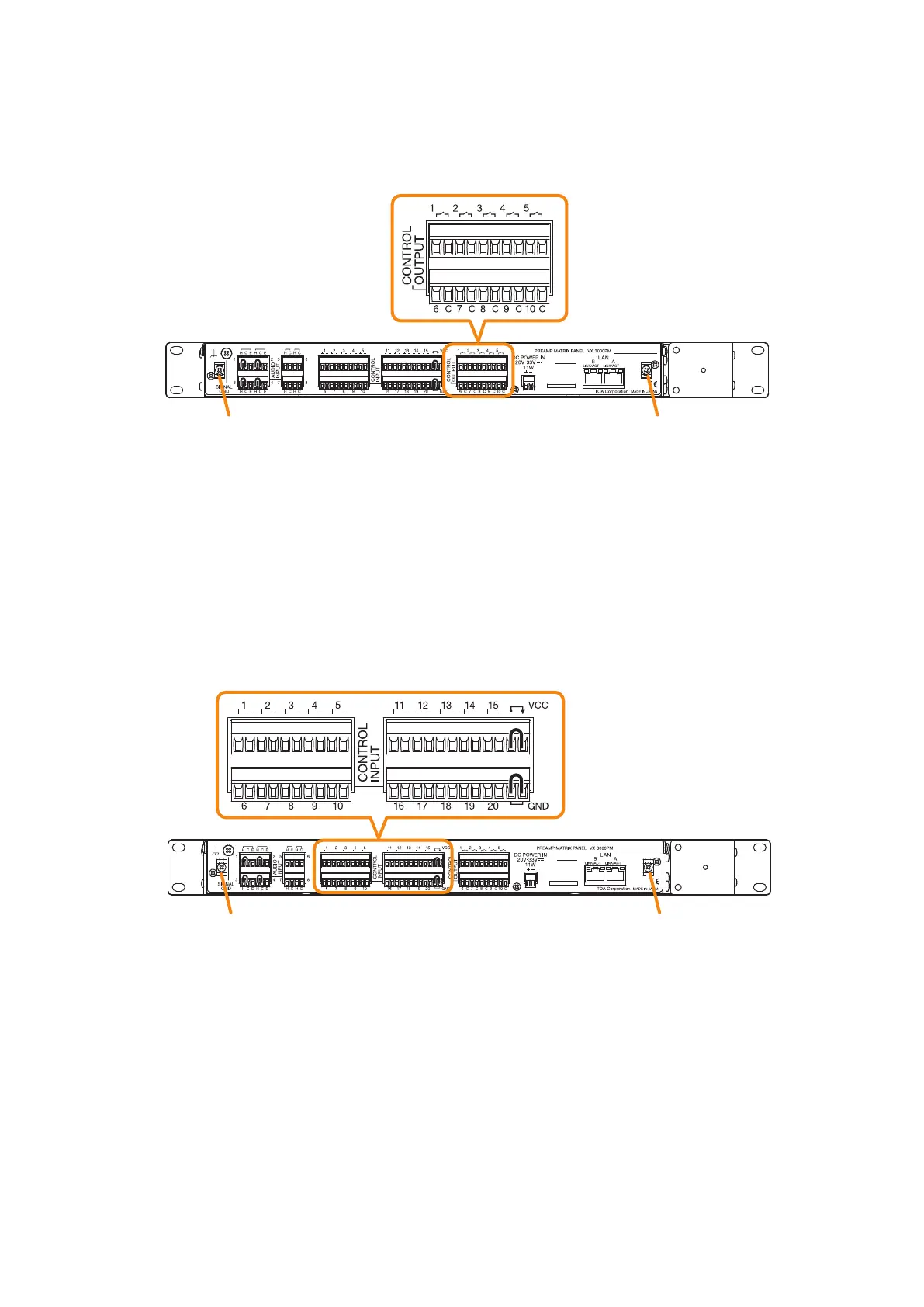
8.12.2. Control output terminal connections
These terminals provide control outputs.
Control signals (make contact) are output in synchronization with unit operation.
8.12.3. Control input terminal connections
These terminals are non-voltage contact inputs.
Set the function and polarity using the VX-3000 Setting Software.
(See the separate Setting Software Instructions, "Control Inputs Event Settings.")
Use the VX-3000 Setting Software to set applications. (See the separate Setting Software Instructions, "Unit
conguration setting," "Control Output Pattern Settings.")
VX-3000PM (rear)
Cable tie fixture Cable tie fixture
Control output terminal
VX-3000PM (rear)
Control input terminal
Cable tie fixture Cable tie fixture
To prevent the removable terminal plug
from coming off, pass the cable tie
through the cable tie xture (on the left
and right places), then secure the wiring
to the removable terminal plug using it.
(See
p. 3-92.)
To prevent the removable terminal plug
from coming off, pass the cable tie
through the cable tie xture (on the left
and right places), then secure the wiring
to the removable terminal plug using it.
(See
p. 3-92.)



 To Next Page