3-23
Chapter 3
INSTALLATION AND SETTING PROCEDURES (HARDWARE)
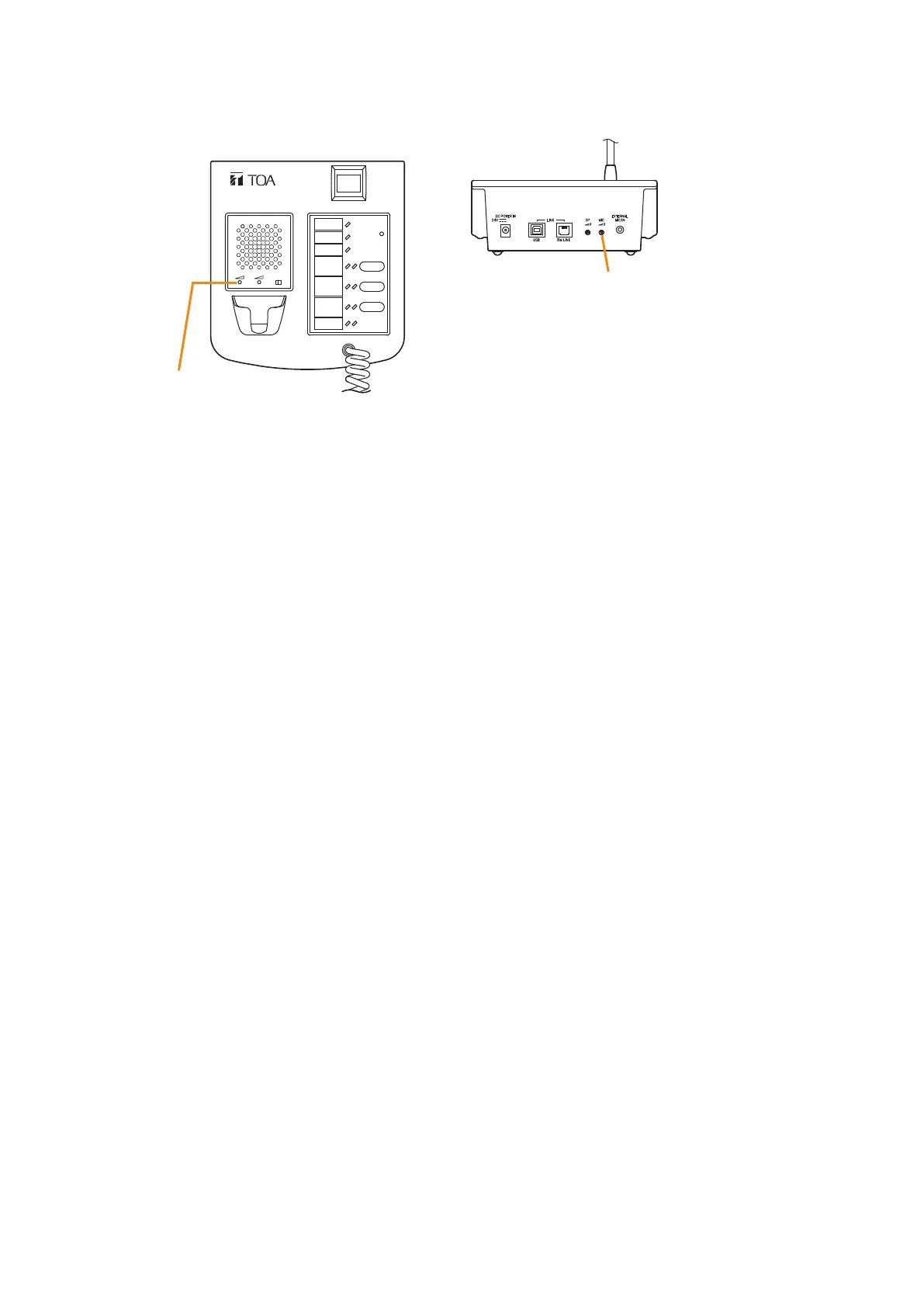
Step 3. Using the microphone volume control, adjust the microphone input sensitivity to an appropriate level
(until the broadcast status indicator lights green).
Step 4. Set switch 5 of the RM-200SF to OFF or switch 4 of the RM-300X to OFF.
Note
Be sure to set both switches to OFF after adjusting the microphone input sensitivity.
RM-300X rear
RM-200SF
MIC SP CPU
OFF ON
Microphone volume control
Microphone volume control
RM-200SF front



 To Next Page