3-53
Chapter 3
INSTALLATION AND SETTING PROCEDURES (HARDWARE)
6.18.2. If the name label is not printed correctly
The name label created using the VX-3000 Setting Software may not be printed in correct size depending on
the conguration environment of your PC. In such cases, try one of the methods described below.
(1) Preparation by hand
Copy the "Pattern paper for hand writing" on the next page. After writing a name, cut out the pattern paper
aligning it with the cutting guidelines.
(2) Preparation by using a PC or word processor
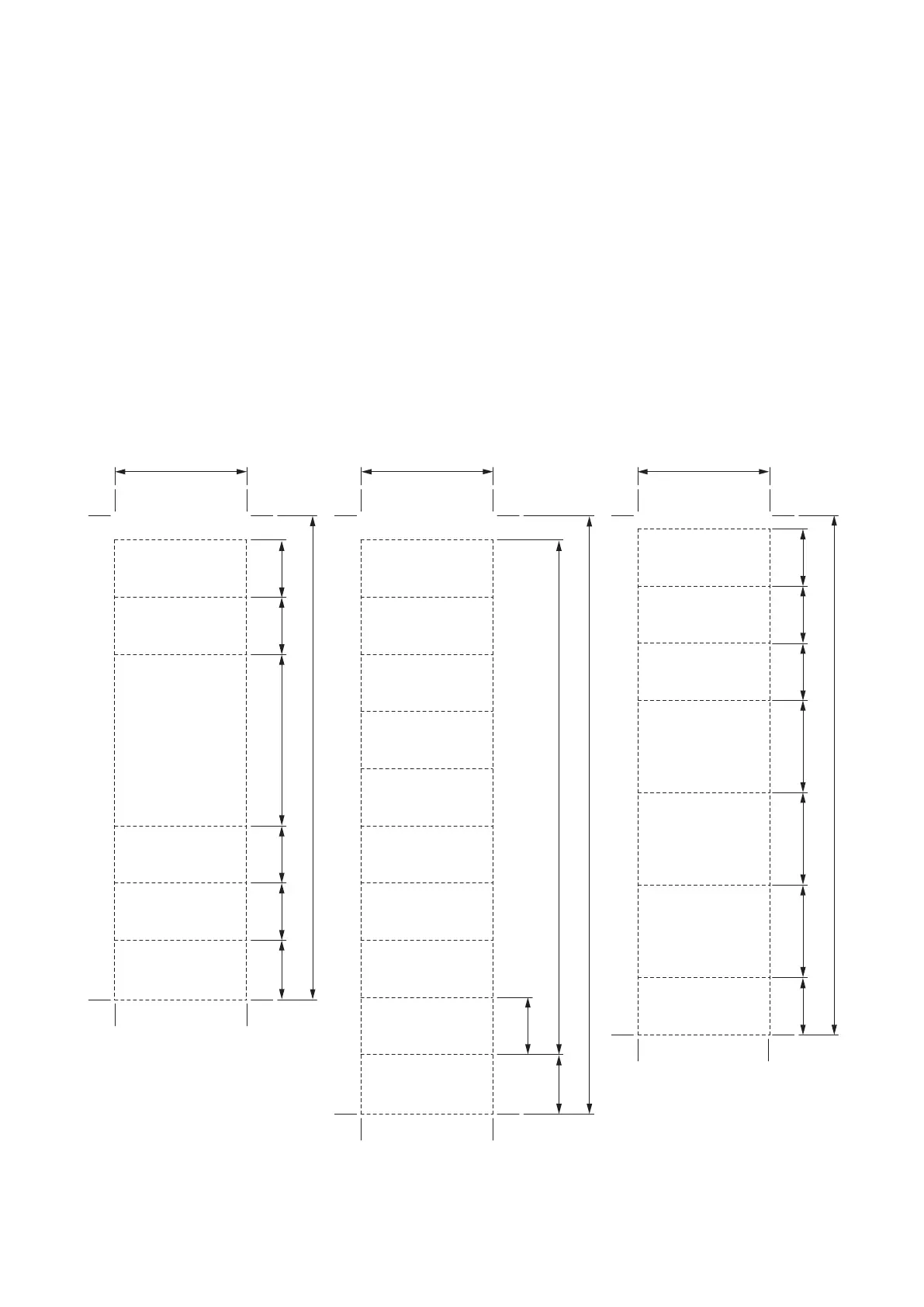
Prepare and print according to the instructions given in the "Dimensional diagram for printing devices.” Then
cut out to the instructed size.
6.18.3. Dimensional diagram for printing devices
Name label A
Cutting size: 30 x 110 mm
Name label B
Cutting size: 30 x 136 mm
Name label C
Cutting size: 30 x 118 mm
30
13 13 13 13
118
21 21 21
13
131313
13
13.5
13.5
136
13 x 9 (=117)
39
110
30 30



 To Next Page