2-6
2 PREPARATION FOR MEASUREMENT
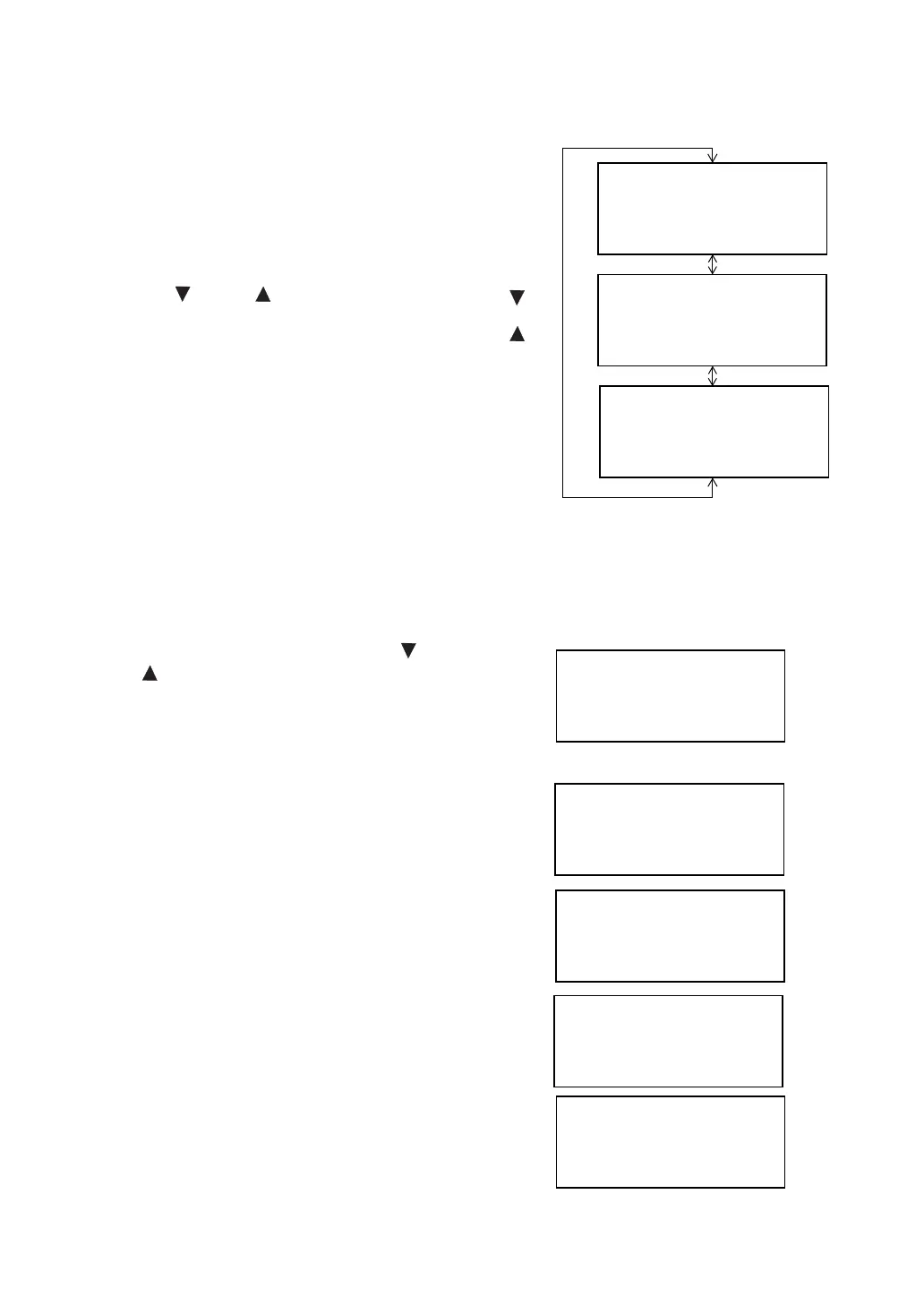
How to select a item
[Example setting] Occupied point in the data collection mode.
How to enter characters
[Example setting] TOPCON-1
The arrow indicates a item to enter.
The arrow line moves up or down when the
{} key or {} key is pressed.
1 Move the arrow to enter a item using the {}
or {} key.
2 Press the {F1} (INPUT) key.
The arrow changes to the equal (=).
The instrument switches to numerical input mode.
3 Press the {F1} ([ALP]) key.
The instrument switches to alphabetical input mode.
4 Enter letters of the alphabet by pressing the alphanumeric
characters key.
Example: {1} (STU) key is pressed twice.
5 Enter other letters of the alphabet in the same way.
PT#
→
ST-01
ID :
INS.HT: 0.000 m
INPUT SRCH REC OCNEZ
PT# :ST-01
ID
→
INS.HT: 0.000 m
INPUT SRCH REC OCNEZ
PT# :ST-01
ID :
INS.HT
→
0.000 m
INPUT SRCH REC OCNEZ
{}
or
{}
PT#
→
ID :
INS.HT: 0.000 m
INPUT SRCH REC OCNEZ
PT# =
ID :
INS.HT: 0.000 m
[ALP][SPC][CLR][ENT]
PT# =
ID :
INS.HT: 0.000 m
[NUM][SPC][CLR][ENT]
PT# =T
ID :
INS.HT: 0.000 m
[NUM][SPC][CLR][ENT]
PT# =TOPCON
ID :
INS.HT: 0.000 m
[NUM][SPC][CLR][ENT]



 To Next Page