29
COMPONENT NAMES AND FUNCTIONS
• Function buttons in visual acuity test
• Function button in astigmatism test
Example of display Contents
F6
This button is displayed when the targets applicable to
the random function are indicated on the TOPCON liquid
crystal visual acuity chart (PC-50).
Touch this button, and you can execute the random func-
tion of the visual acuity chart.
Each time you touch the button, the arrangement of tar-
gets is changed.
F7
This button is displayed when the targets applicable to
the contrast function are indicated on the TOPCON liquid
crystal visual acuity chart (PC-50).
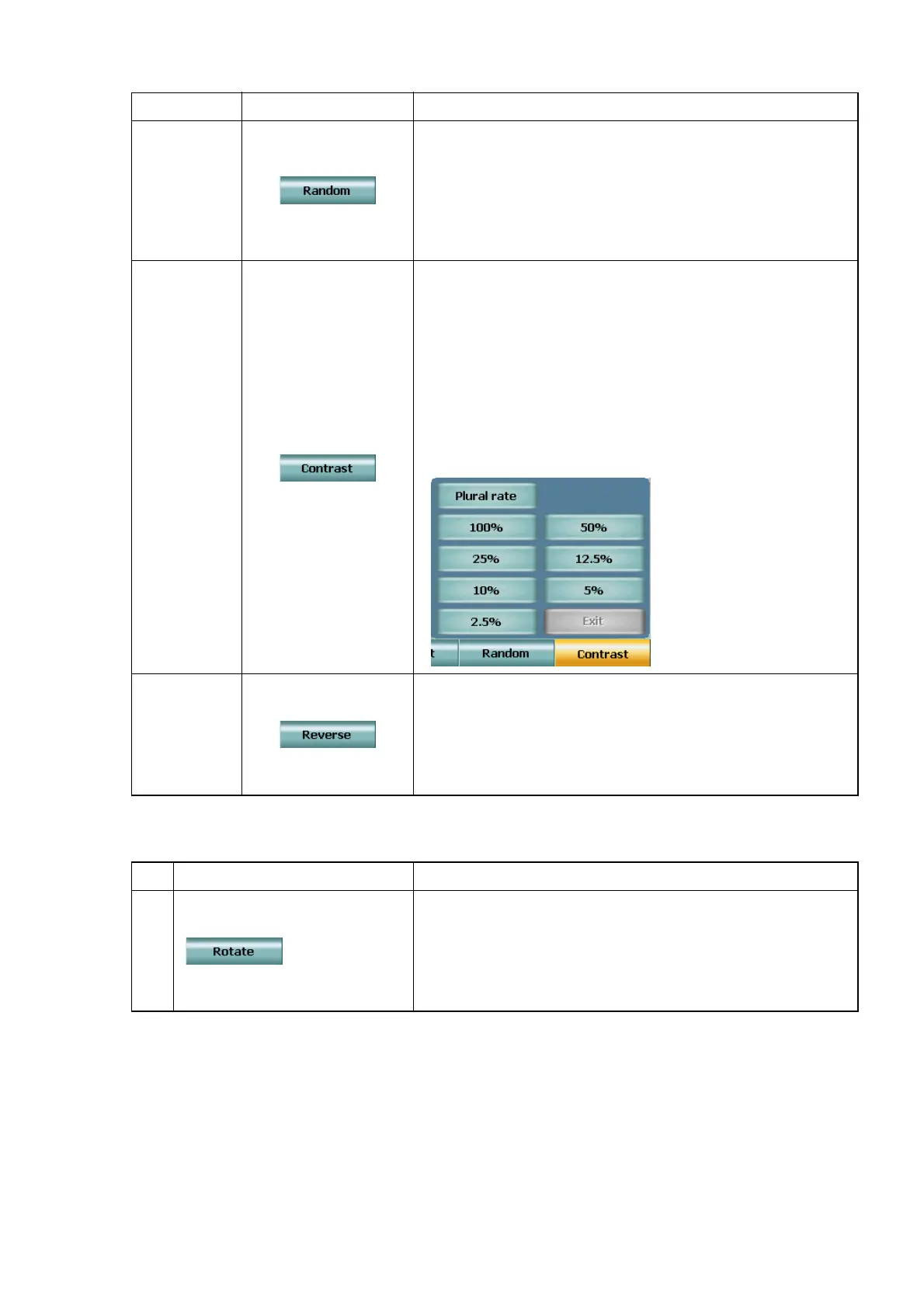
Touch this button, and the following menu is indicated.
Touch the button showing the ratio, and the targets are
indicated with the specified contrast ratio.
Select the [Plural rate] button, and the columns of the
targets are indicated with the five contrast ratio values,
25%, 12.5%, 10%, 5% and 2.5% in order from the left-
most column.
To finish the contrast test, touch the [Exit] button.
[Shift] + F6
This button is displayed when executing the test with the
visual acuity targets applicable to the black-and-white
reverse function on the TOPCON liquid crystal visual
acuity chart (PC-50).
Touch this button, and the black-and-white status of the
targets is reversed.
Example of display Contents
F6
This button is displayed when the astigmatism test tar-
gets applicable to the Astigmatism simulation function
are indicated on the TOPCON liquid crystal visual acuity
chart (PC-50).
Touch this button, and the "Astigmatism simulation"
mode is accessed.



 To Next Page