13
COMPONENTS
Reset button.............................................Returns the measurement head (the side and the depth
direction) to an initial position.
Alignment mode button ............................Switches alignment (measurement position adjustment)
mode.
"A" Semi-auto mode: If approaching the automatic measuring
range, fine alignment and measurement are performed
automatically.
"AS Auto shoot mode: If reaching the measurable range, the
measurement starts automatically.
"M" Manual mode: All processes are performed manually
from alignment to measurement.
Settings button.........................................Displays the Settings screen.
Up/down button for chinrest ............Moves the chinrest up/down.
FUNCTION BUTTON
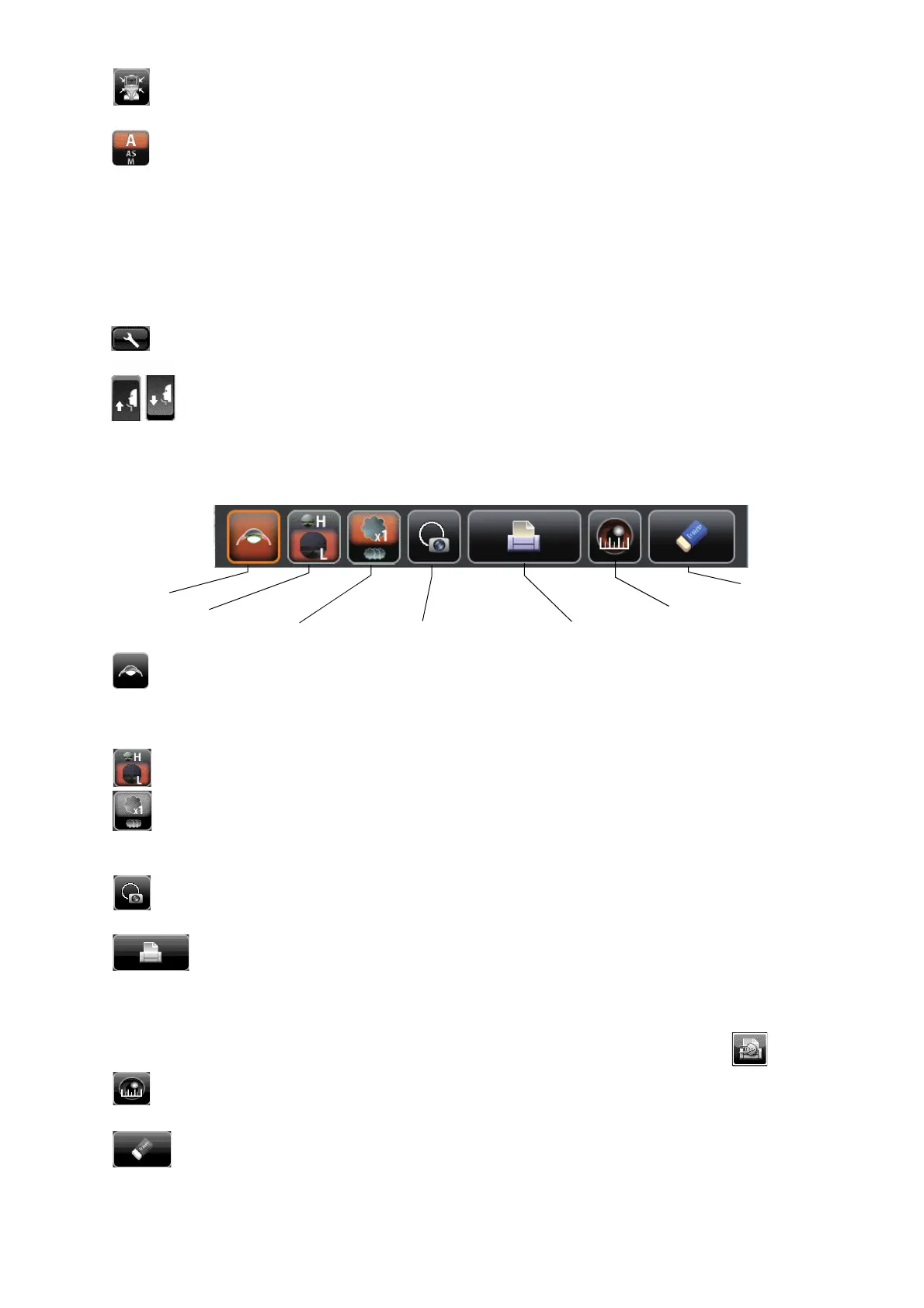
Cataract button..........................................If normal measurement is not performed due to a cataract,
tapping this button to be the cataract mode may improve
measurements. In the cataract mode, "CAT" is displayed on
the control panel and the button is framed in orange.
Fixation target button................................Brightness of the fixation target can be changed.
FOG button...............................................Changes setting temporarily to perform fogging only in the
first measurement or each time in the continuous measure-
ment.
Target image button ..................................The captured measurement target can be observed on the
control panel.
Print out button ................................Prints measurement results. Tap the button when no mea-
surement data is present to feed the paper.
By setting the printer mode to Graphic Printer on the Settings
screen, figures showing refractive conditions can be printed.
In this case, the printer button changes to .
Cornea diameter button............................Changes to cornea diameter measurement mode.
ALL CLEAR button ..............................Clears all measurement data.
Cataract button
ALL CLEAR button
Target image button
Cornea diameter button
Fixation target button
Print out button
FOG button



 To Next Page