21
PREPARATIONS
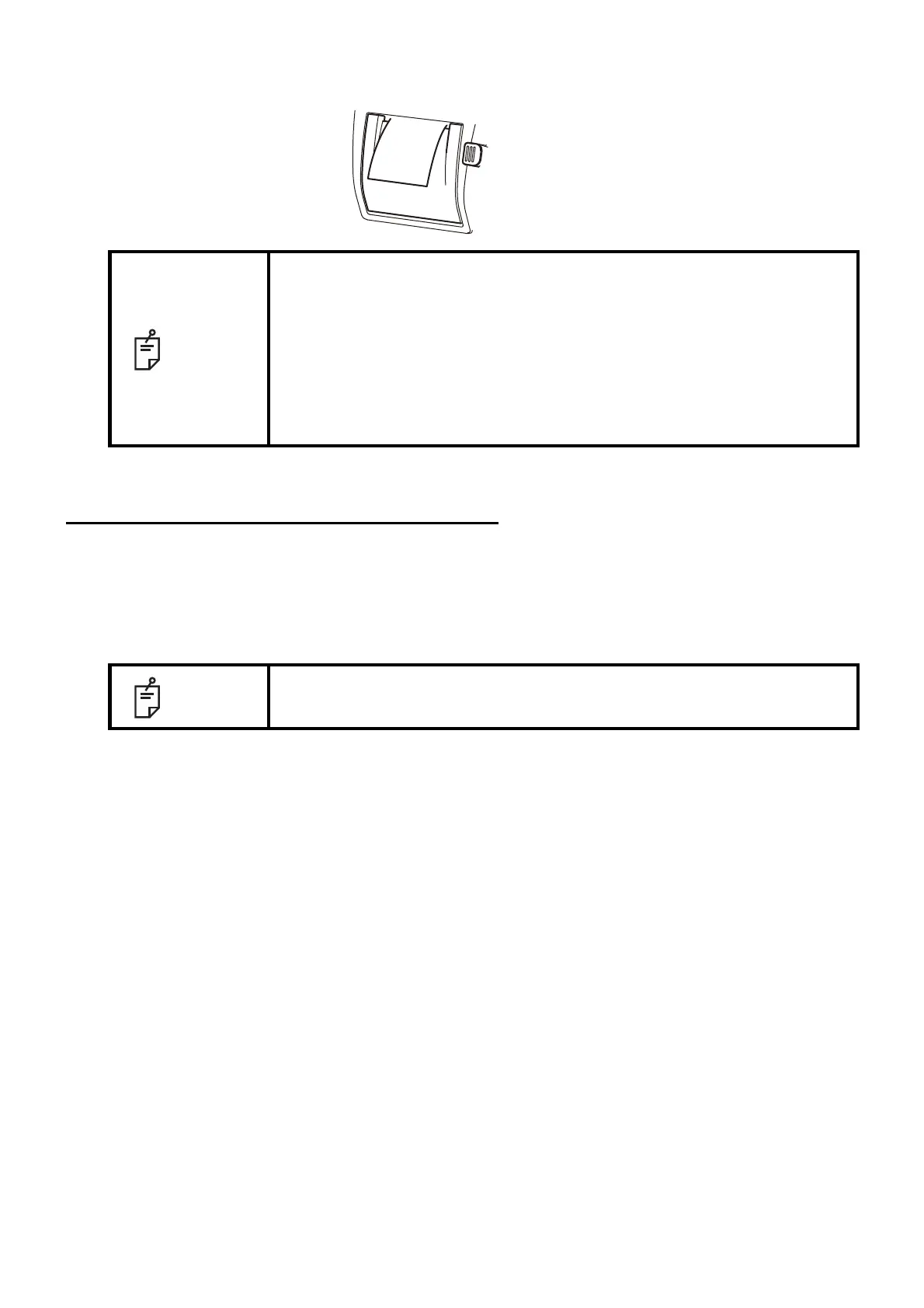
4 Bring the paper into the center, then close the printer cover.
RECOVERY FROM POWER SAVE STATUS
This instrument adopts the power save system for saving electric power. When the machine is not
operated for a set time, the control panel becomes a screensaver.
1 Tap the control panel, operate the control lever or move the base to the left or the right.
In a few seconds, the measurement screen is displayed and measurement is enabled.
NOTE
• Please close the printer cover using your right thumb while placing your
index and middle fingers on the projecting part which is in reverse side
below the printer cover OPEN button. Unexpected movement is avoided
when closing the printer cover.
• In case the printer cover is not firmly closed, printing will not start, and
"CLOSE PRT COVER" will be displayed on the monitor screen.
• A 58mm wide paper roll (example: TP-50KJ-R [Nippon Paper Co.]) is rec-
ommended.
Other paper rolls may cause abnormal printing noise or unclear print.
NOTE
The time to start the power save status can be changed in the initial setting
"Start time of sleep mode" (see page 48).



 To Next Page