33
BASIC OPERATIONS
BASIC OPERATIONS
MEASUREMENT IN MANUAL MODE
MEASUREMENT IN MANUAL MODE
In manual mode all processes are performed manually from alignment to measurement.
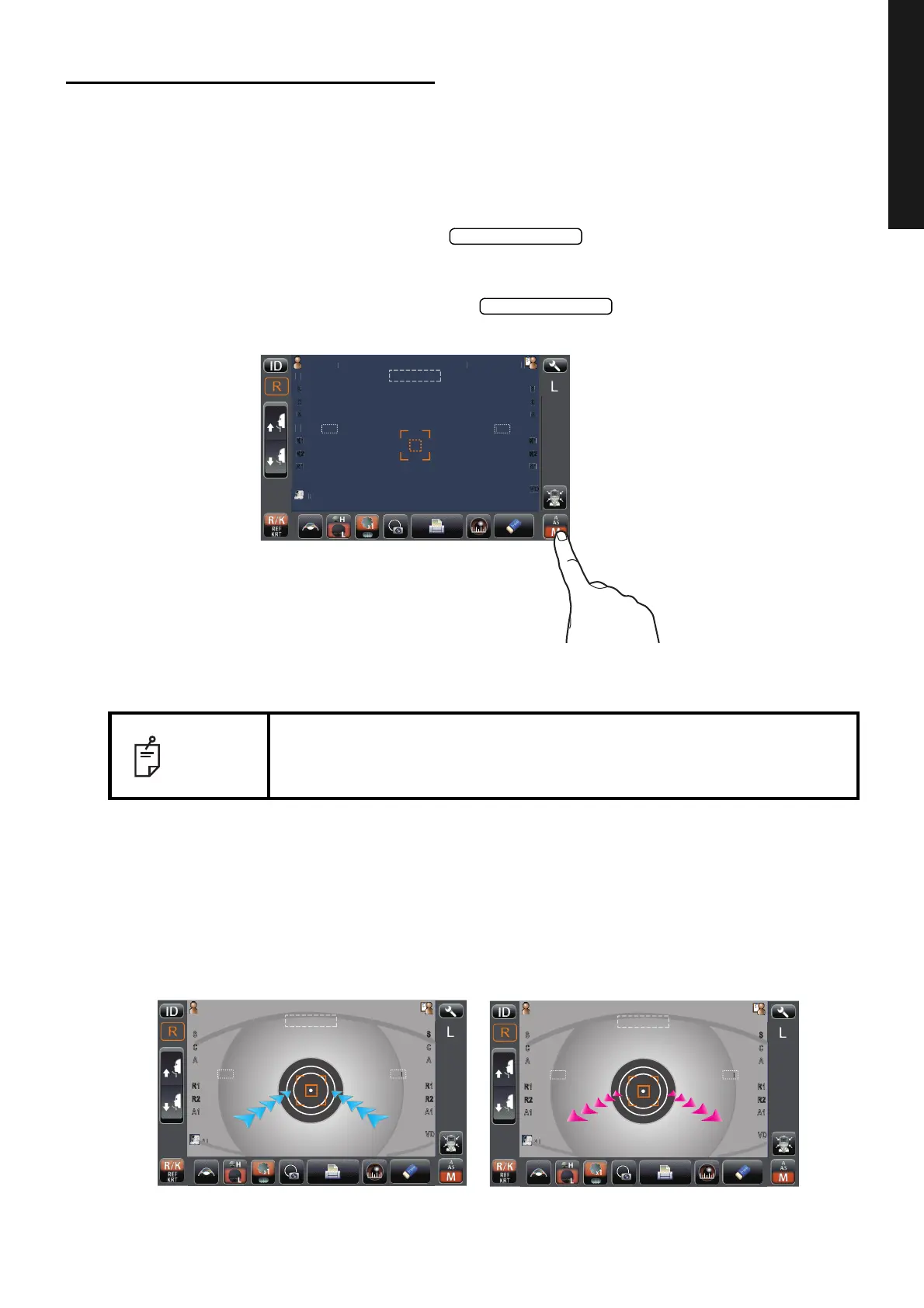
SETTING THE MANUAL MODE
1 If the large sign "M" is displayed in the button with orange background, it is
in Manual mode.
2 If the large sign "M" is not displayed in the button with orange background,
it is in other mode. Tap the button to change to Manual mode.
ALIGNMENT AND MEASUREMENT
1 Align to make the alignment dot within the alignment mark as same manner of 1 at "ALIGN-
MENT AND MEASUREMENT" (page 30) in Auto shoot mode, until the Z alignment arrows
appear.
2 Move the measuring head to the direction of the arrows indicated by operating the control
lever. The number of arrows is reduced accordingly as the measurable range comes closer.
NOTE
If the pupil is not displayed on the control panel, move the measuring head,
checking the eye height mark on the measurement window as a guide (see
page 24).
P
tientI
PatientID
0
0
0
0
12.
12.
0
0
0
0
T
PC
N
TAR
P
tientI
PatientID
0
0
0
0
12.
12.
0
0
0
0
R
R
T
PC
N
TAR
P
tientI
PatientID
0
0
12.
12.
0
0
0
0
R
R
T
PC
N
TAR



 To Next Page