34
BASIC OPERATIONS
BASIC OPERATIONS
MEASUREMENT IN MANUAL MODE
3 The alignment mark turns green at the position which the cyan (blue) or magenta (red purple)
Z alignment arrows reach minimum. When "ALIGNMENT OK" is displayed, push the
.
4 The measurement is carried out automatically and the measurement value is displayed on the
control panel.
5 After one eye measuring is finished, pull the control lever forward once, and then slide to the
crosswise direction to switch the measured eye. Repeat the same procedure to measure the
other eye of the patient in sequence.
DISPLAYING MEASUREMENT VALUES
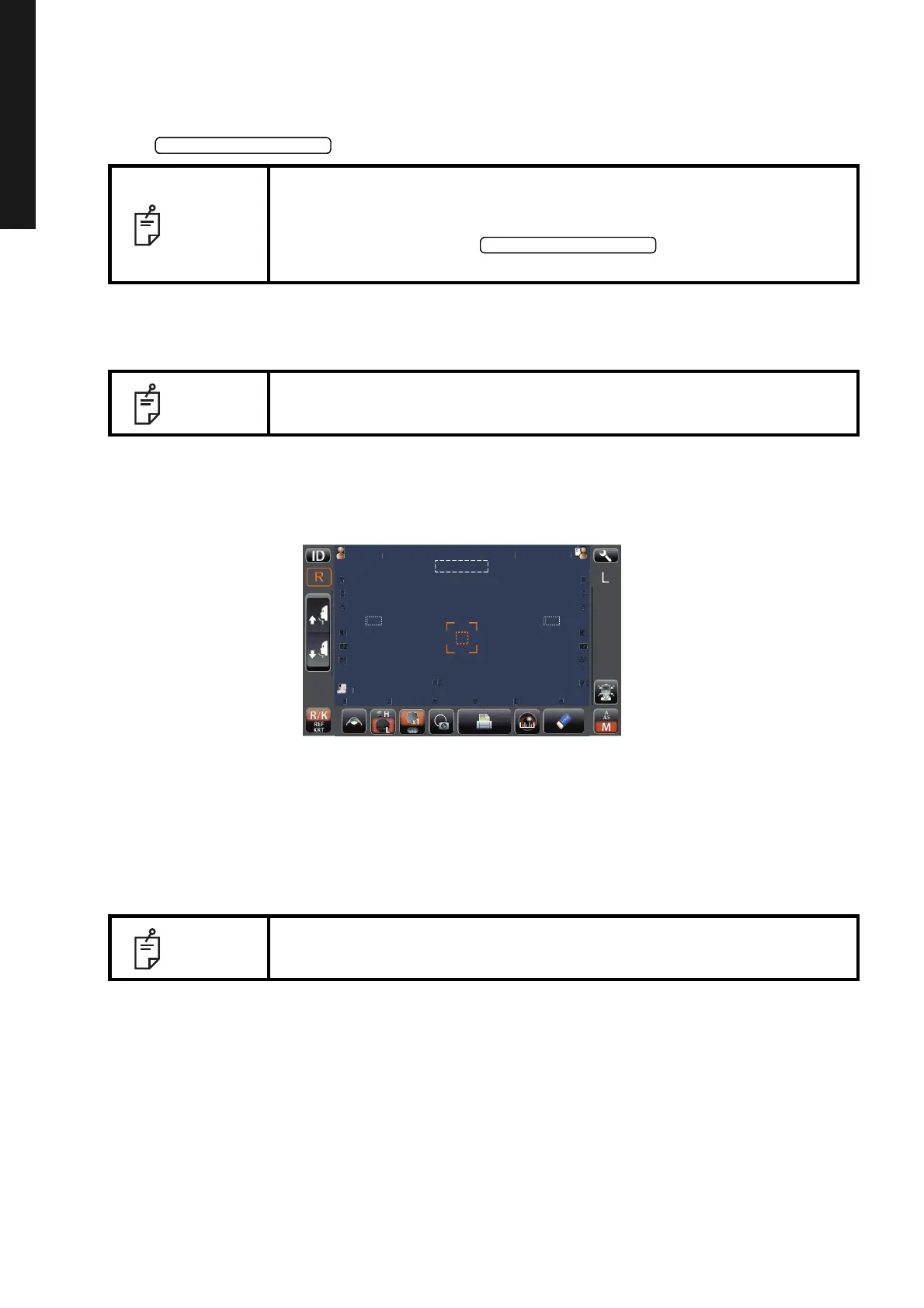
Data of the latest measurement are displayed on the control panel screen.
Figures only: Measurement was done correctly.
ERROR: Measurement was not done correctly.
NOTE
• Do not allow the eyelash and eyelid to cover the outer alignment mark to
ensure stable measurement.
• Even if fine alignment has not been achieved, measurement can be per-
formed by pressing the . To ensure correct mea-
surement, try to get fine alignment.
NOTE
If the machine is moved before measurement values are displayed, it may
cause incorrect measurement result.
NOTE
For explanation of the messages on the control panel screen, refer to
"MESSAGE LIST" on page 58.
P
tie
Pat
ientID
33
33
3
3
-1.25
-1.25
-.5
-.5
18
18
7.8
7.8
7.8
7.8
12.
12.
-1.25
-1.25
-.5
-.5
18
18
18
18
3
3
3
3
-1.25
-1.25
-1.25
-1.25
-.5
-.5
-.5
-.5
7.8
7.8
7.75
7.75
18
18
18
18
18
18
TOPCONTAROU



 To Next Page