36
BASIC OPERATIONS
BASIC OPERATIONS
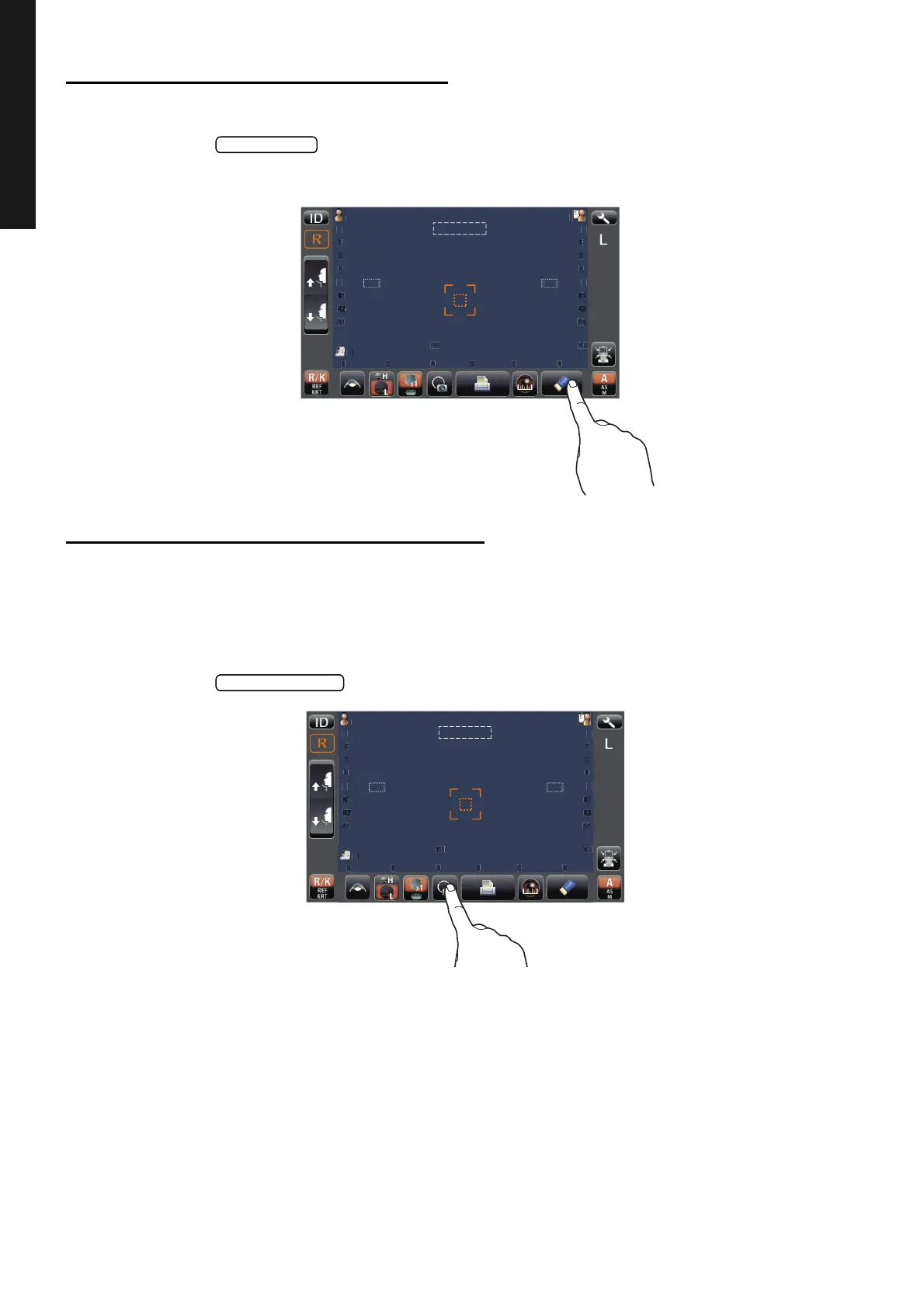
CLEARING MEASUREMENT VALUES
CLEARING MEASUREMENT VALUES
1 Tap the button on the control panel.
All measurement values of both eyes are cleared.
DISPLAYING ALL MEASUREMENT DATA
Normally the latest measurement is displayed, but it is possible to display and confirm all measure-
ment data.
Measurement data chooses and displays "REF data" and "KRT data ."
1 Tap the button of the control panel.
P
tie
PatientID
3/3
3/3
3/3
3/3
-1.25
-1.25
-.5
-.5
18
18
7.8
7.8
7.8
7.8
12.
12.
-1.25
-1.25
-.5
-.5
18
18
18
18
3/3
3/3
3/3
3/3
-1.25
-1.25
-1.25
-1.25
-.5
-.5
-.5
-.5
7.8
7.8
7.75
7.75
18
18
18
18
18
18
T
PC
N
TAR
U
P
tie
PatientID
3/3
3/3
3/3
3/3
-1.25
-1.25
-.5
-.5
18
18
7.8
7.8
7.8
7.8
12.
12.
-1.25
-1.25
-.5
-.5
18
18
18
18
3/3
3/3
3/3
3/3
-1.25
-1.25
-1.25
-1.25
-.5
-.5
-.5
-.5
7.8
7.8
7.75
7.75
18
18
18
18
18
18
T
PC
N
TAR
U



 To Next Page