41
OPTIONAL OPERATIONS
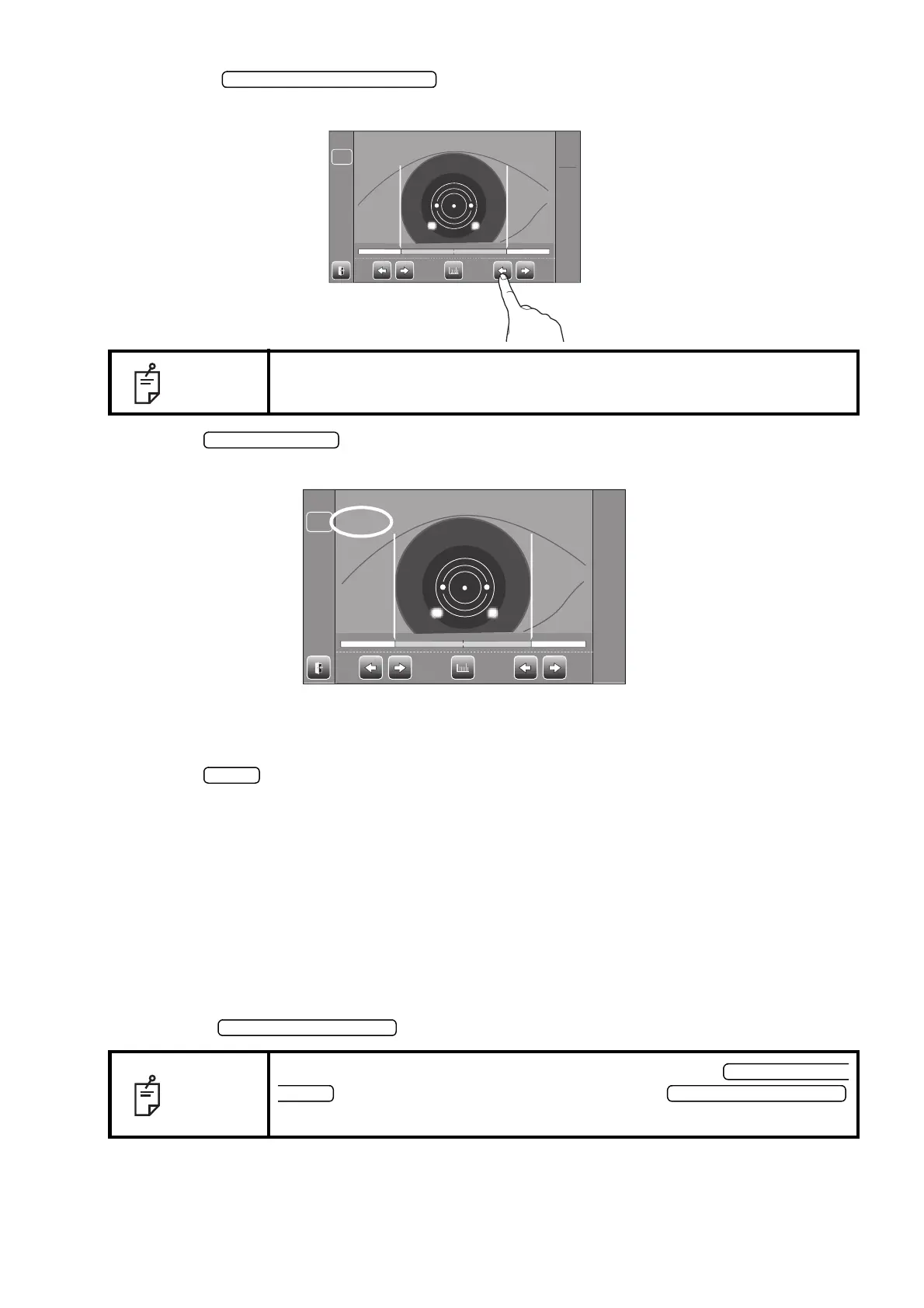
5 Using the button (R), move the right positioning bar to the right
end of the iris from the control panel side.
6 Tap the button.
7 The cornea diameter is displayed.
8 Move the measuring head to the other eye measurement position.
In like manner, measure the other eye.
9 Tap the button and return to the Measurement screen.
MEASUREMENT ON THE STILL IMAGE
When KRT measurement values are available, the still image of the measurement is displayed.
1 Follow steps 1 to 3 of "MEASUREMENT ON THE ACTUAL IMAGE" and display the cornea
image at the screen center.
2 Press the to display the saved image.
NOTE
By tapping the positioning bar R/L balance display, positioning bar can be
moved.
NOTE
If you are required to get the still image again, press the
to return to actual image, and press the
again.
R:0.00R : 0 . 0 0 L:0.00L : 0 . 0 0
LR
R:9.50R : 9. 50 L:0.00L : 0. 00
LR



 To Next Page