42
OPTIONAL OPERATIONS
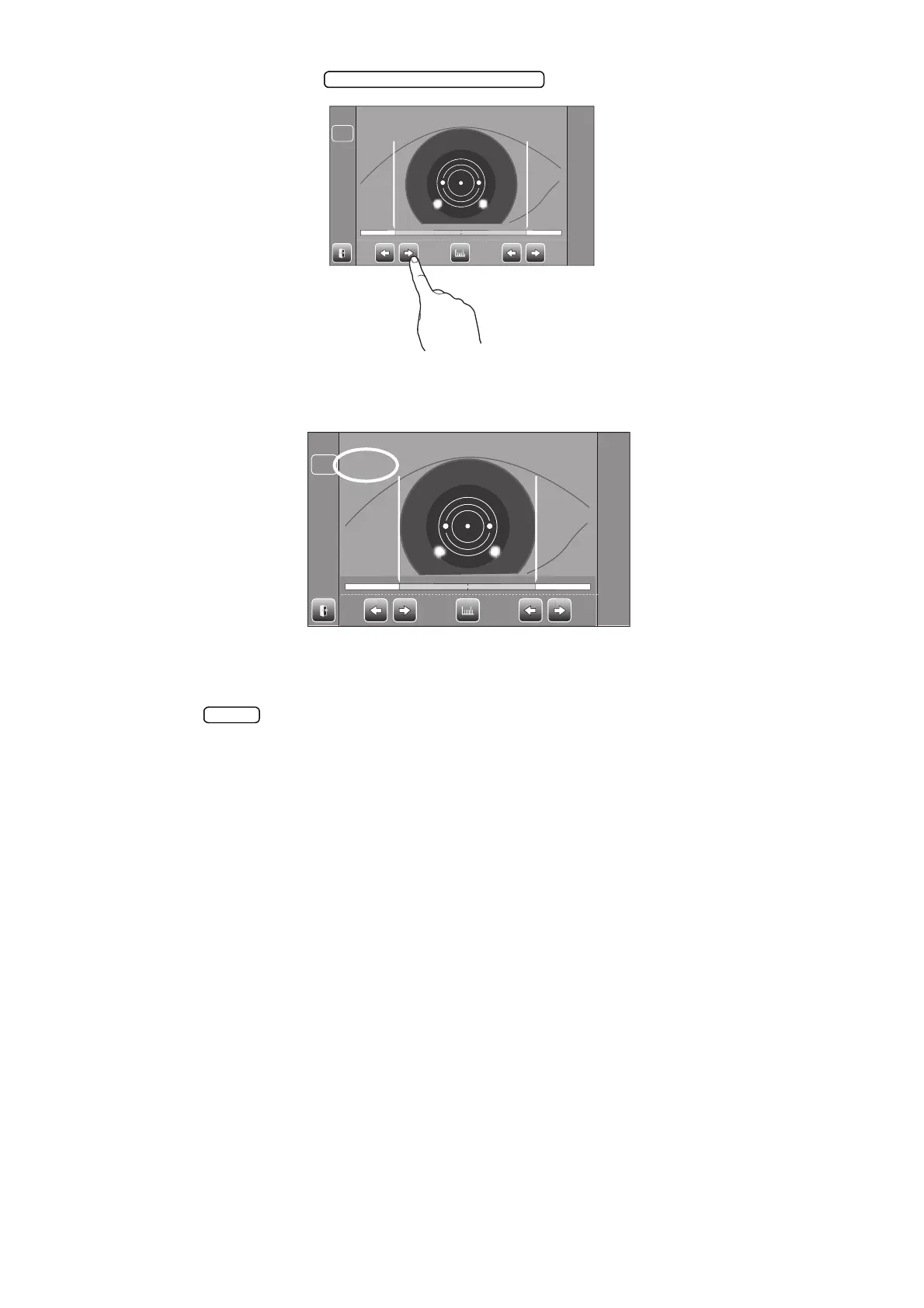
3 Tap either of the (R)/(L) buttons and move the positioning bar.
4 Follow steps 4 to 6 of "MEASUREMENT ON THE ACTUAL IMAGE."
5 The cornea diameter is displayed.
6 Move the measuring head to the other eye measurement position.
In like manner, measure the other eye.
7 Tap the button and return to the Measurement screen.
R:0.00
L:
0.00
LR
R:0.00R : 0. 00 L:0.00L : 0. 00
LR



 To Next Page