Machine Calibration
X63/X62 Installation and Calibration Manual
3-22
Multiple Bucket Calibration
If a using a quick change coupler to switch buckets, the geometry
difference between buckets must be determined. Once loaded into
3DMC, the bucket can be quickly selected on the fly. When
calibrating multiple buckets, you must perform the vertical and flat
bucket calibrations for each bucket.
1. In 3DMC, tap Topcon LogoControlMachine setup. Select
the applicable machine file for the job and press Edit.
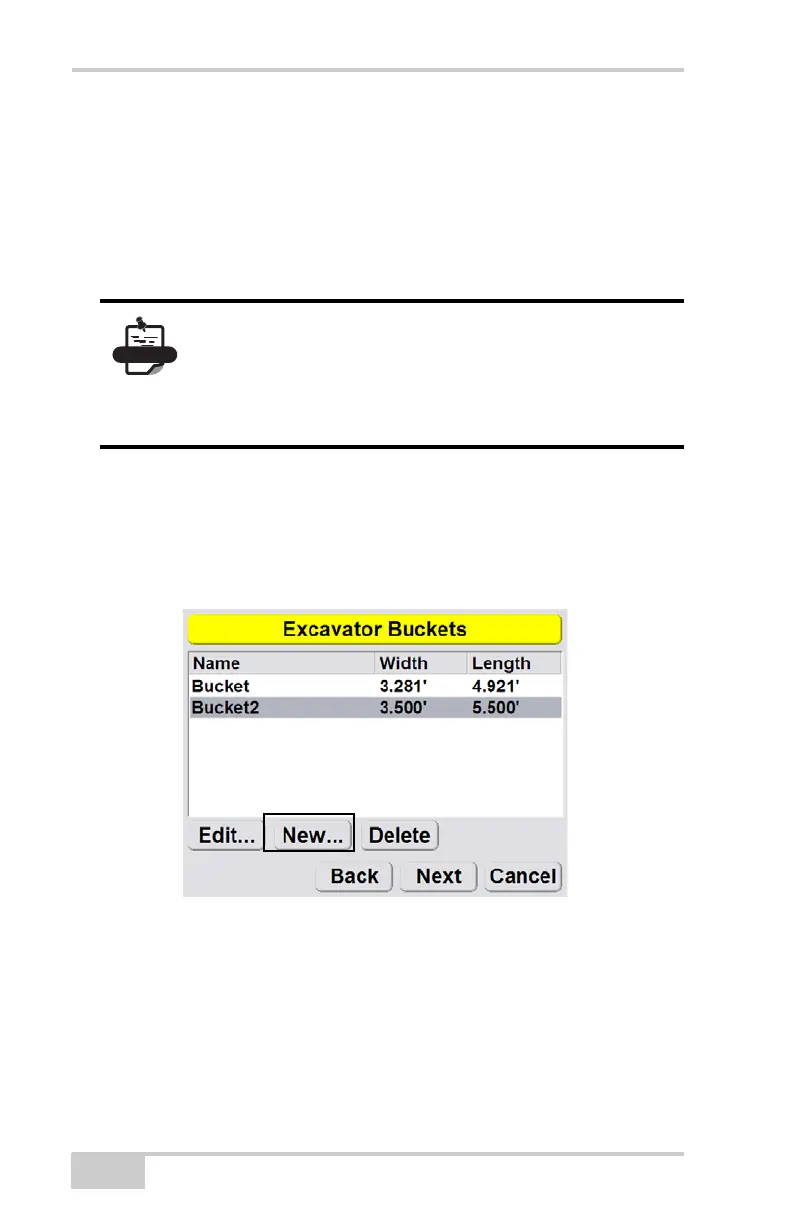
2. Press Next to navigate to the Excavator Buckets screen
(Figure 3-21). Press New.
Figure 3-21. Add New Bucket
When using a quick coupler, only the geometry
difference between buckets must be calculated. The
calibration process as seen in “Bucket Sensor
Calibration” on page 3-18 will remain the same for
the sensor.



 To Next Page