Verifying X63/X62 Setup
X63/X62 Installation and Calibration Manual
4-2
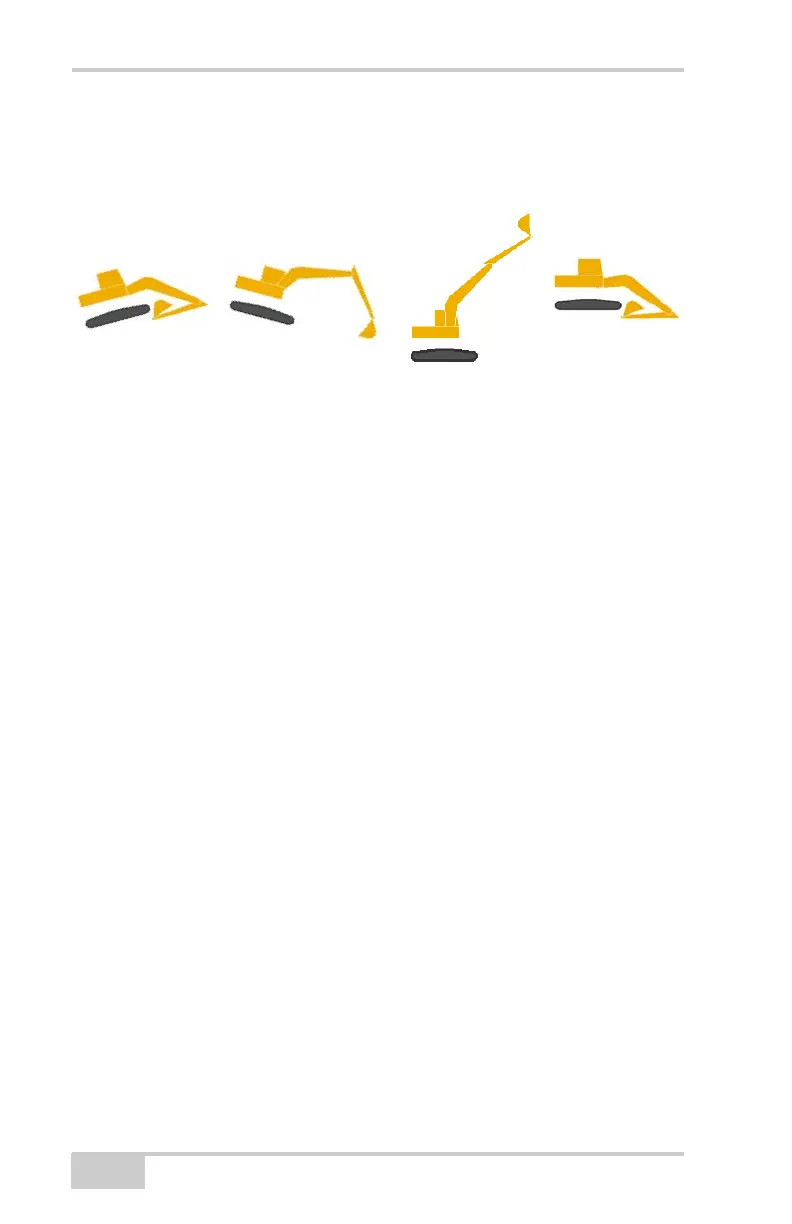
• For the Boom, Stick and Bucket, slowly move each through as
much of the full range of motion as practical. Verify the same
movement on the 3DMC screen.
Figure 4-1. Verify Range of Motion in 3DMC
If a full range of motion does not occur for the machine image, check
the following:
• The correct sensor has been selected for each machine element in
3DMC.
• The correct orientation has been selected.
• The sensor calibration is correct.
• A sensor has not been selected for more that one location.
• Each sensor is operational.
Navigate to each sensor’s calibration screen and check that Pitch
and Roll values are present and change with the machine’s
movement. If the values are blank, that sensor is not reporting
values: either the sensor has not yet been found by the GX-60, or
the sensor is not functional.
Verifying Elevation Accuracy
To easily verify elevation accuracy (without GPS fluctuations), use
the 3DMC simulator mode. When done, and before performing other
function, be sure to close 3DMC and leave simulator mode.
1. Start 3DMC.



 To Next Page