Calibrating the Sensors
P/N 7010-0697
3-31
Tilt Bucket Calibration
1. In 3DMC, tap Topcon LogoControlMachine setup. Select
the applicable machine file for the job and press Edit.
2. Press Next to navigate to the Excavator Buckets screen
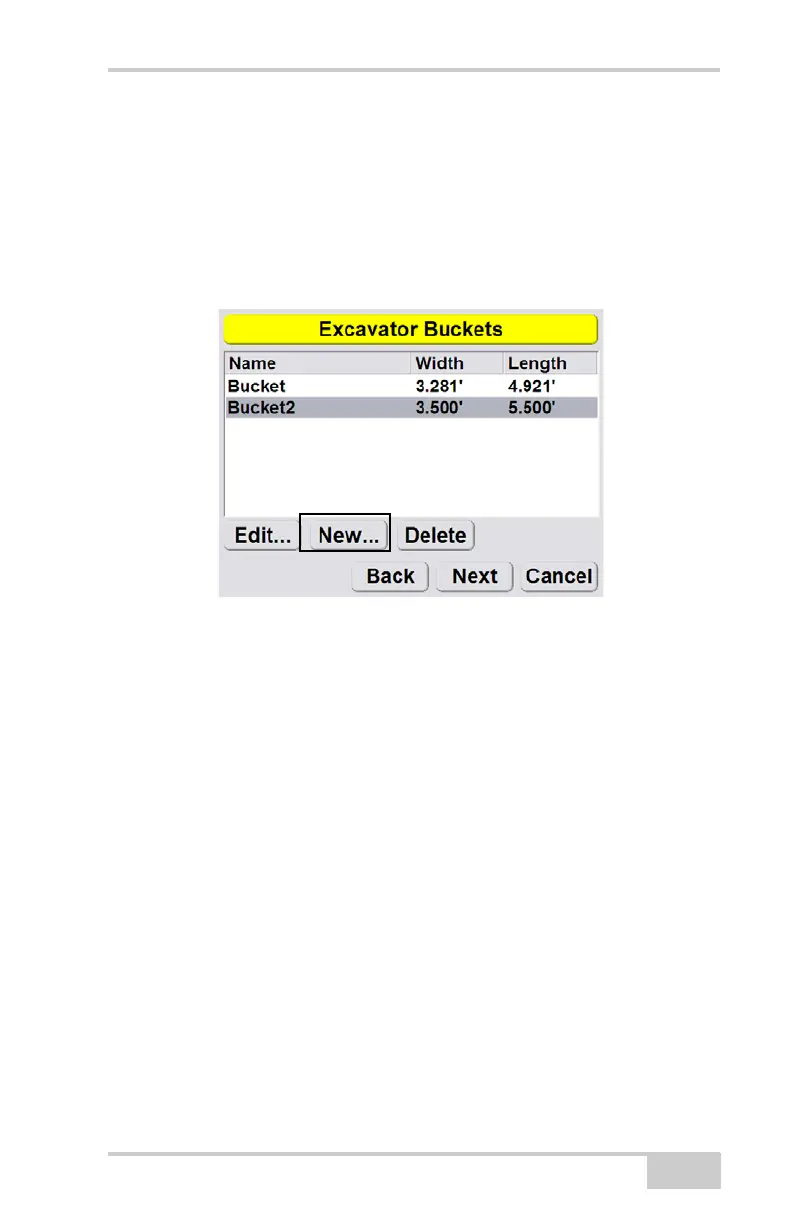
(Figure 3-21). Press New.
Figure 3-31. Add New Bucket
3. Enter the bucket Width and Length. Select the Tilt bucket check
box (Figure 3-32 on page 3-32).



 To Next Page