LS-B10W Calibration
P/N 7010-0697
5-3
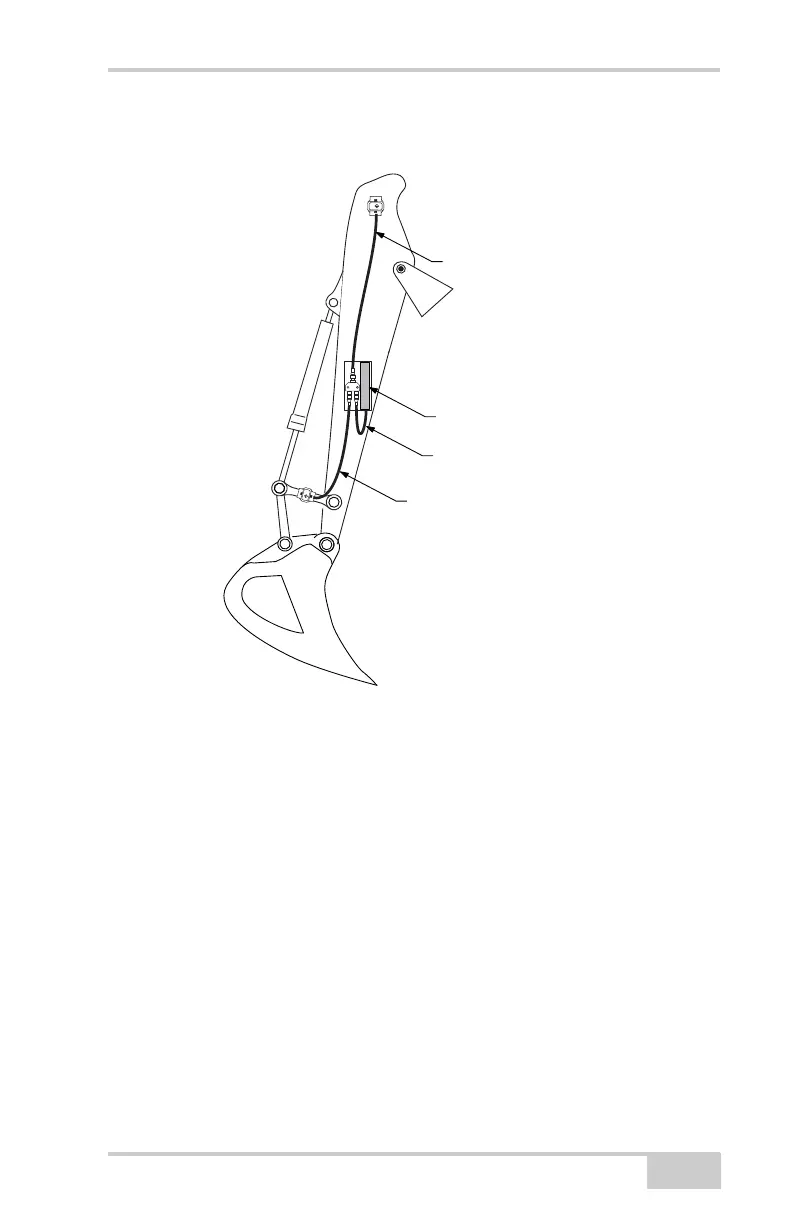
4. Route the cables as shown in (Figure 5-2).
Figure 5-2. LS-B10W Cable Routing
LS-B10W Calibration
To calibrate the LS-B10W Laser Receiver, determine the position of
the receiver on the stick. After calibrating the sensor, 3DMC will
determine the angle of the LS-B10W to the stick center line.
1. Position the machine on a stable surface free of obstructions and
rotate the body to 0.0° roll.
2. Orient the stick so that the LS-B10W is positioned vertically.
3. In 3DMC, tap Topcon LogoControlMachine setup. Select
the applicable machine file for the job and press Edit. Press Next
to navigate to the Laser Receiver (LSB10W) screen.
LS-B10W Laser Receiver
LS-B10W Cable
Bucket Sensor Cable
Stick Sensor Cable



 To Next Page