Machine Calibration
X63/X62 Installation and Calibration Manual
3-18
Bucket Sensor Calibration
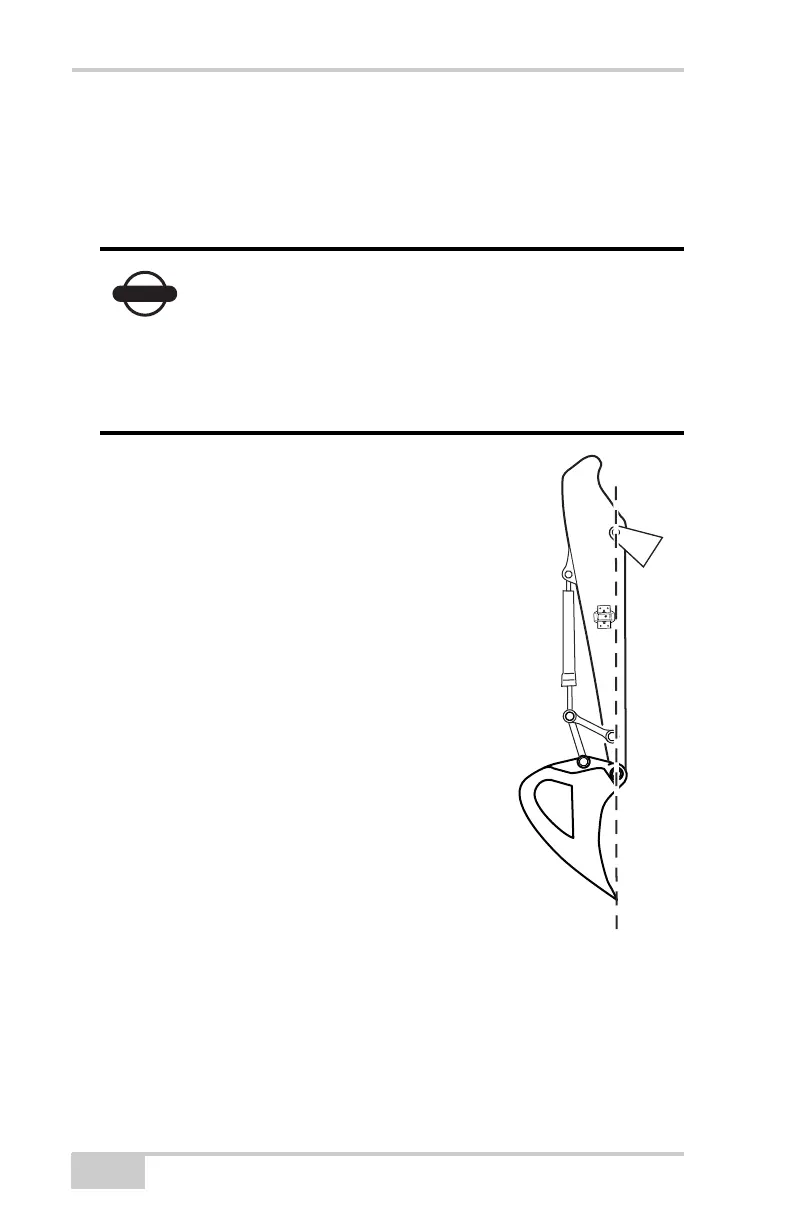
The bucket sensor calibration requires both the pitch and the roll
calibration. When performing the bucket sensor calibration, position
the bucket at zero degrees.
1. Align the boom-stick pivot and the bucket
teeth.
2. In 3DMC, tap Topcon LogoControl
Machine setup, select the applicable
machine file for the job, and press Edit.
3. Press Next to navigate to the Bucket
Sensor Mounting screen.
4. Tap the Wrench icon for the bucket
sensor (Figure 3-17 on page 3-19).
5. Set the Pitch to -90.0°, and press Ok
(Figure 3-17 on page 3-19).
If the bucket sensor is mounted on the dog-bone,
please skip to “Dog-bone Sensor Calibration” on
page 3-26.
If using a tilt bucket sensor, please skip to “Tilt
Bucket Calibration” on page 3-31.



 To Next Page