LS-B10W Test
P/N 7010-0697
5-5
LS-B10W Test
Performing a LS-B10W laser receiver test verifies the accuracy of the
laser receiver on the machine. The Zero to Laser function becomes
active in 3DMC when the laser receiver receives a laser signal.
1. Start 3DMC.
2. Set up a laser in front of the machine as a reference for the
LS-B10W.
3. Set up a string line or second laser as a reference to verify the
position of the bucket teeth.
4. Measure the offset between the LS-B10W reference laser and the
bucket teeth reference laser (e.g. 1.58m).
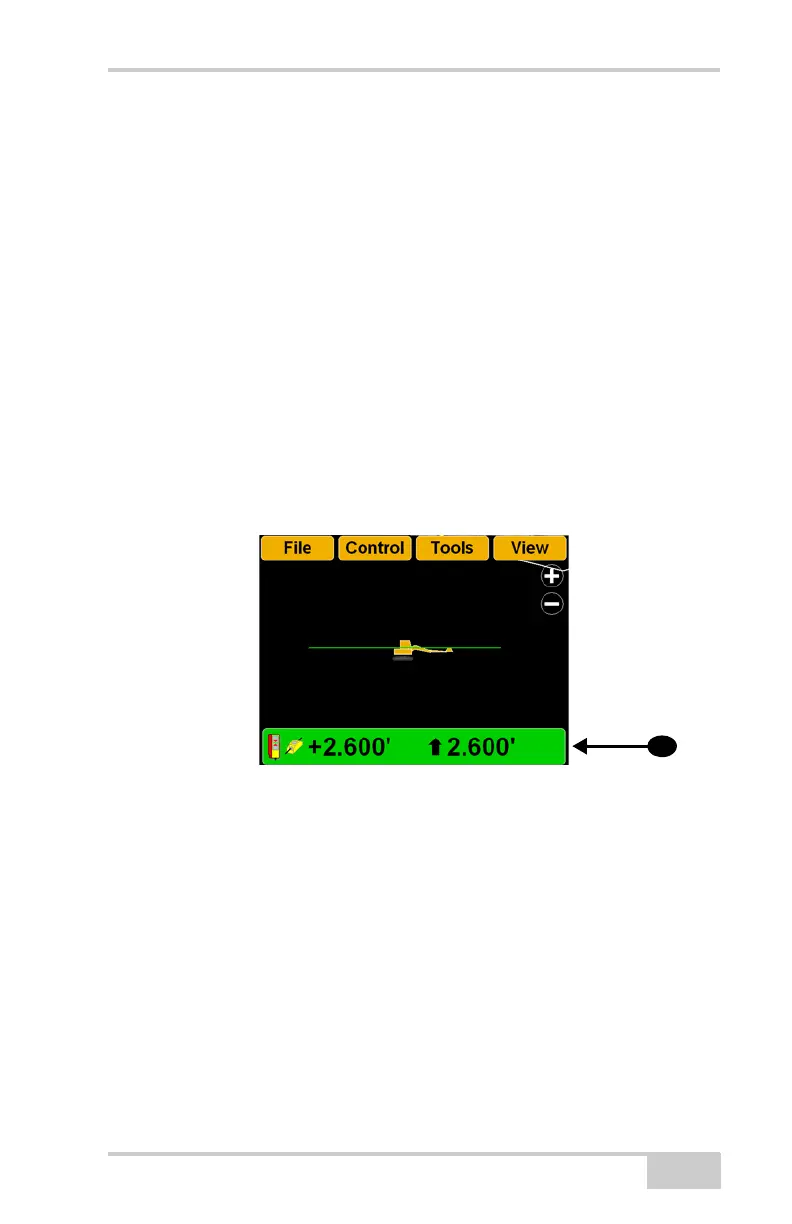
5. Press the Elevation Control Key.
Figure 5-4. Press Elevation Control Key
6. Enter the offset measurement as the Elevation set point in the
Adjust Elevation control screen (Figure 5-5 on page 5-6).



 To Next Page