Operational Procedures
43-06955 - Rev Q Page 29
Loading Paper
The Epic 430 printer uses a continuous roll of POS or Lottery grade thermal
paper, with specifications outlined in the chapter
Epic 430TM Specifications
and Requirements
.
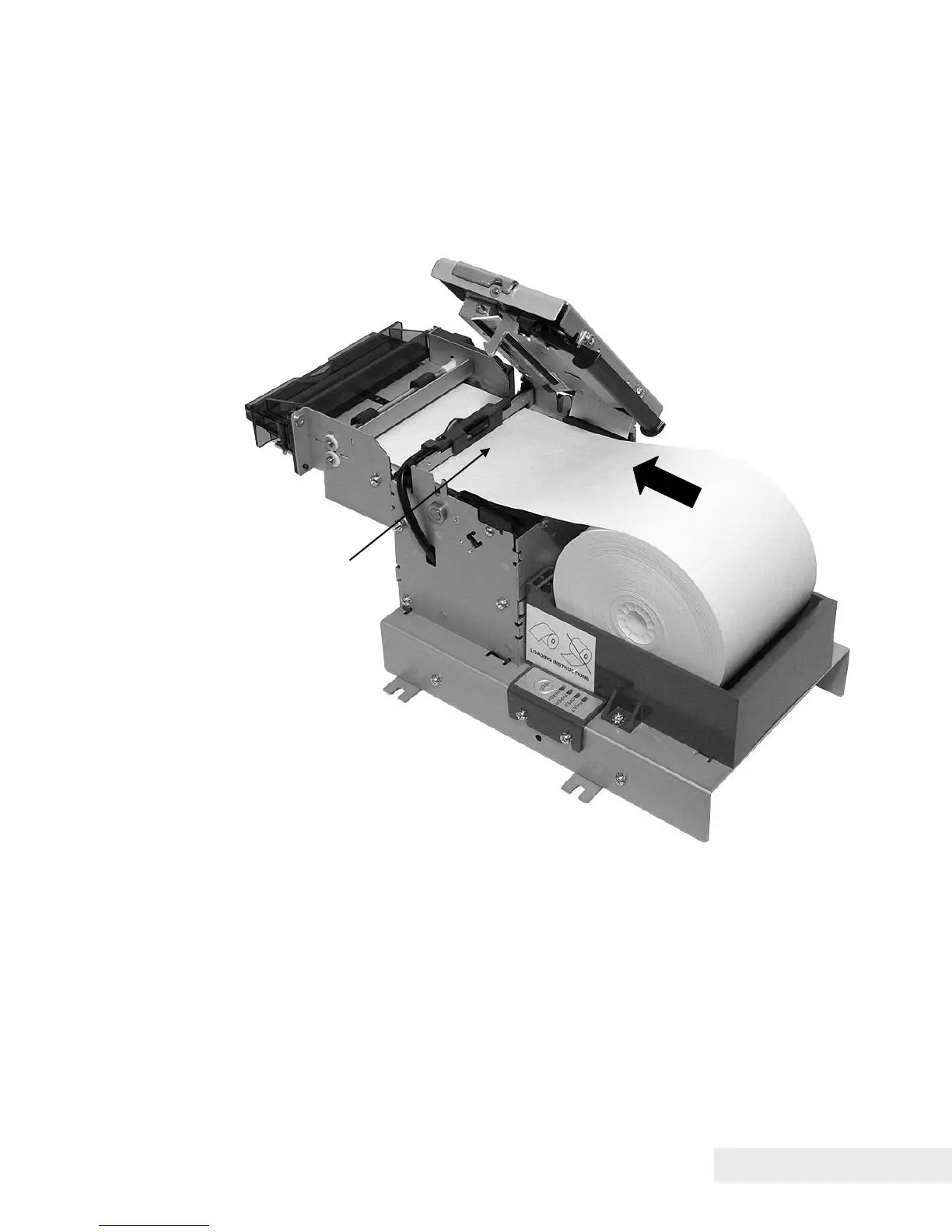
Figure 6. Loading a Paper Roll.
Instructions for loading the paper are as follows:
1. Open the top cover of the printer by pressing the button on the top cover.
2. Place a roll of new paper in the paper holder as shown in the figure.
3. Thread the free end of the paper through the knife assembly opening as
shown.
4. Push the end of the paper towards the transport rollers.



 To Next Page