Assembly and Disassembly
43-06955 - Rev Q Page 51
Precautions for Disassembly
Before disassembling any part of the printer, be sure the power is turned off.
The Controller Board and the Thermal Print Head can be damaged by static
electricity. Observe proper ESD precautions: wear a grounded wrist strap, and
use a static mat or other protected work surface.
Necessary Tools
The following tools are required to disassemble the Epic 430
TM
printer:
#1 Phillips screwdriver
5.5mm nut driver or wrench
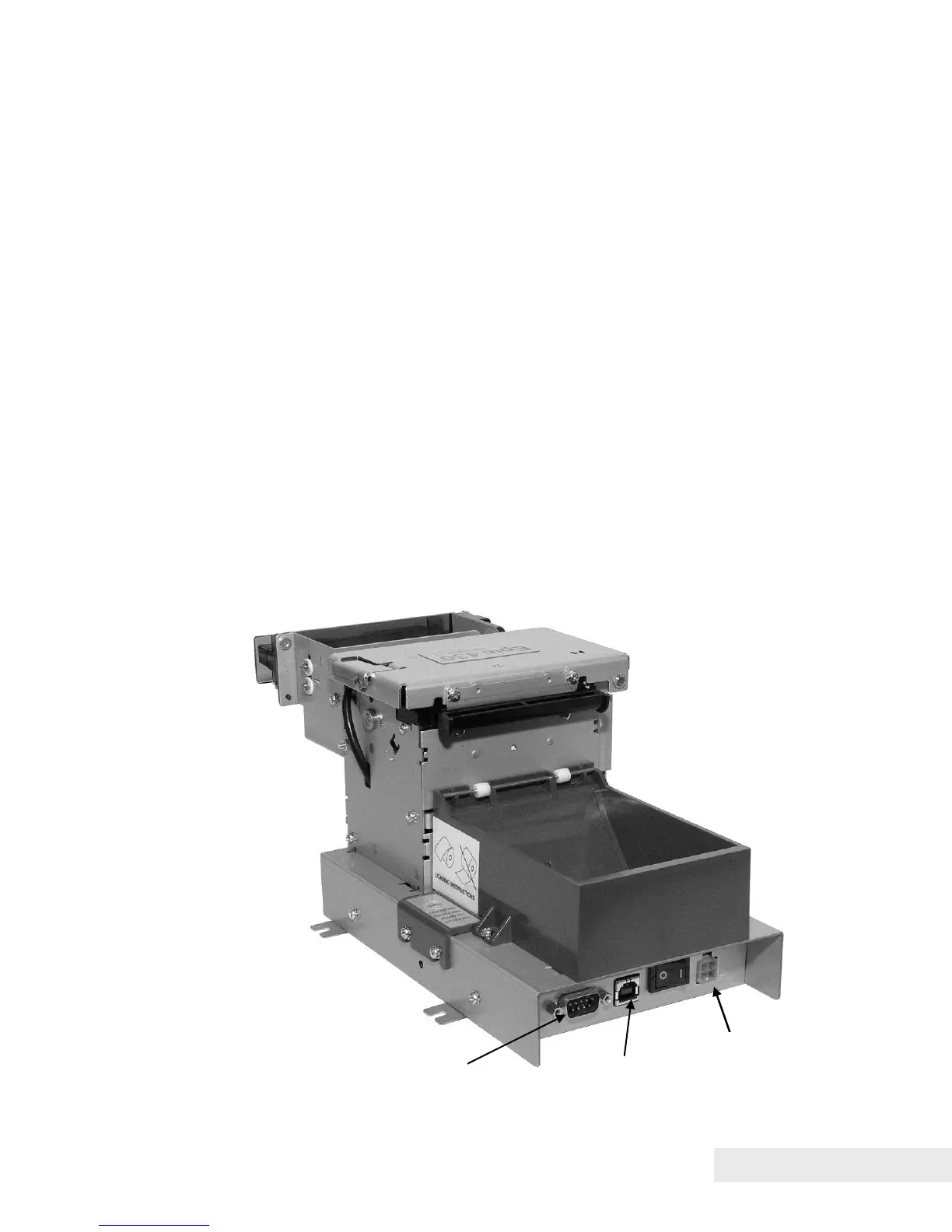
Disconnecting the Power and Communications Cables
Turn off printer using switch on rear of base.
Unplug the power cord from the power connector located at the rear of the
printer.
If a serial communications cable is used, unscrew and gently pull the cable
away from the RS-232 port shown.
If a USB communications cable is used, detach the cable from the USB
port shown.
Figure 13. Power and Communications Cable Connections.



 To Next Page