Assembly and Disassembly
43-06955 - Rev Q Page 65
Assembling Main Printer Components
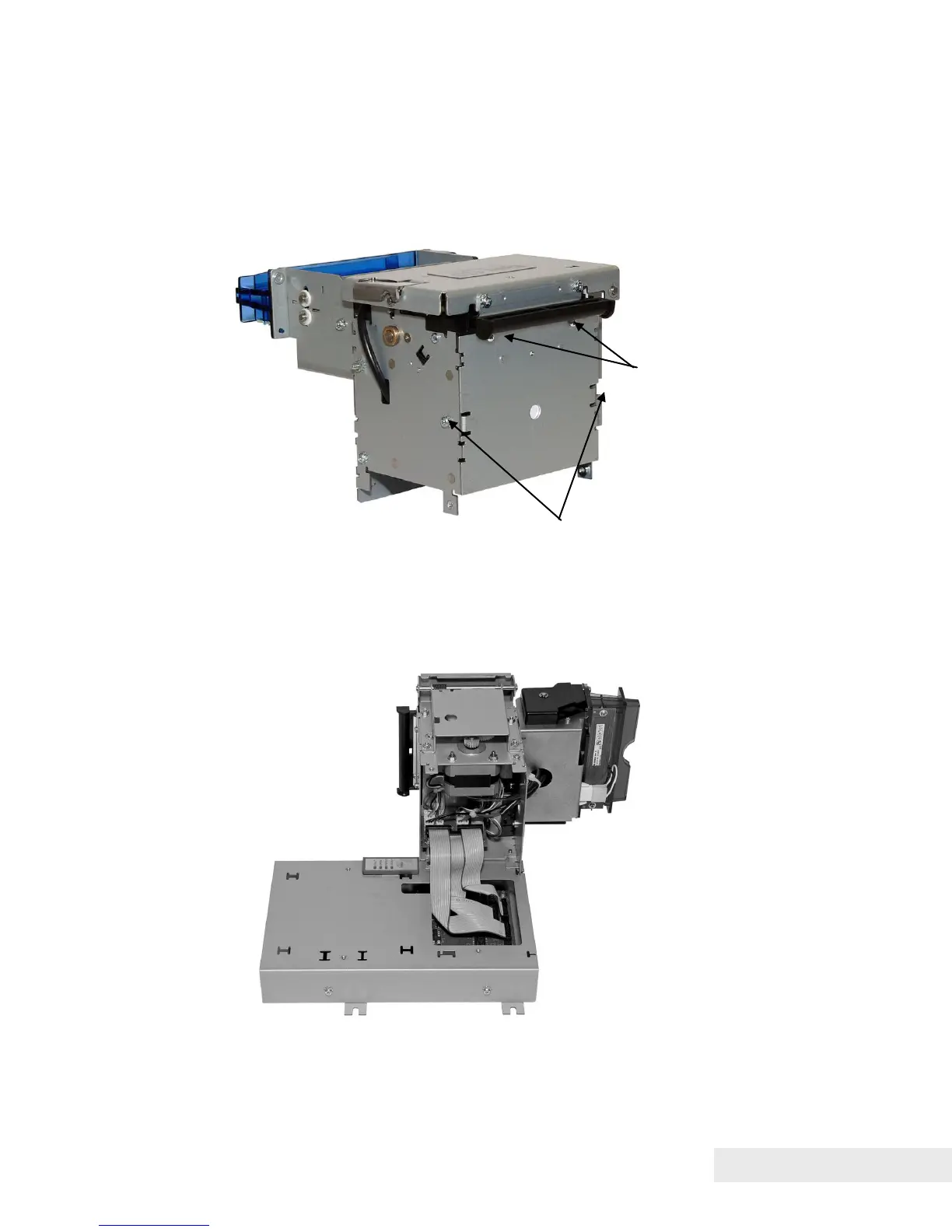
Figure 30. Attaching Rear Plate to Printer Mechanism
Fasten rear plate to printer mechanism using two M3 Sems screws and
two self-tapping plastic screws as shown.
Figure 31. Connect Umbilical Cables to Electronic Base PCB
Connect umbilical cables from printer mechanism to corresponding ports
on printed circuit board of electronics base assembly.



 To Next Page