EN
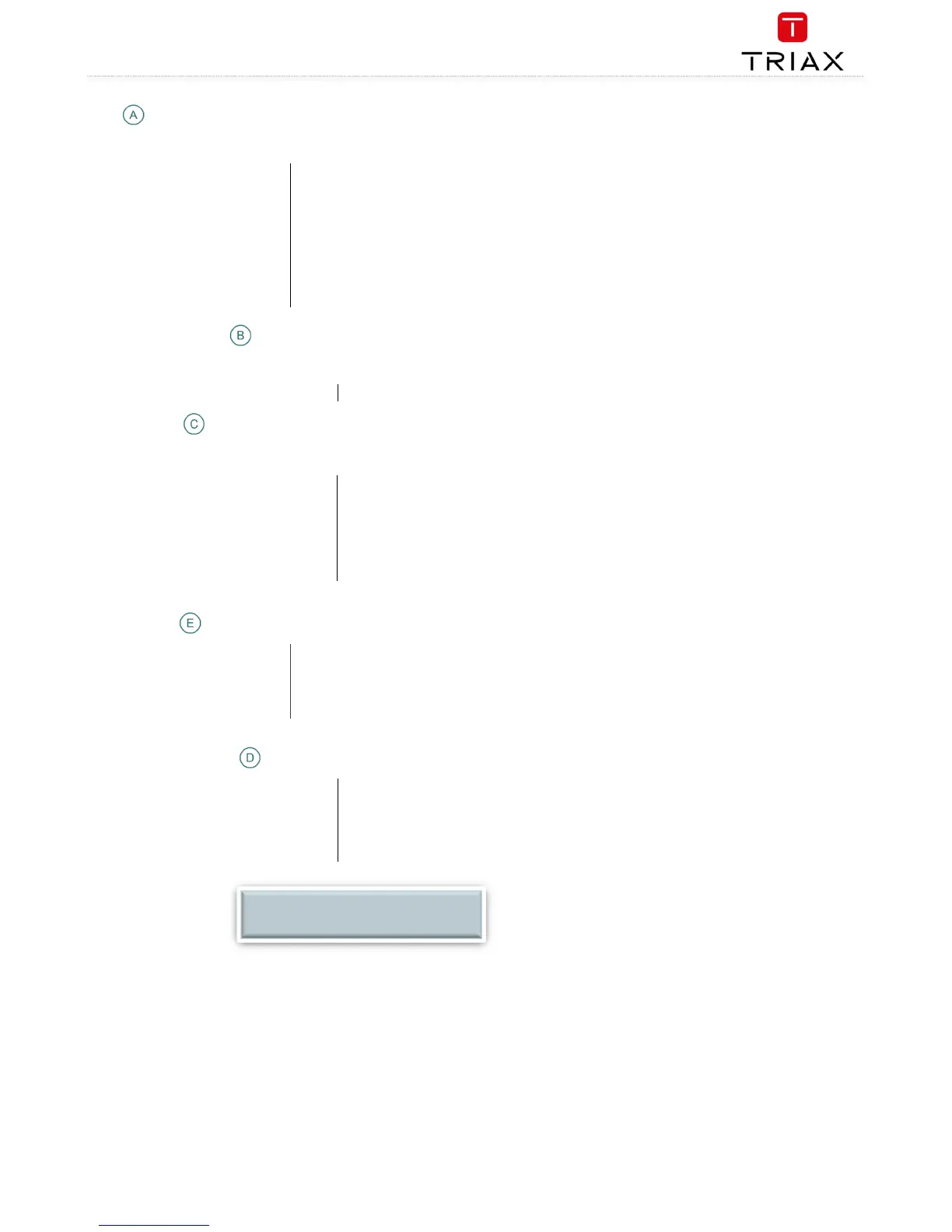
Tabs
Accesses the various tabs used to configure the headend’s input and output modules.
System
The service tool’s ‘home’ window. Provides system overview information and
configuration activation/control.
Input
Tab for configuring input modules and services.
CA Modules
Tab for configuring CI modules and CA cards. Refer to output module manuals for
information.
Output Network
Tab for configuring output modules and services.
Channel List
Tab for viewing available channels, refer to input module manuals for information.
Services
Tab for service overview with filter options
Communication circle
Indicates whether the service tool is communicating with the headend unit.
Circle is spinning
The service tool and headend are communicating.
System icons
Indicates whether the headend unit is functioning correctly.
Green
The headend unit is functioning correctly.
Red
The headend unit is NOT functioning correctly.
To get further information: press relevant button :
Main unit
Subunit 1
Subunit 2
Misc. buttons
Apply
Stores and applies the configuration settings.
Log In/Out
Service tool access control.
Admin
Opens the settings for service tool window, where language, location, time zone, and
initial IP addresses are specified.
Configuration buttons
Set active
Set the selected configuration active
New
Create a new default configuration
Delete
Delete the selected configuration
Load from TDX
Load new configuration from computer
Load to TDX
Load selected configuration to computer
Administration
NOTE:
Press checkmark to select configuration.


 To Next Page
 Loading...