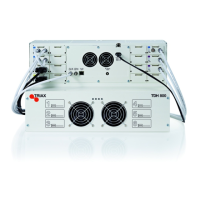
If data in the TDX needs to be deleted, then you need to format file
system in flash of the TDX.
Be aware: this operation DELETES ALL data in the TDX
– including License data !
1. Set rotary wheel to 6
2. Reboot TDX
3. Wait for the 4 front LED’s to blink red
4. Set wheel to 2
5. The 2nd diode should slowly blink green followed by rapid
blinking green after some seconds
6. Wait for diode to turn solid green
7. Set wheel back to original position
8. Reboot
If there is a S/W version mismatch inside the TDX system – then the
system will go into “Failsafe” mode. To get back into normal mode, a
S/W update has to be performed.
The Failsafe mode can also be forced – see description below:
1. Set rotary wheel to 6
2. Reboot TDX
3. Wait for the 4 front LEDS to blink red
4. Set wheel to 1
5. The 1 st diode should slowly blink followed by fast blinking
green
6. Wait for diode to turn solid green
7. Set wheel back to original position
8. Reboot
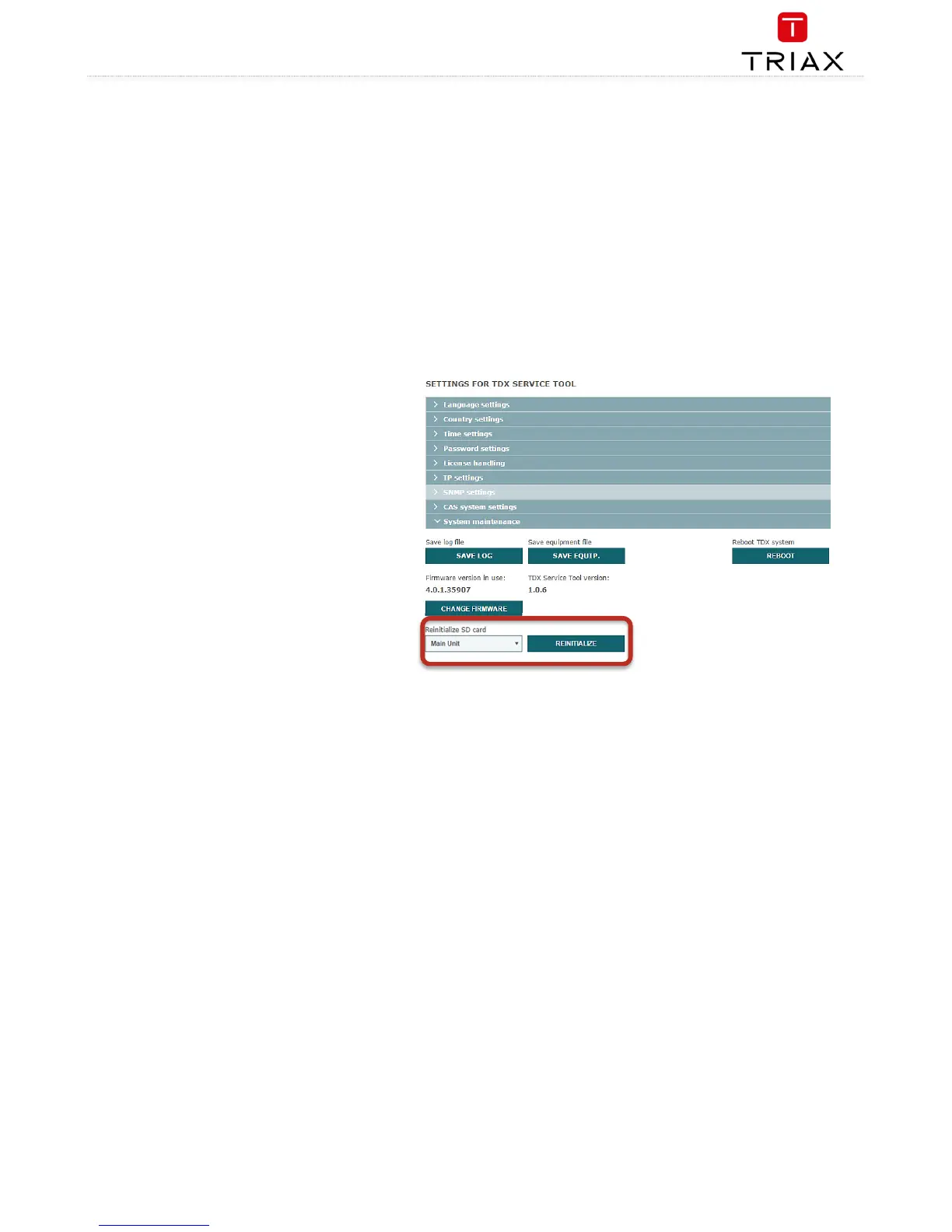
If the TDX system reports “SD card corrupt” then the SD
card needs to be reinitialized.
This can happen for the SD card in either the Main or
Subunit 1 or 2. (if your TDX system got Subunits)
Be aware: This function deletes ALL information stored in
the SD card.
The SD card stores NON critical data, (ie. logfiles and S/W
update packages).
Choose the unit in which the SD card needs to be
reinitialized.


 To Next Page
 Loading...