Page 84 of 110 Pages
Set the required value, move to Set and press UP or
DOWN keys to confirm the parameter value.
In order to exit move the cursor to Exit and press UP
or DOWN keys.
13.4.5 Sterilization
Sterilization Temperature
See 7.4.2.1 Sterilization Temperature
Sterilization Time
Repeat the action mentioned in 7.4.2.1 Sterilization
Temperature
13.4.6 Cooling
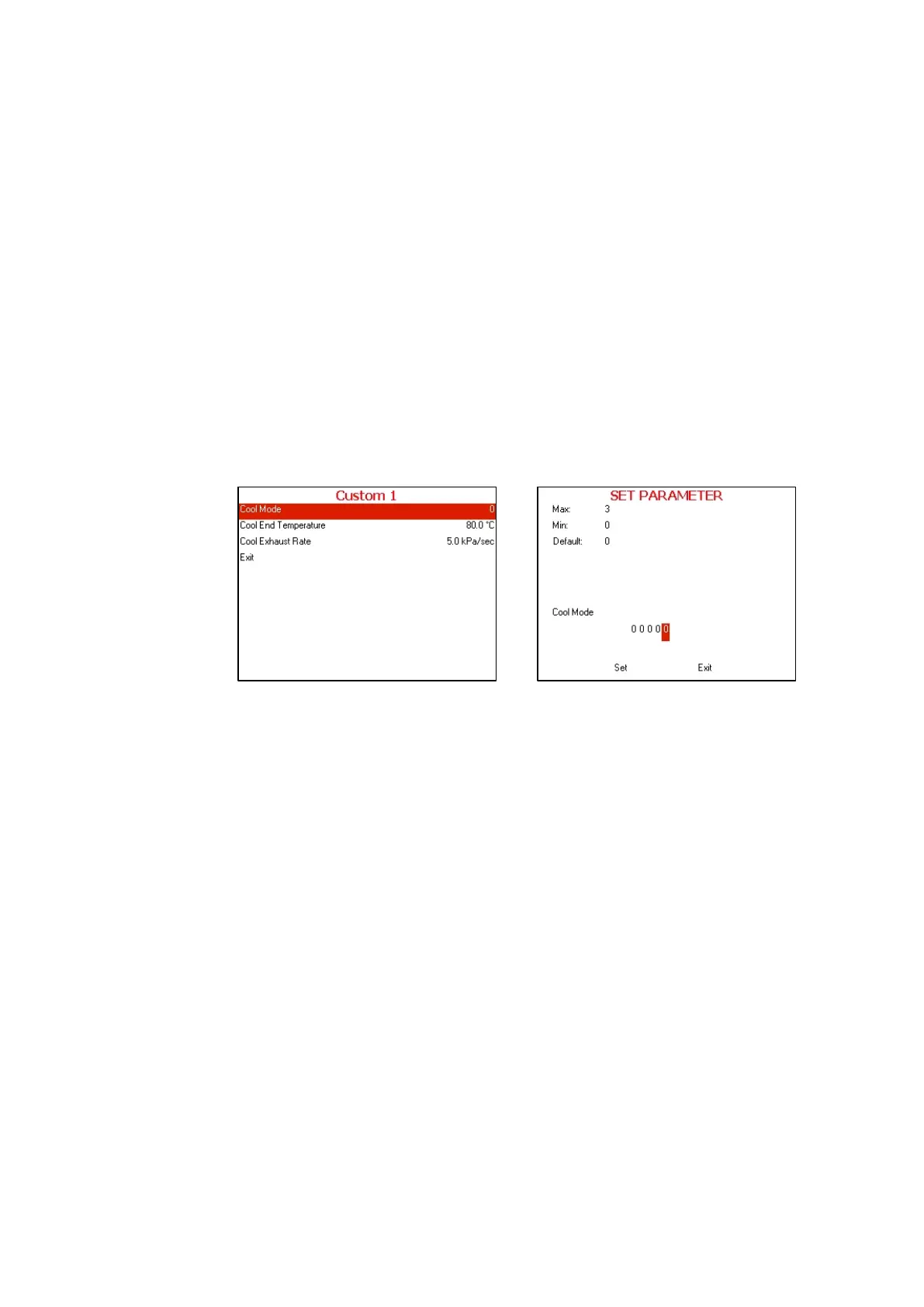
Cool Mode
Choose and enter Cool Mode
SET PARAMETER screen will be displayed
Set the required value, move to Set and press UP or
DOWN keys to confirm the parameter value.
In order to exit move the cursor to Exit and press UP
or DOWN keys
Cool End Temperature
Repeat the action mentioned in 7.4.4.1 Cool Mode
Cool Exhaust Rate
Repeat the action mentioned in 7.4.4.1 Cool Mode
13.4.7 Exhaust
Exhaust Mode







 To Next Page