Managing Access and Passwords
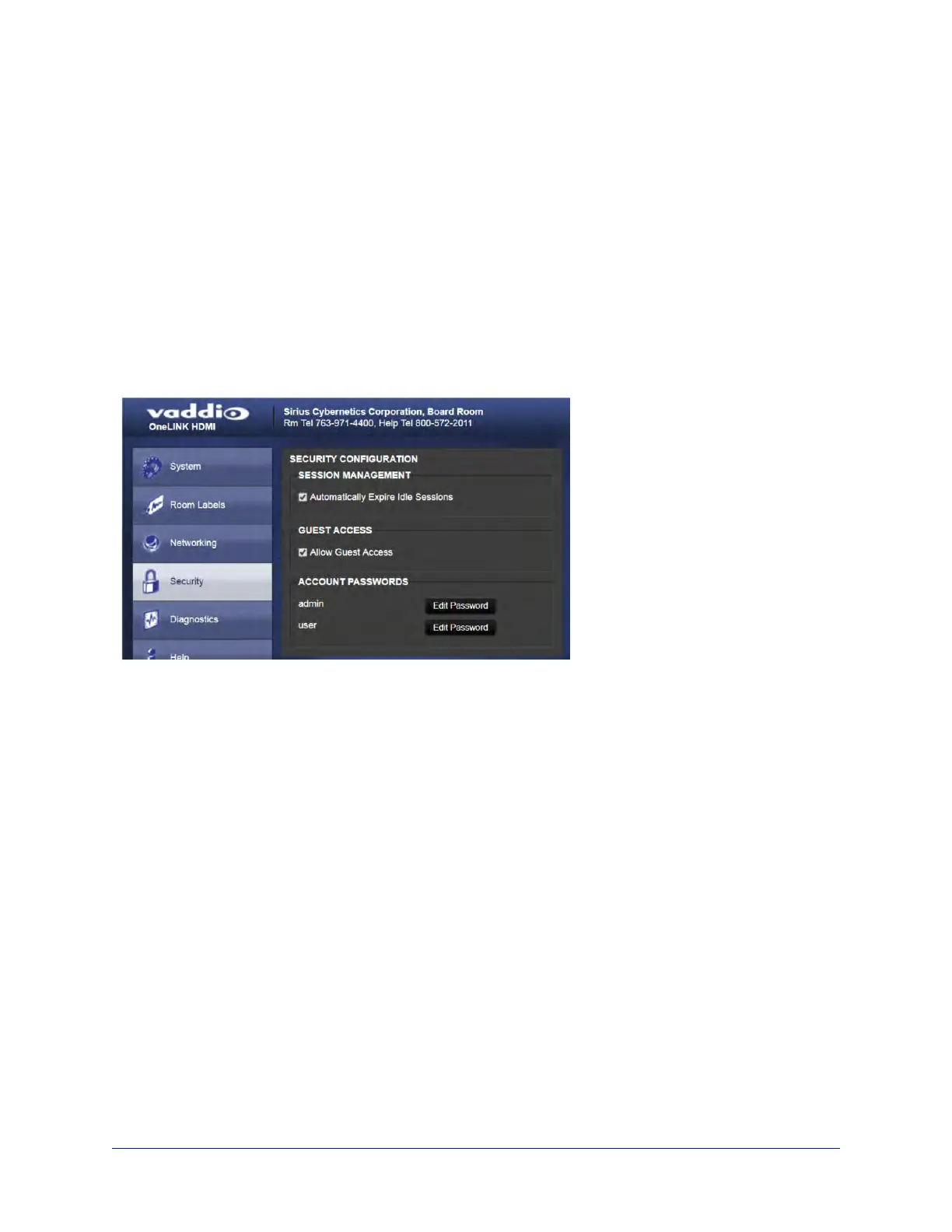
SECURITY PAGE
Things you can do on this screen:
n Allow people to view the Help screen without logging on (Allow Guest Access)
n Set whether inactive sessionslog off automatically or not
n Change the password for the admin account (default is password)
n Change the password for the user account (default is password)
Note
For best security, Vaddio strongly recommends changing passwords from the default. Using default
passwords leaves the product vulnerable to tampering.
Pro Tip
Make sure you have a way to remember the admin password. There is no hardware factory reset.
51
Integrator's Complete Guide to the OneLINK HDMI Camera Extension



 To Next Page