To export the current configuration:
Select Export Data. The configuration file downloads to your computer's default download location as a
.dat file. The filename is the device's hostname.
Note
You can import a configuration file from another OneLINK device; however, the configuration file can only
be imported to a device that is using the same version of firmware from which the file was exported. The
OneLINK device cannot import a configuration file that was exported from a different version of firmware.
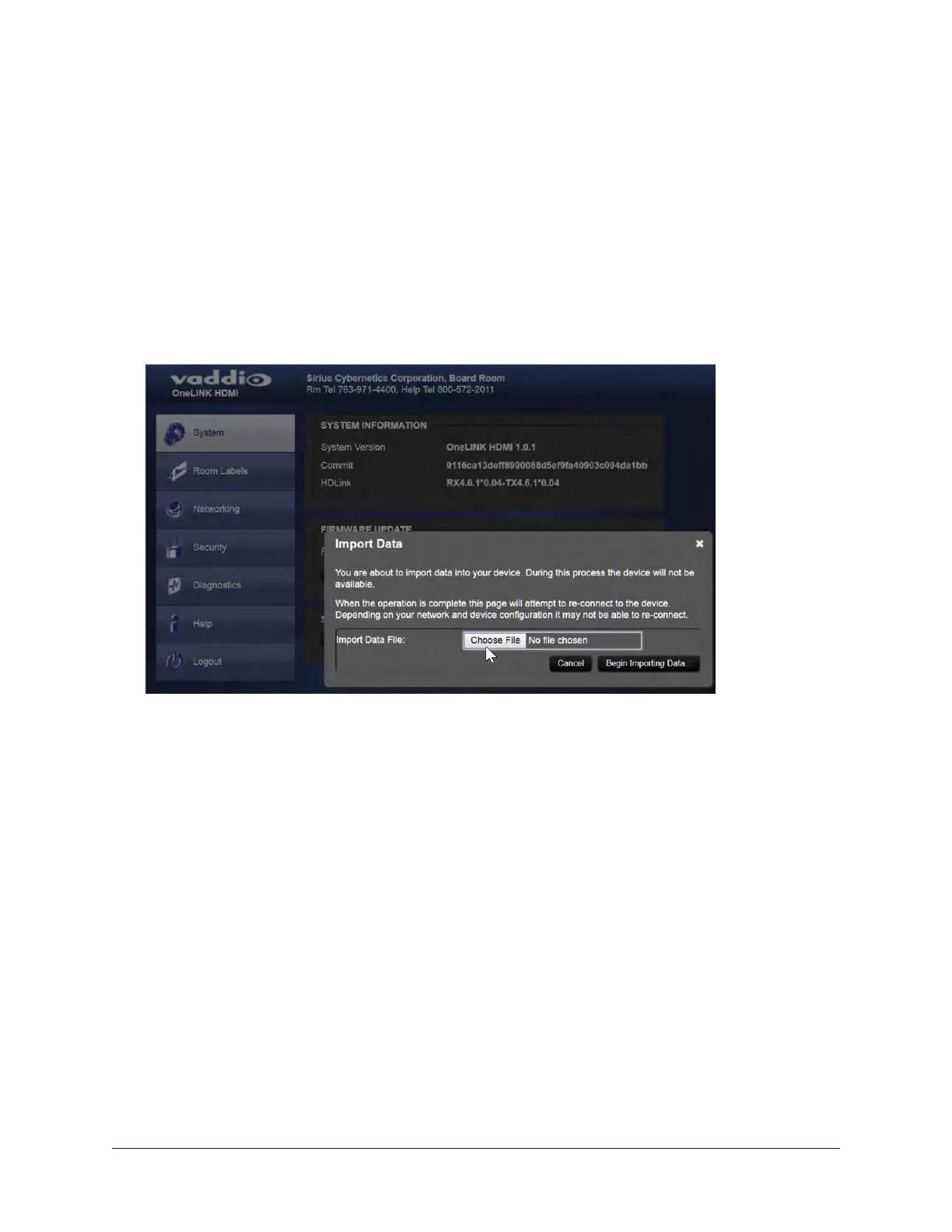
To import a configuration file:
1. Select Import Data. The Import Data dialog opens.
2. Select Choose File, and select the configuration file. The filename is the OneLINK device's hostname,
with the file extension .dat. The OneLINK device loads the configuration and reboots.
Rebooting the OneLINK Device
SYSTEM PAGE
This may help if the OneLINK device stops responding as you expect.
In the System Utilities section of the System page, select Reboot.
54
Integrator's Complete Guide to the OneLINK HDMI Camera Extension



 To Next Page