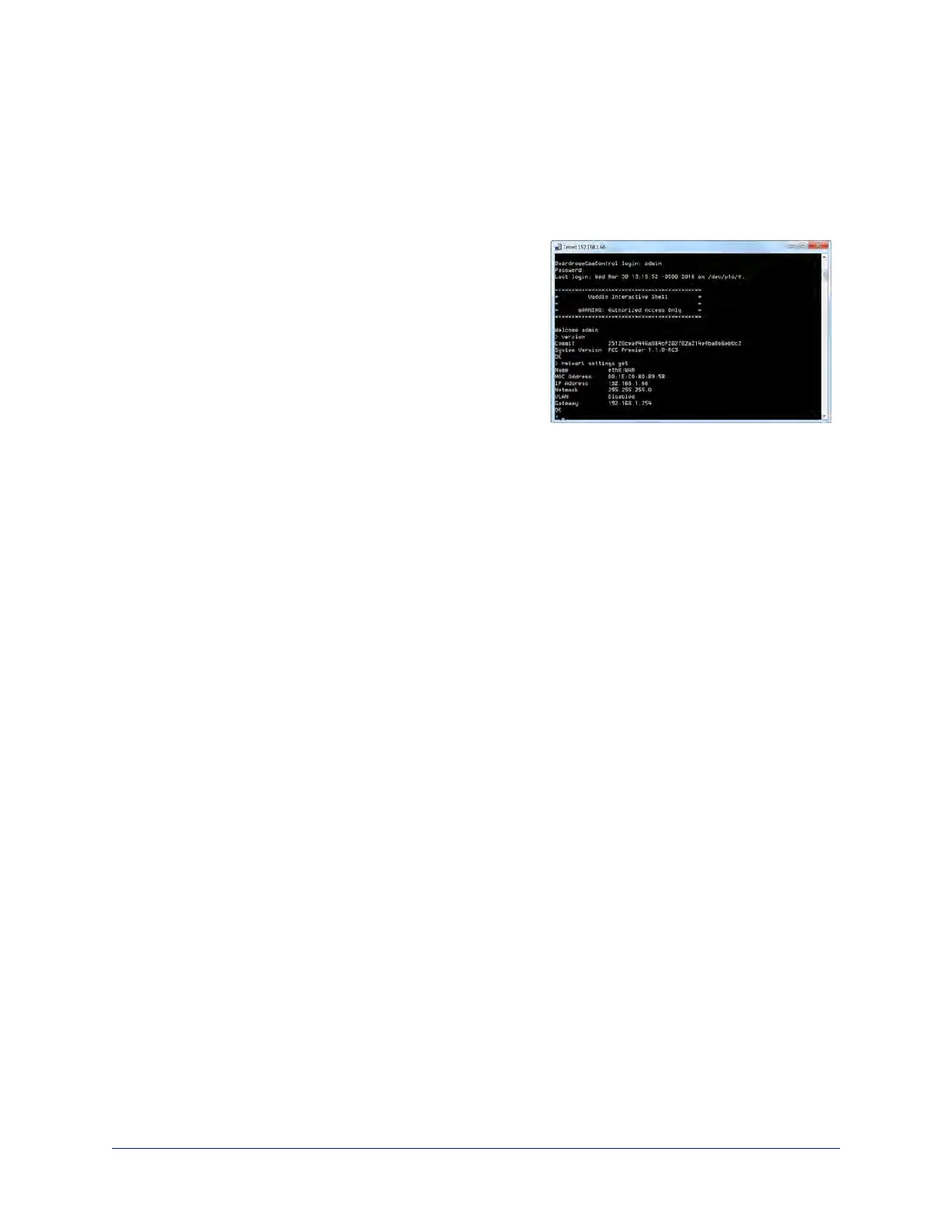
Telnet Serial Command API
The Vaddio Telnet serial command API is a high-level, text-based command line interface to allow an
external device such as AMX or Crestron to control the OneLINK device. Use a Telnet client to access the
API via the network. The default Telnet port is 23.Telnet sessions require the admin account login.
Using a question mark as a command parameter will bring up
a list of available commands for the menu you are in.
Things to know about control via Telnet session:
n Command lines are terminated with a carriage return.
n All ASCII characters (including carriage returns)are
echoed to the terminal program and appended with the
VT100 string ESC[J (hex 1B 5B 4A), which most terminal
programs automatically strip.
n CTRL-5 Clears the current serial buffer on the device.
Typographical conventions:
n {x | y | z} – Choose x, y, or z.
n <variable> – Substitute the desired value here.
n < x - y > – Valid range of values is from x through y.
n [parameter] – Parameter is not required.
Note
The commands in this guide refer to the OneLINK device. To control the camera itself, open a Telnet
session to the camera's IP address and use the camera's Telnet commands.
58
Integrator's Complete Guide to the OneLINK HDMI Camera Extension



 To Next Page