148
37. Autocontrol 5/5.2
370 24F
6250--8950
1. 9. 2002
Modell Code Page
T ips for error situations
When loading the main program
1. The loading process does not start or program execution
stops (there is no more text after text ” waiting for connec-
tion.. ”:
Click the button ” Cancel ” > the loading process stops
(text ” Download cancelled ” appears) > check that the
right communication port at point ” Port ” has been chosen
(it must be the same port where the cable to the PC has
been connected ) > check that the power has been turned
on (at programming unit or by ignition switch) > check that
the cables to the right connectors of the control unit have
been connected (connector positions are different on AC5
control unit 333 730 10 and on AC5.2 control unit 333 730
20 and 333 730 30).
2. The loading process of a main program is almost ready
but the process does not become complete, text ” waiting”
stays at the window for a long time. (however the main pro-
gram is usually already loaded):
Press the button ” PARAMETERS ” > load the parameter
files. If the parameter file can be loaded successfully, press
the ”Version” button > If the software check code is right
the control unit has been programmed completely.
3. Error message ” Download failed ”:
Loading a file to the contro l unit has failed. This can appear
if the power supply for the control unit is not OK all the time,
or the communication between the PC and the control unit
does not work properly > check that the programming
cable/unit is OK > check also that the control unit has
power supply (a fuse in the programming unit). > Try to
load a program once more.
4. Message ” Download end ”:
Loading a file to the control unit has failed > Try to load once
more > If the same message ” Download end ” appears ev-
ery time, try to load a parameter file > Check the software
check code by pressing the button ” Version ”>Ifthecheck
code is OK the control unit has been programmed properly
5. It is not possible to program a control unit or to check the
version number:
Exit from the Loader 1.5 program > try to program the control
unit by means of the HyperTerminal program, see the instruc-
tions at page 370/ 24B.
When loading a paramete r file
1. Error message “ !Error! Cannot start download ”when
loading a parameter file:
Downloading of a parameter file did not start > turn the power
off for 10 seconds and turn the power on again > Try to send
the parameter file again.
(Repeat turning of the power off if needed and hold the power
off for a minimum of 30 seconds.)
If the problems persists, load the main program file and the
parameterfileoncemore.
2. The software check code does not appear by pressing the
” Version button ”:
Wait for a while > press the ” Version ” button again. If the
check code does not appear turn the power off for 3---5 sec-
onds > Press the ” Version ” button again > If the check code
does not appear load the program file once more.
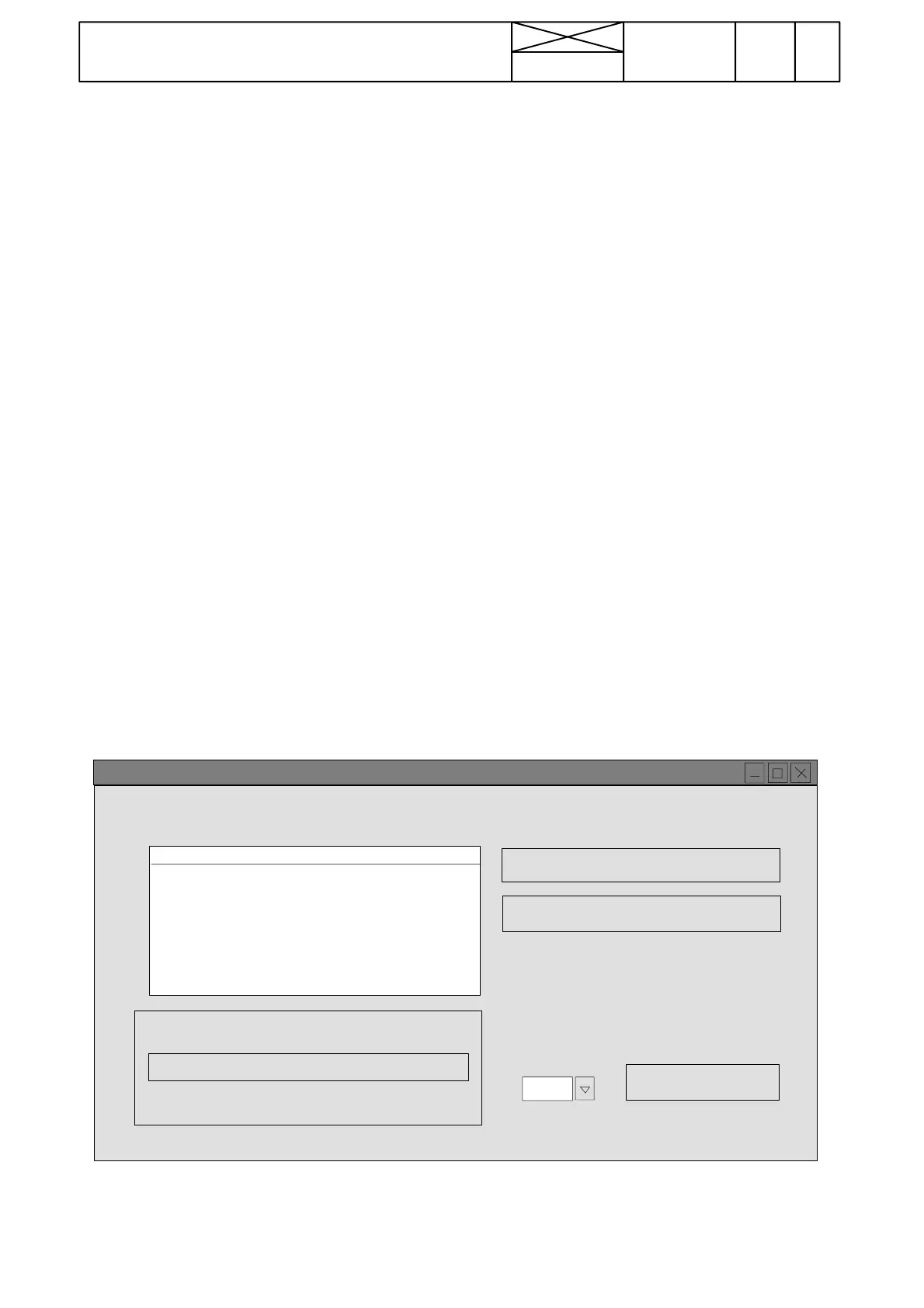
SOFTWARE
PARAMETERS
Version
COM2
Port
Help
0%
100%
0min 0secTime left
Loader v1.5 MITRON
**SOFTWARE**
..waiting for connection..
Connection established!
..entering passwo r d..
..erasing flash..
..starting download..
..waiting..
Download complete!



 To Next Page