Model ATRT-03 (v) Operating Instruction
50
17.0 Printing Test Record Directory
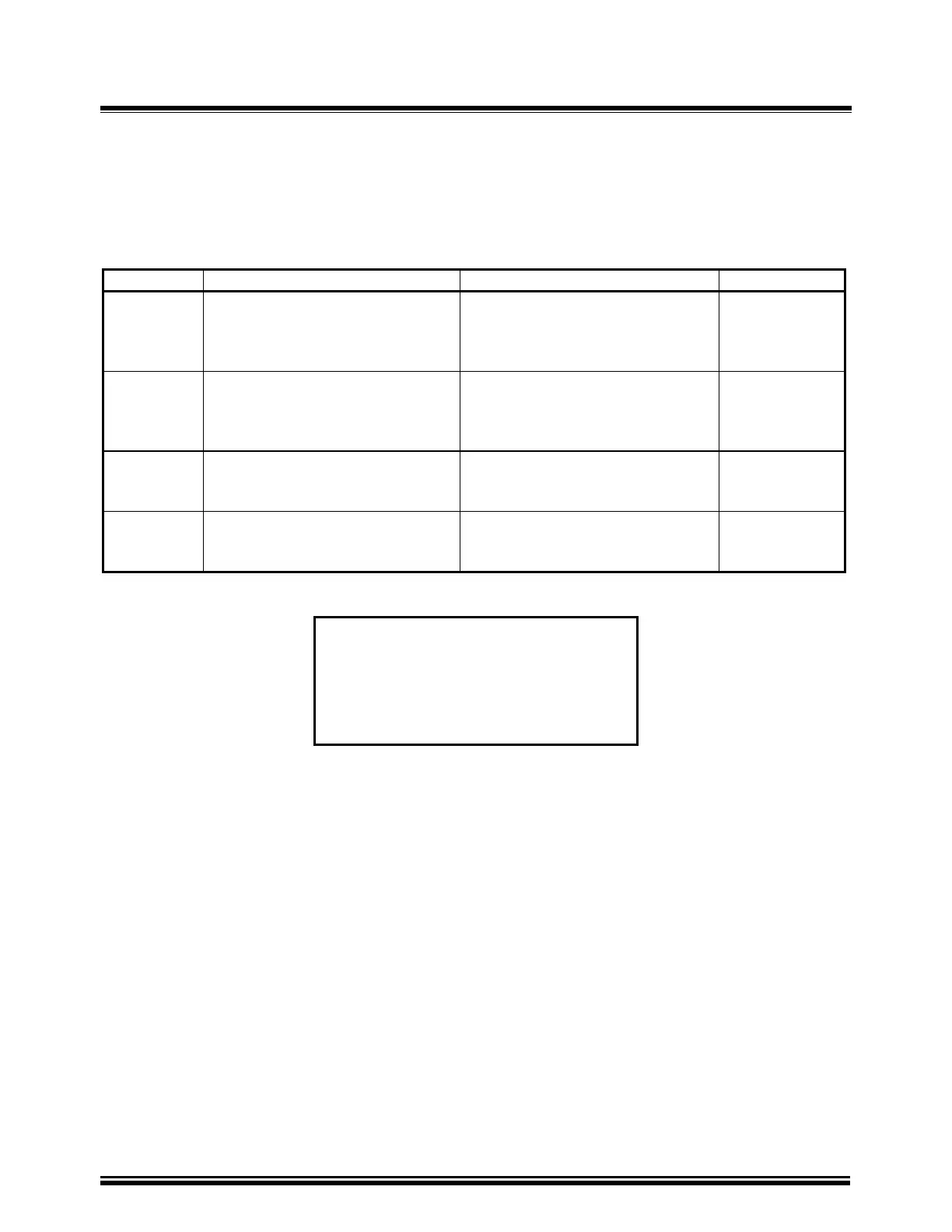
The following steps allow the user to print the directory of the test record stored in FLASH
EEPROM.
Table 17-1. Print Test Record Directory
STEP DESCRIPTION DISPLAY ACTION
1 Select “Set Up” menu
1.TEST XFMR 04/12/00
2.SETUP 13:06:00
3 CALCULATOR
4.DIAGNOSTIC
Press key 2
2 Select “Next Page” menu
1.ENTER XFMR ID
2.REVIEW RECORD
3. RESTORE RECORD
4.NEXT PAGE
Press key 4
3 Print Record Directory
1.RESTORE RECORD
2.DIRECTORY
3.ERASE RECORD
Press key 2
4 Select “Short directory”
PRINT DIRECTORY
1.FULL DIRECTORY
2.SHORT DIRECTORY
Press key 2
1.RESTORE RECORD
2.DIRECTORY
3.ERASE RECORDS
Figure 17-1. Select Test Record Directory Menu
a. Description: From the “Restore Record” menu, the user can:
1. Restore a test record.
2. Print record directory in FLASH EEPROM.
3. Erase test records in FLASH EEPROM.
b. Origin: From the “Start-Up” Menu (see Figure 14-1), press key 2 (SET UP). Then on the next
display, press 3 (RESTORE RECORD).
c. Action Option:
1. Press key 1 (RESTORE RECORD) to restore a test record (see 19.0).
2. Press key 2 (DIRECTORY) to print test record directory.
3. Press key 3 (ERASE RECORDS) to erase test records in FLASH EEPROM.



 To Next Page